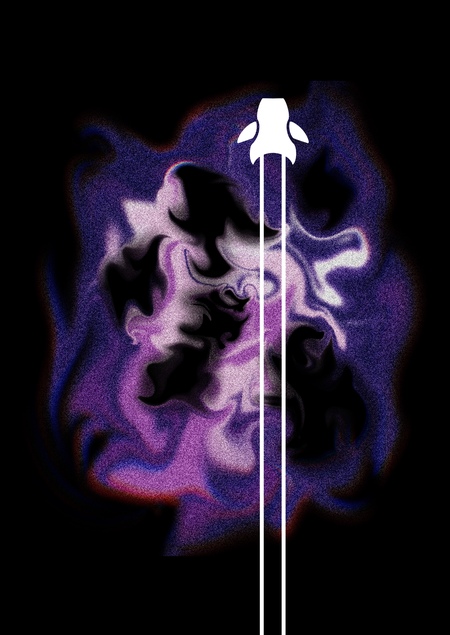
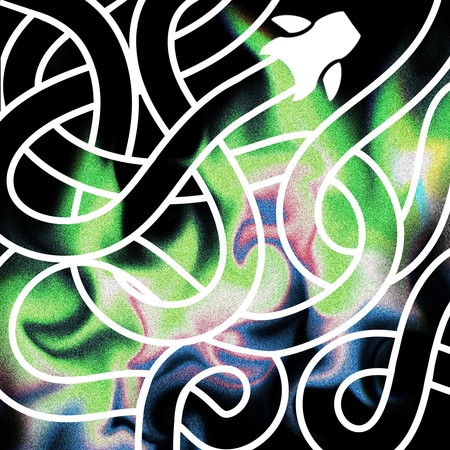
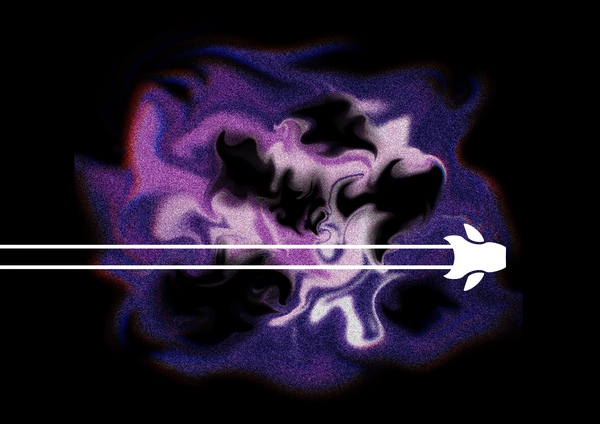
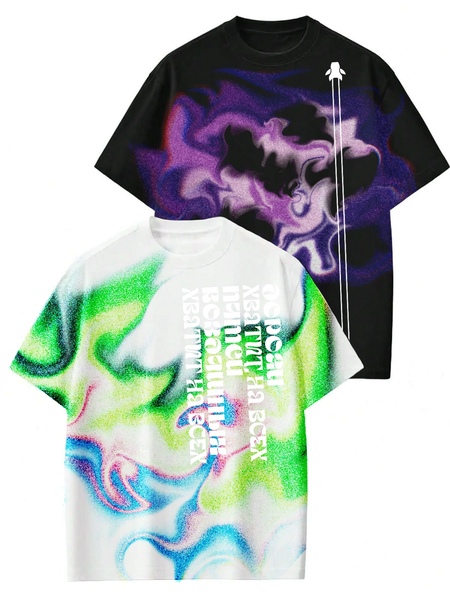
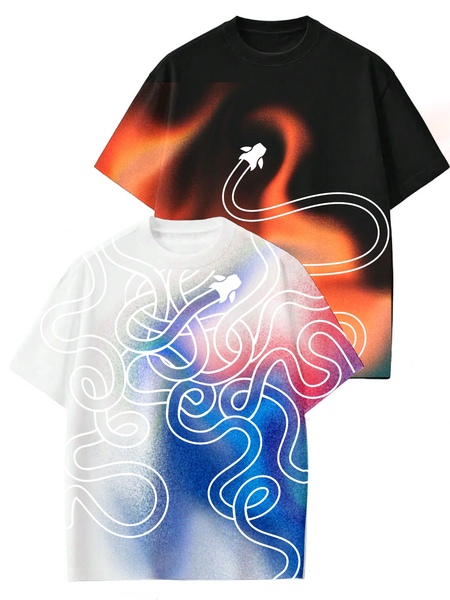
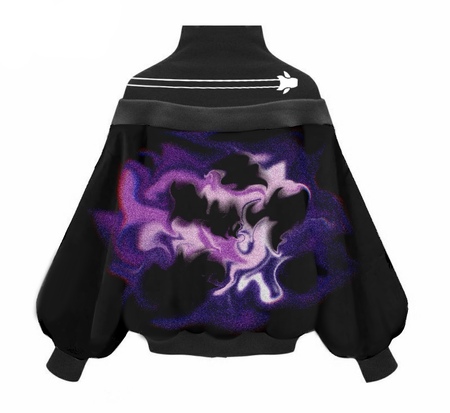
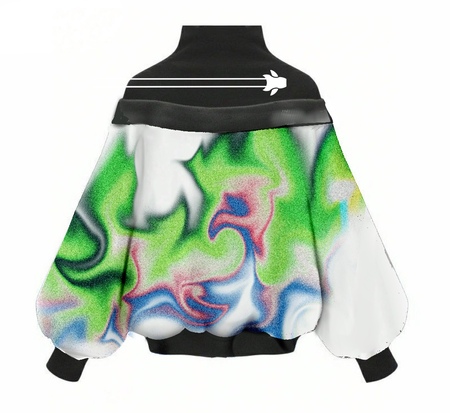
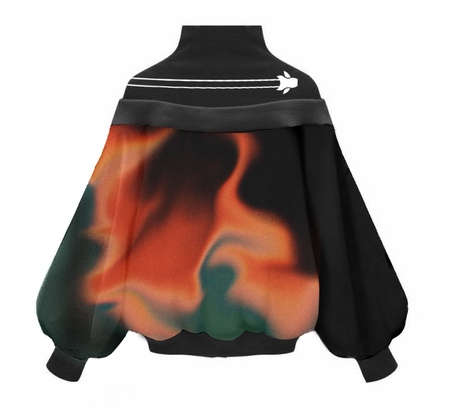
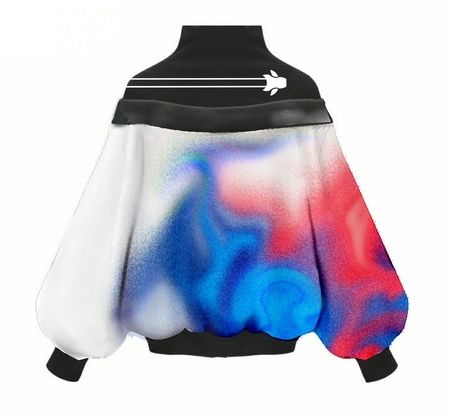
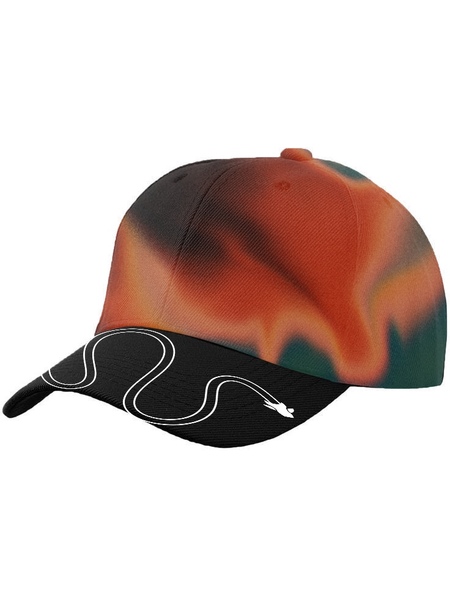
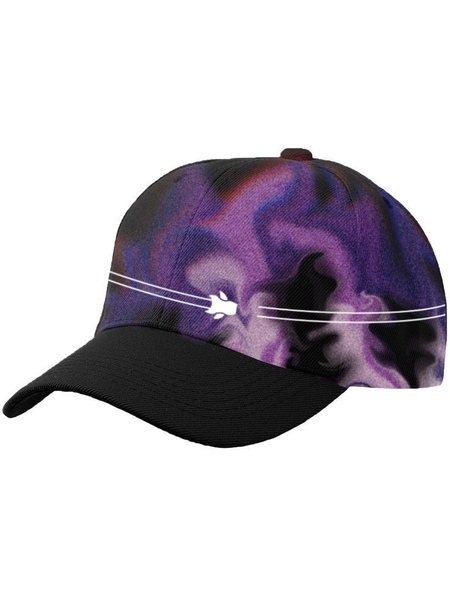
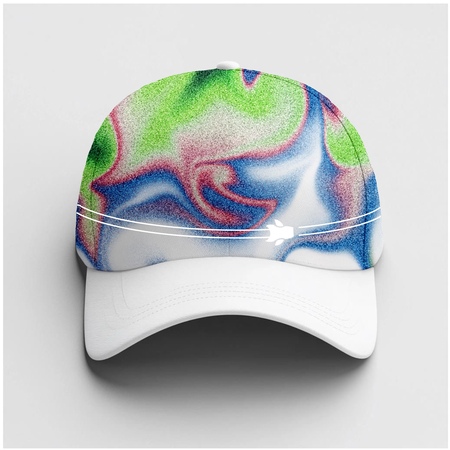
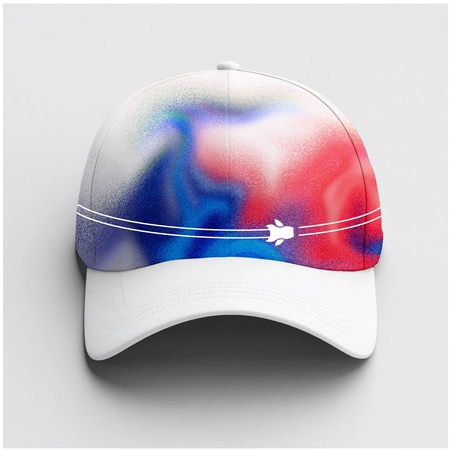
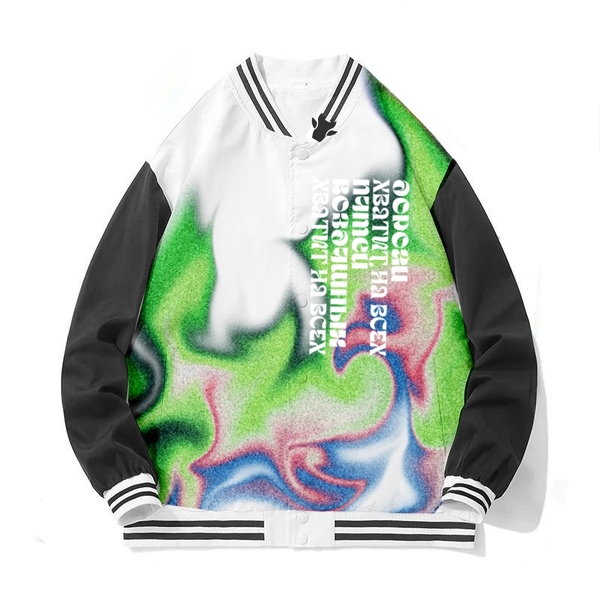
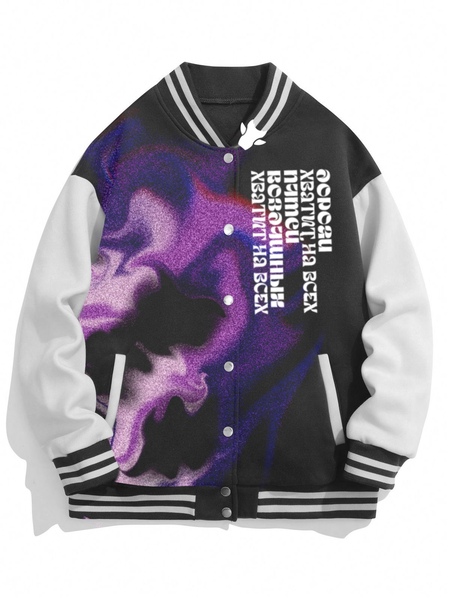
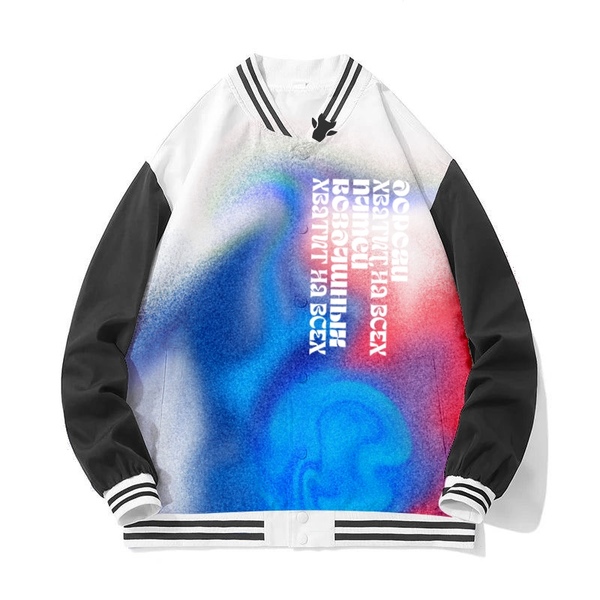
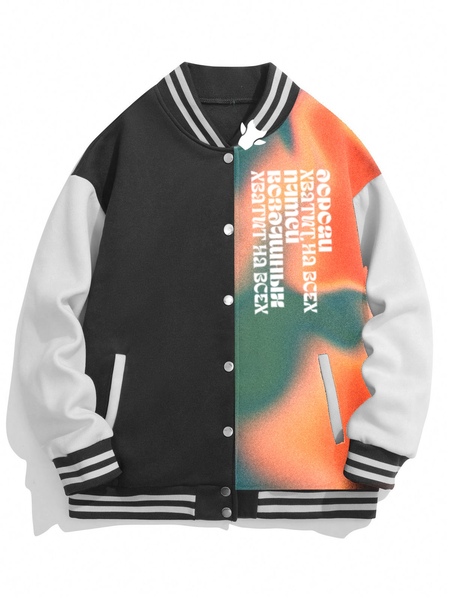
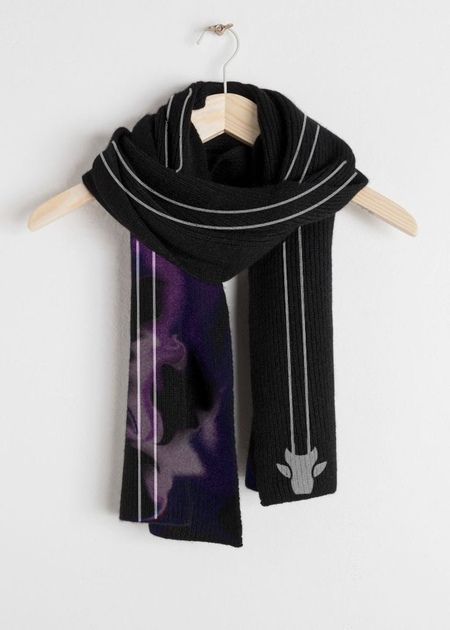
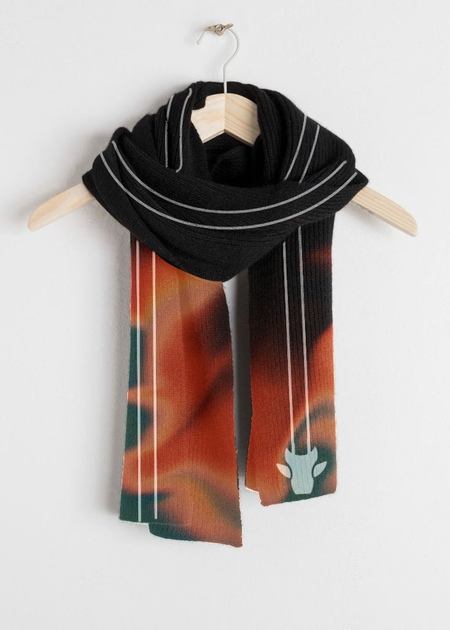
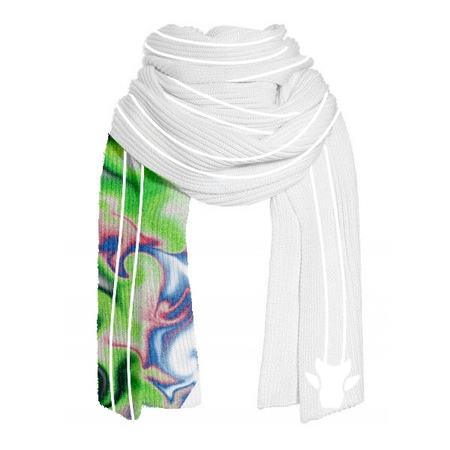
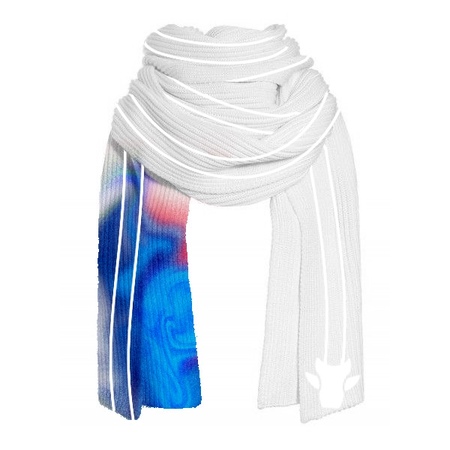
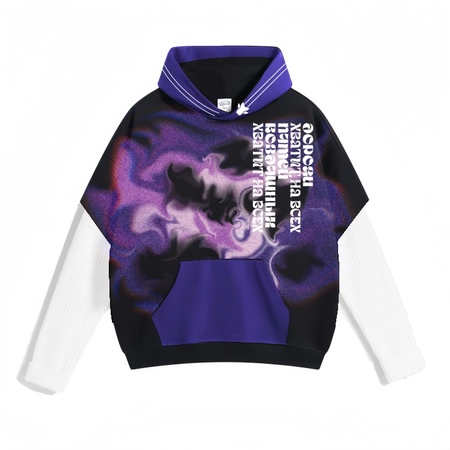
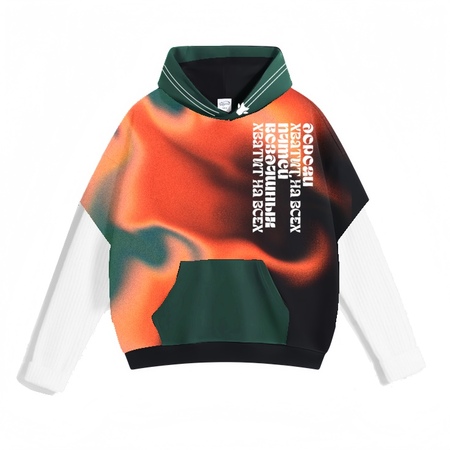
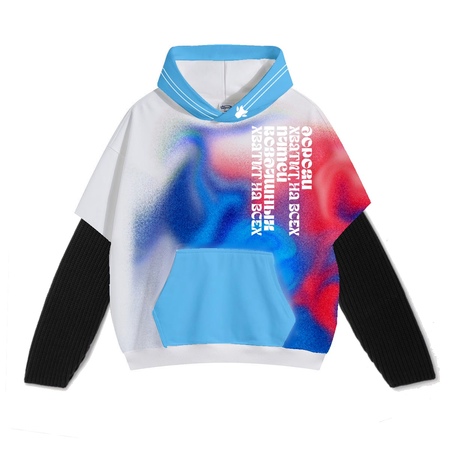
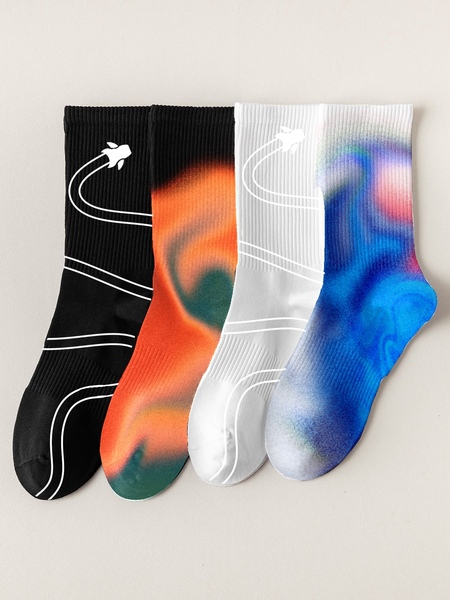
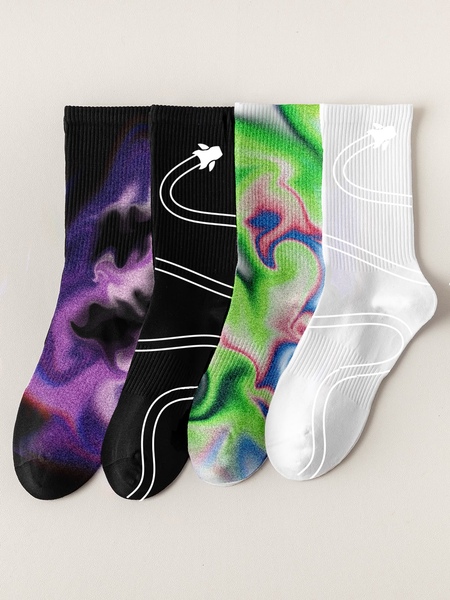
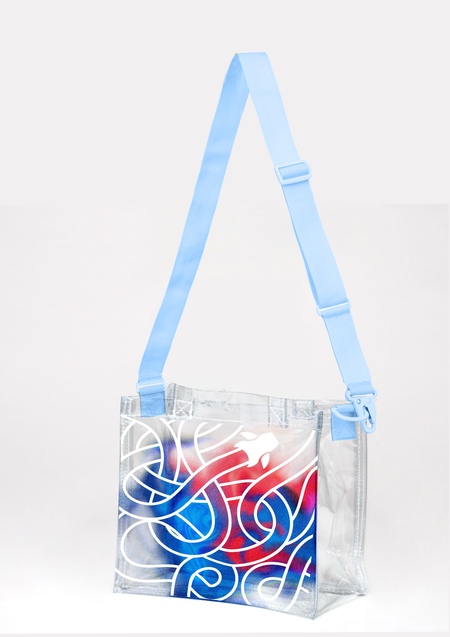
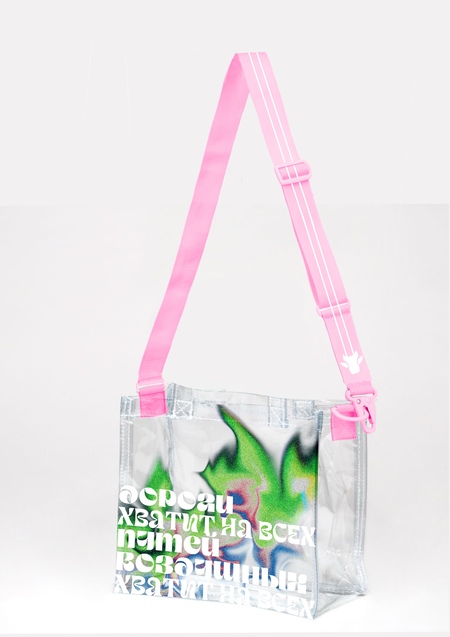
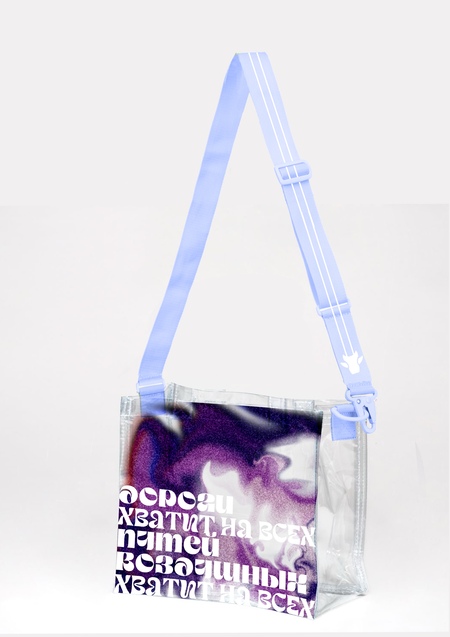
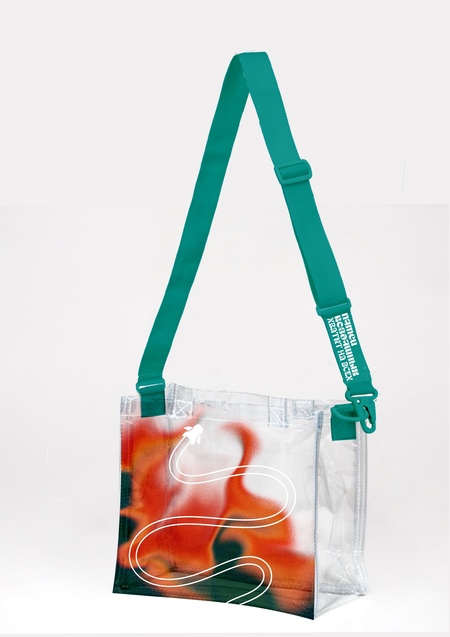
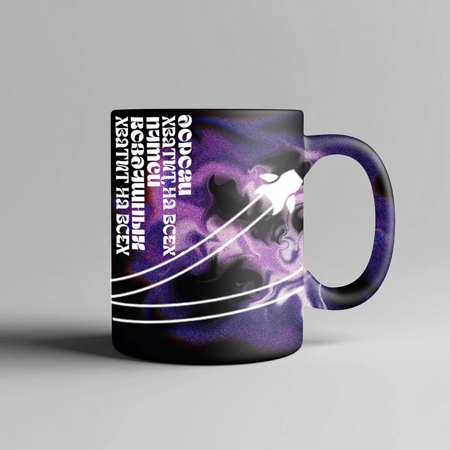
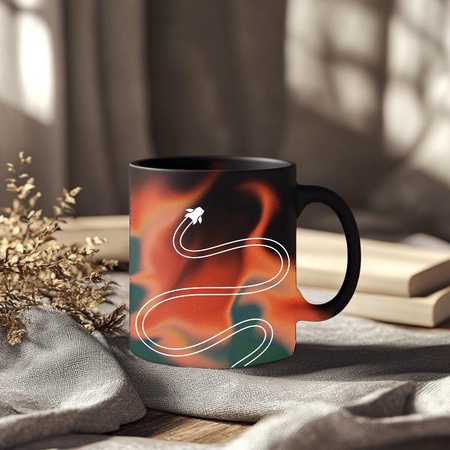
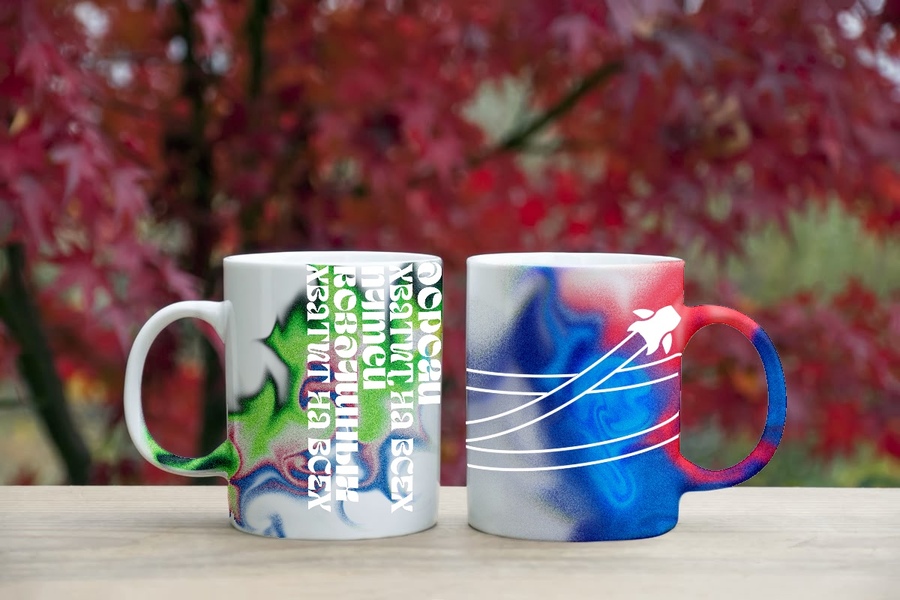
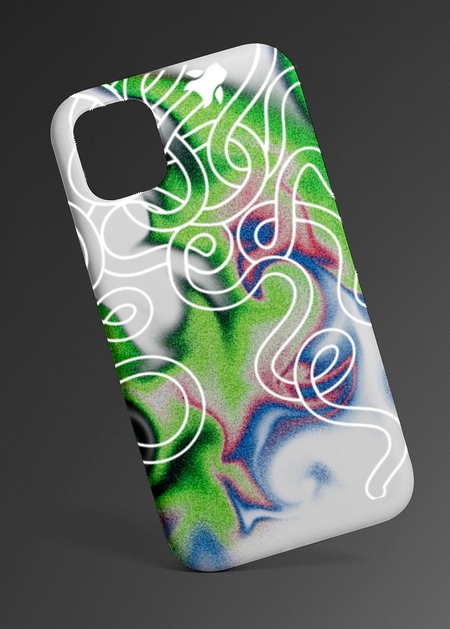
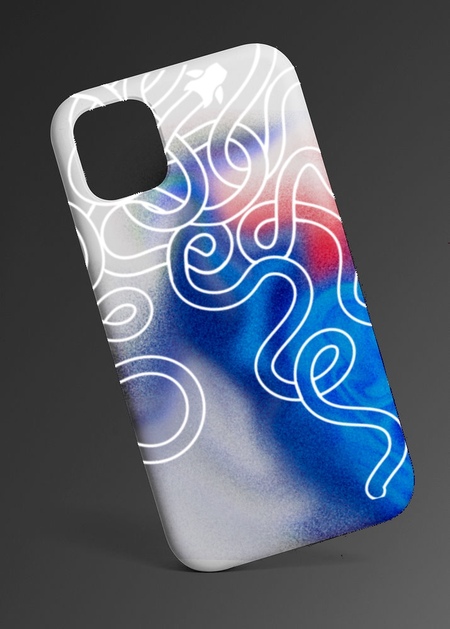
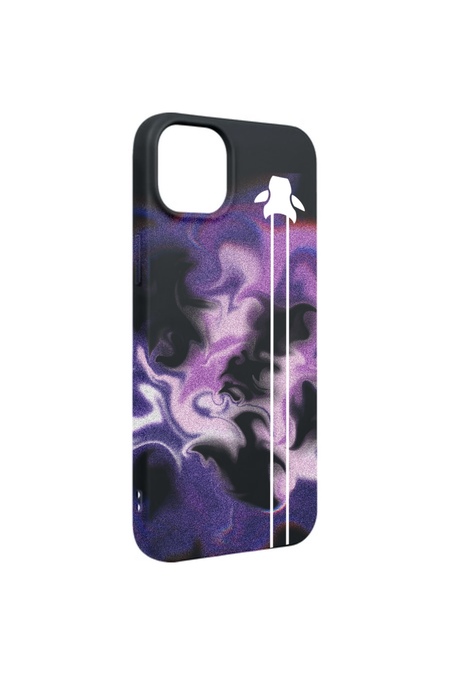
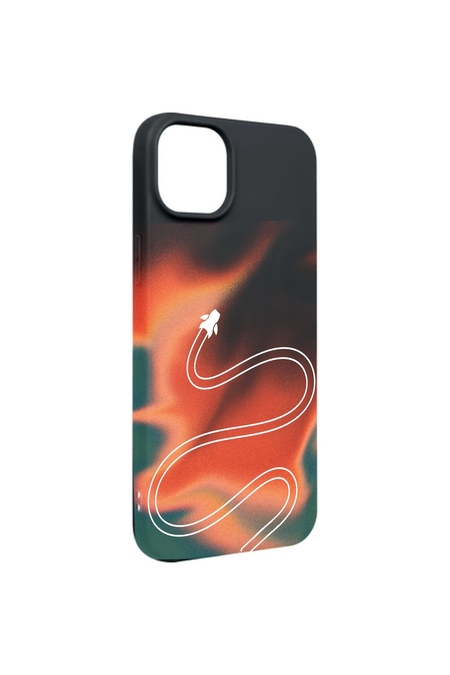
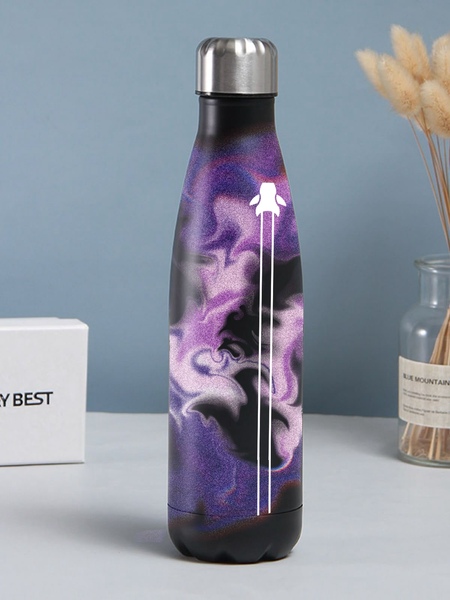
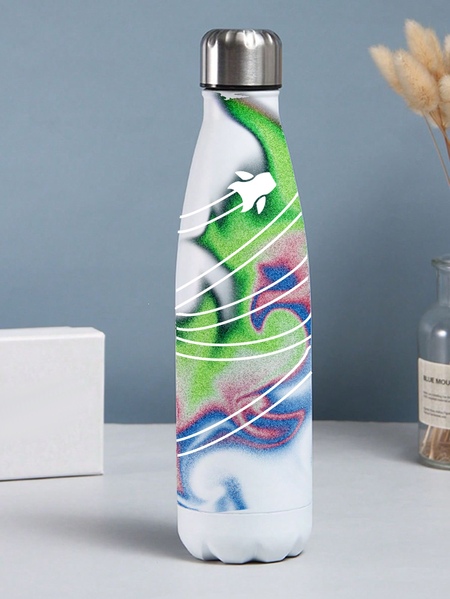
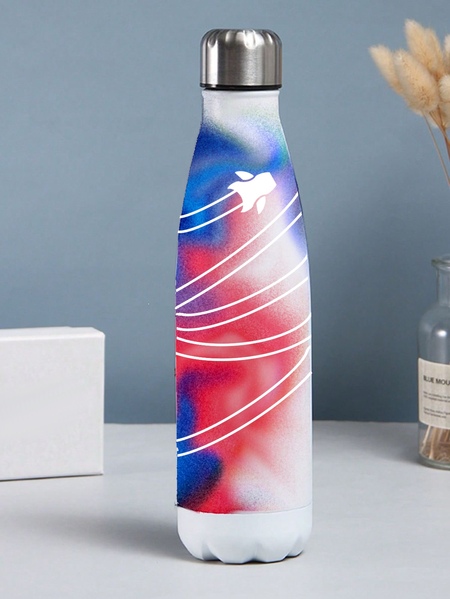
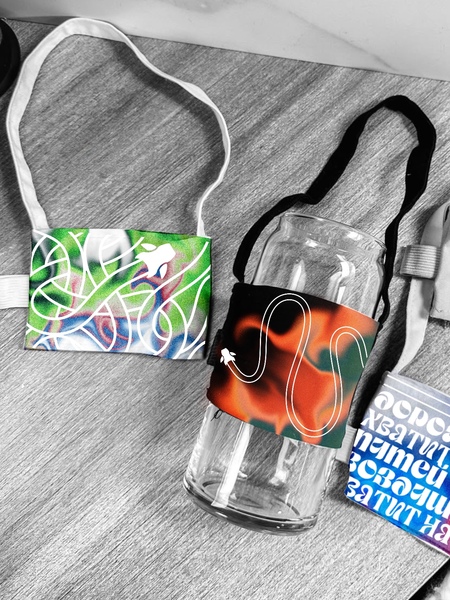
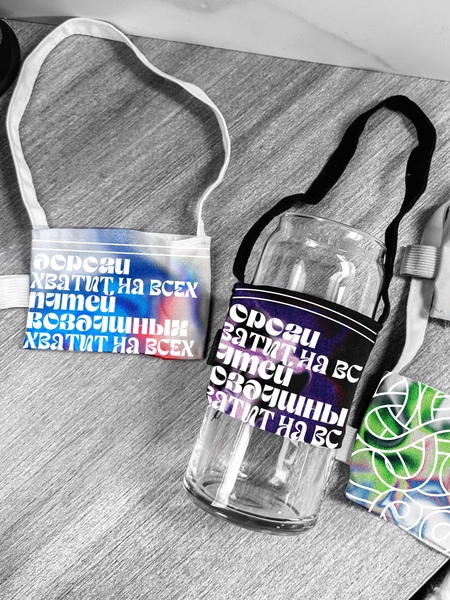
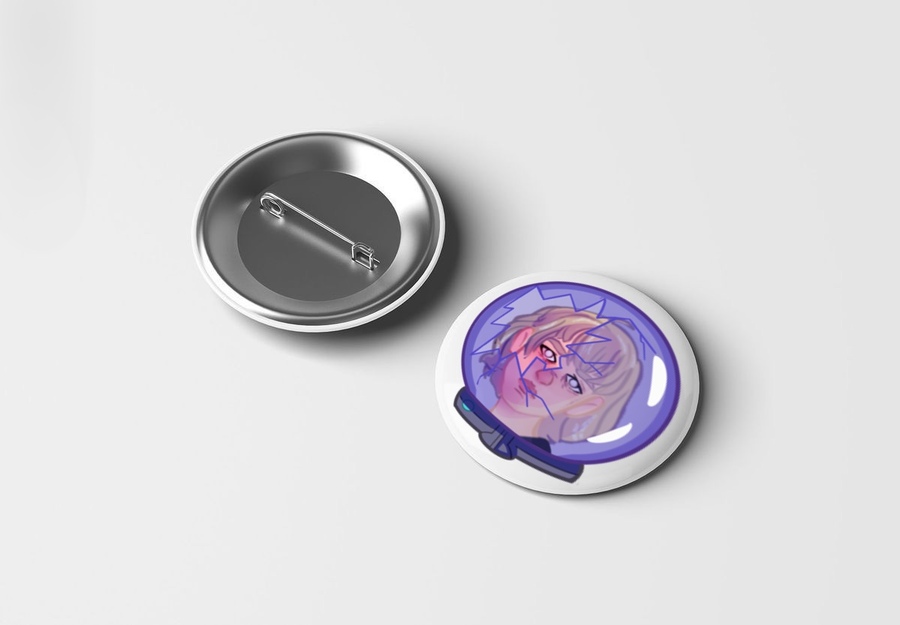
Разработка мерча по собственному комиксу в жанре фантастики «Дороги хватит на всех». Комикс повествует о приключениях фрилансера, живущего в космическом эквиваленте трейлера и, следовательно, не имеющего постоянного места жительства. На своём пути он знакомится с разными личностями.
Были разработаны два типа принта:
Принт с использованием образа дороги.
Принт из градиентов, основанных на основных цветах персонажей.
Мерч выполняет несколько задач, таких как:
— привлечение внимания к комиксу и новой аудитории;
— поддержка и сохранение заинтересованности существующей аудитории.
Целевая аудитория этого мерча — как фанаты комикса, так и молодые креативные люди, знакомые с культурой фэндомов.
Мария Извекова создала мерч для пасечного комплекса "KATUN". Проект включает концепцию, объединяющую сакральную силу реки Катунь и целебные свойства алтайского мёда.
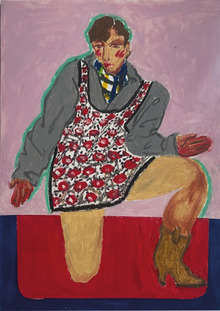
Самира Мансурова создала иллюстрации, основанные на графических приемах и стилизации fashion-иллюстраторов. Проект включает копии работ Pace Taylor и Rosie McGuinness, а также серии, сочетающие стиль иллюстраторов с концепциями коллекций fashion-дизайнеров.
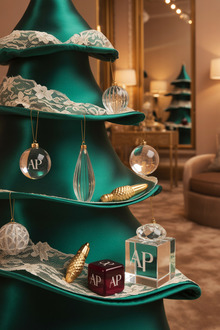
Элина Абдуллина создала новогоднюю капсульную коллекцию для бренда Agent Provocateur. Проект включает ёлочные игрушки, свечи, одежду и другие элементы, сочетающие ироничный подход к сексуальности с праздничной атмосферой.
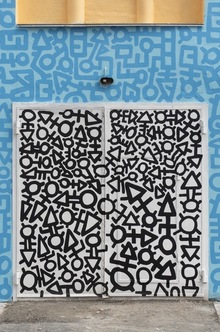
urban.deziiign
Матрёшка вместо клатча и собор Василия Блаженного на сумке Chanel. В наше время это звучит дико. Однако именно так Карл Лагерфельд увидел Москву в 2009 году. До этого Dior выгнал моделей в парижских новинках прямо на московские улицы, а Сен-Лоран показал русскую коллекцию под оперные арии и получил от New York Times приговор: она меняет ход мировой моды. Рассказываем, как модные дома вдохновлялись Москвой и что из этого получилось. Узнать больше
Press space bar to start a drag.
When dragging you can use the arrow keys to move the item around and escape to cancel.
Some screen readers may require you to be in focus mode or to use your pass through key
Press space bar to start a drag.
When dragging you can use the arrow keys to move the item around and escape to cancel.
Some screen readers may require you to be in focus mode or to use your pass through key
Press space bar to start a drag.
When dragging you can use the arrow keys to move the item around and escape to cancel.
Some screen readers may require you to be in focus mode or to use your pass through key
Press space bar to start a drag.
When dragging you can use the arrow keys to move the item around and escape to cancel.
Some screen readers may require you to be in focus mode or to use your pass through key
Press space bar to start a drag.
When dragging you can use the arrow keys to move the item around and escape to cancel.
Some screen readers may require you to be in focus mode or to use your pass through key
Press space bar to start a drag.
When dragging you can use the arrow keys to move the item around and escape to cancel.
Some screen readers may require you to be in focus mode or to use your pass through key
Press space bar to start a drag.
When dragging you can use the arrow keys to move the item around and escape to cancel.
Some screen readers may require you to be in focus mode or to use your pass through key
Press space bar to start a drag.
When dragging you can use the arrow keys to move the item around and escape to cancel.
Some screen readers may require you to be in focus mode or to use your pass through key
Press space bar to start a drag.
When dragging you can use the arrow keys to move the item around and escape to cancel.
Some screen readers may require you to be in focus mode or to use your pass through key
Press space bar to start a drag.
When dragging you can use the arrow keys to move the item around and escape to cancel.
Some screen readers may require you to be in focus mode or to use your pass through key
Press space bar to start a drag.
When dragging you can use the arrow keys to move the item around and escape to cancel.
Some screen readers may require you to be in focus mode or to use your pass through key
Press space bar to start a drag.
When dragging you can use the arrow keys to move the item around and escape to cancel.
Some screen readers may require you to be in focus mode or to use your pass through key
Press space bar to start a drag.
When dragging you can use the arrow keys to move the item around and escape to cancel.
Some screen readers may require you to be in focus mode or to use your pass through key
Press space bar to start a drag.
When dragging you can use the arrow keys to move the item around and escape to cancel.
Some screen readers may require you to be in focus mode or to use your pass through key
Press space bar to start a drag.
When dragging you can use the arrow keys to move the item around and escape to cancel.
Some screen readers may require you to be in focus mode or to use your pass through key
Press space bar to start a drag.
When dragging you can use the arrow keys to move the item around and escape to cancel.
Some screen readers may require you to be in focus mode or to use your pass through key
Press space bar to start a drag.
When dragging you can use the arrow keys to move the item around and escape to cancel.
Some screen readers may require you to be in focus mode or to use your pass through key
Press space bar to start a drag.
When dragging you can use the arrow keys to move the item around and escape to cancel.
Some screen readers may require you to be in focus mode or to use your pass through key
Press space bar to start a drag.
When dragging you can use the arrow keys to move the item around and escape to cancel.
Some screen readers may require you to be in focus mode or to use your pass through key
Press space bar to start a drag.
When dragging you can use the arrow keys to move the item around and escape to cancel.
Some screen readers may require you to be in focus mode or to use your pass through key
Press space bar to start a drag.
When dragging you can use the arrow keys to move the item around and escape to cancel.
Some screen readers may require you to be in focus mode or to use your pass through key
Press space bar to start a drag.
When dragging you can use the arrow keys to move the item around and escape to cancel.
Some screen readers may require you to be in focus mode or to use your pass through key