Случайность как источник смыслов, интерпретация как способ конструирования реальности.
Неопределенность будущего вызывает у человека страх, из-за чего тот прибегает к нахождении закономерности в случайных событиях.
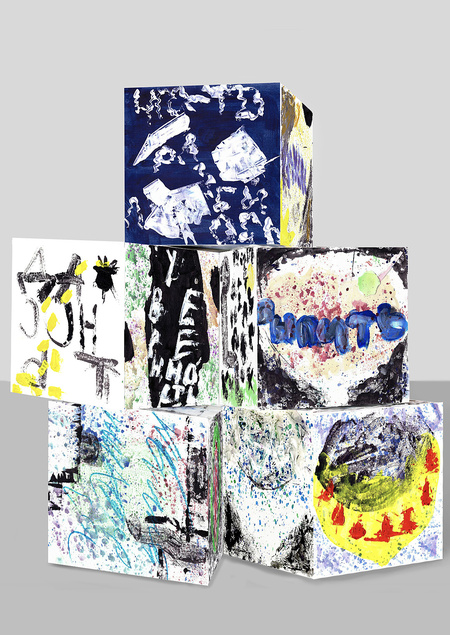
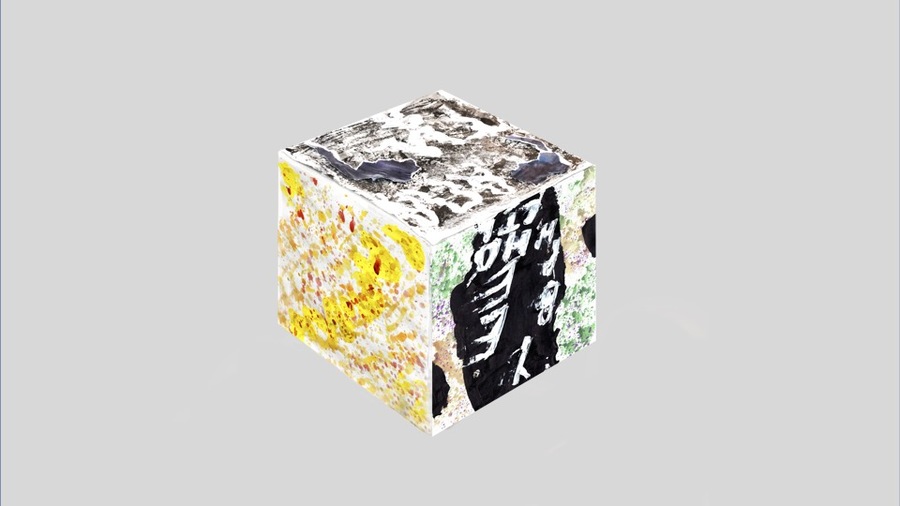
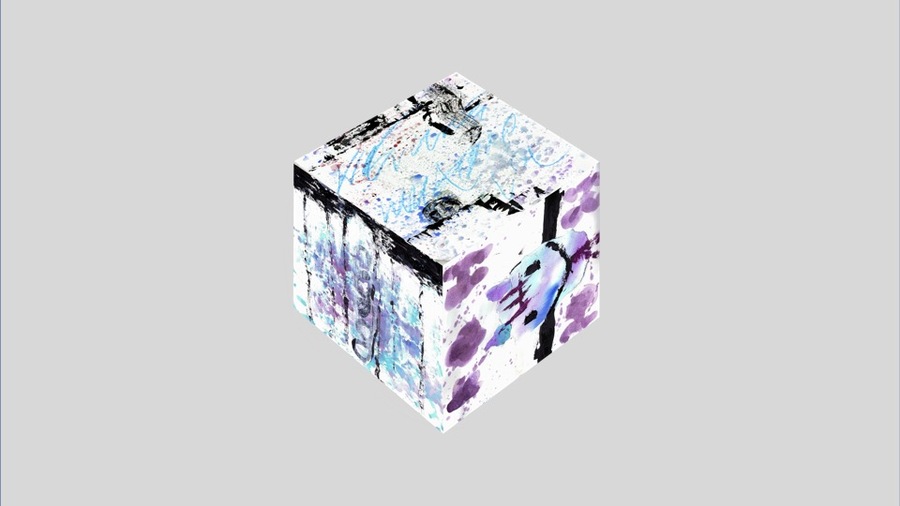
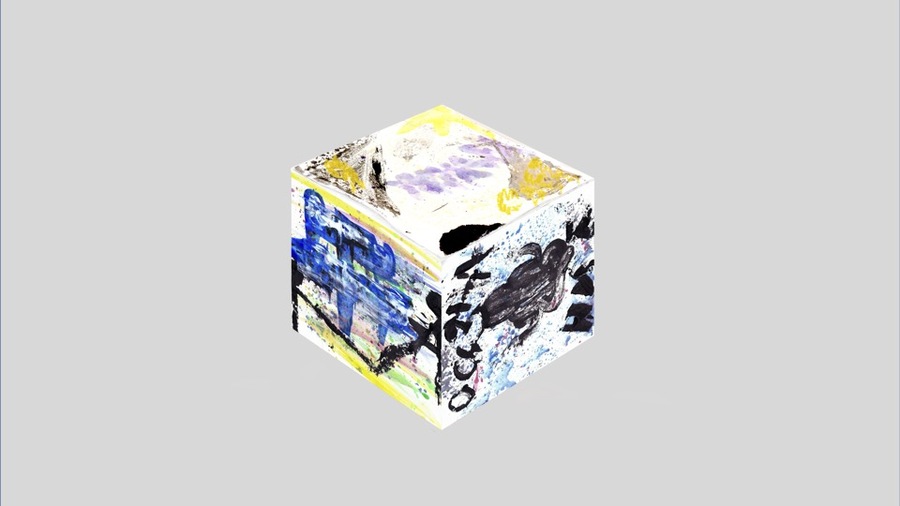
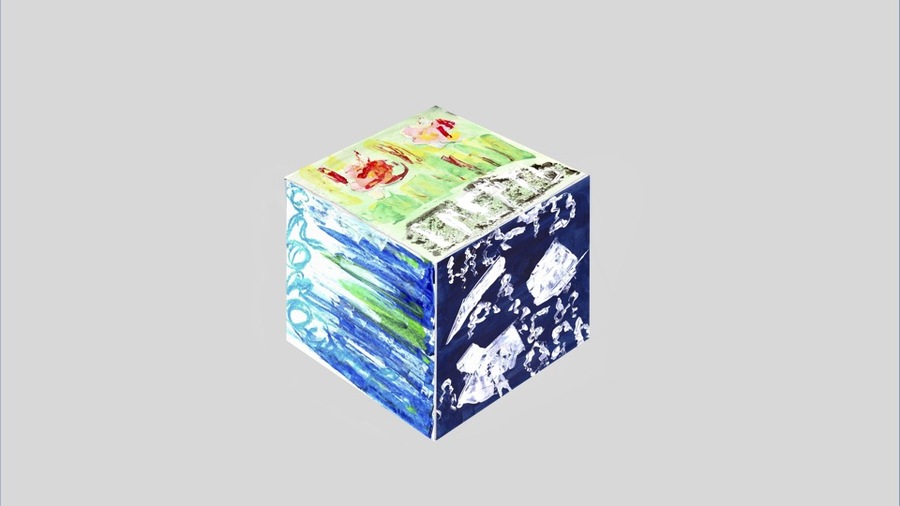
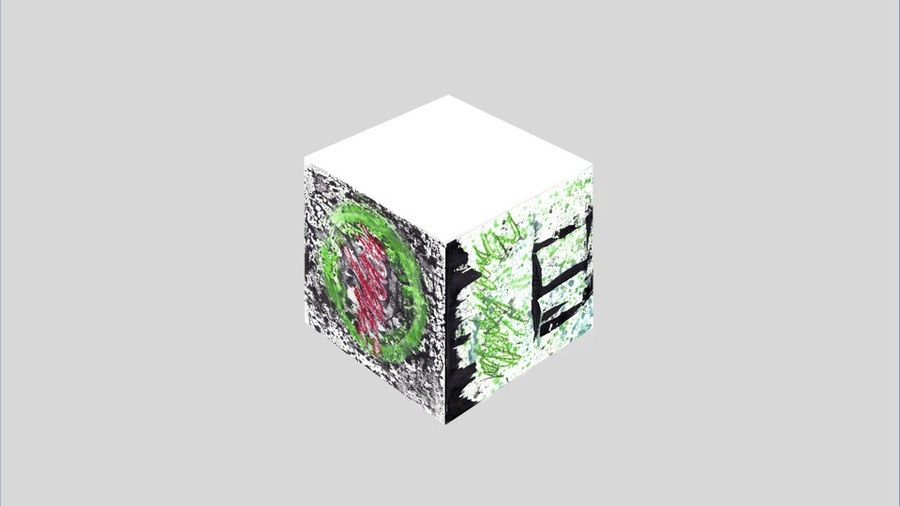
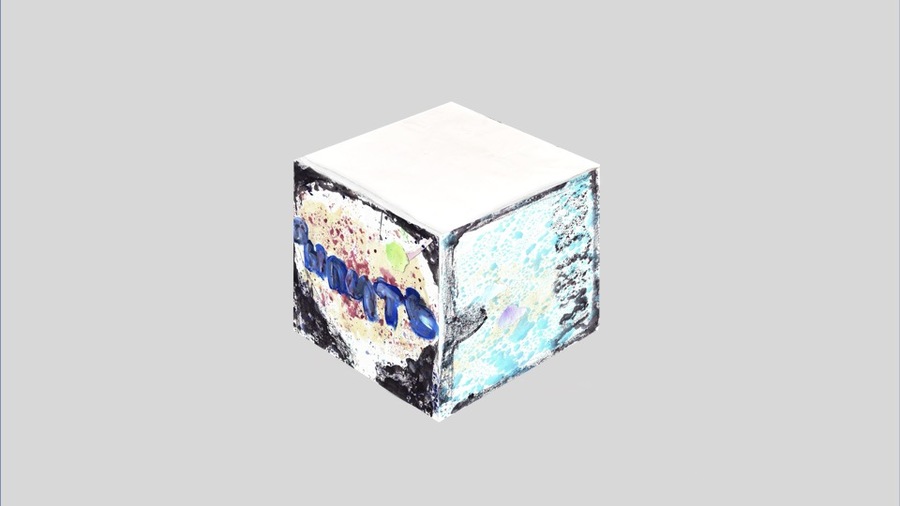
Карты превращены в кубы. Каждый бросок формирует абсурдные предсказания, подчеркивая случайность каждого расклада и высмеивая желание человека предсказать будущее.
Тревога, Взвеситься
Одним из инструментов искусственного создания случайности являются карты таро. Они становятся способом унять страх перед неизвестностью.
Пустота, Посидеть на дорожку
Спокойствие, Смерть
Выпадение определенных карт — всего лишь совпадение.
Посмеяться от души, Радость
Иерофант, Жрица
Жадность, Уверенность
Выпить, Что-то разбилось
Апатия, В кабинете психолога
Я увидел свет, Казино
Друзья, Император
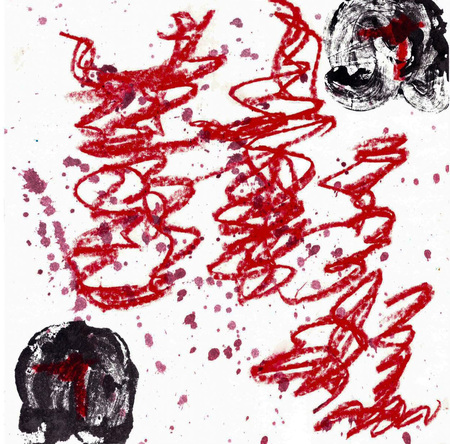
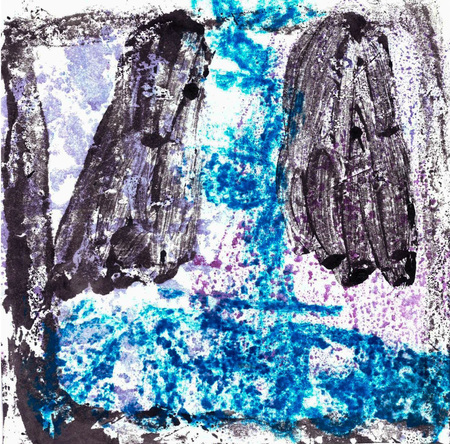
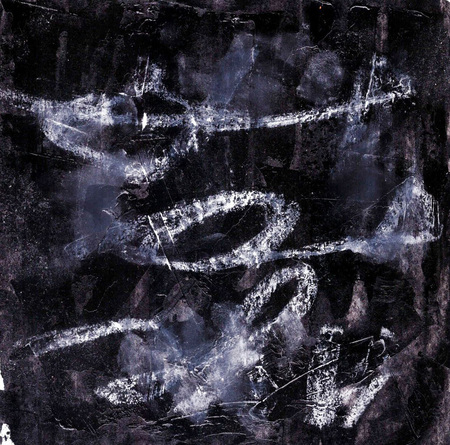
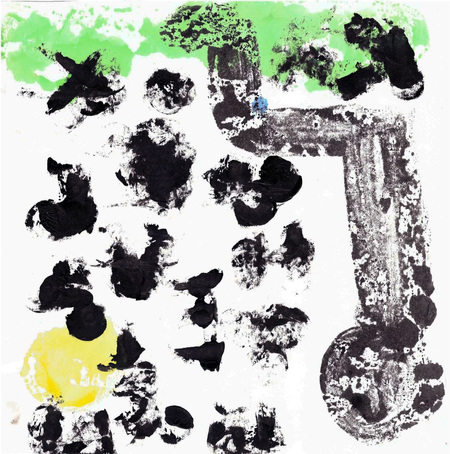
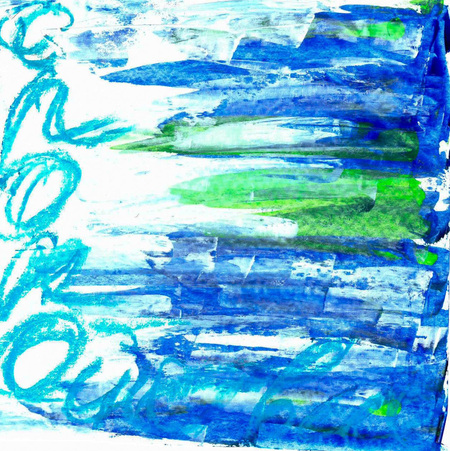
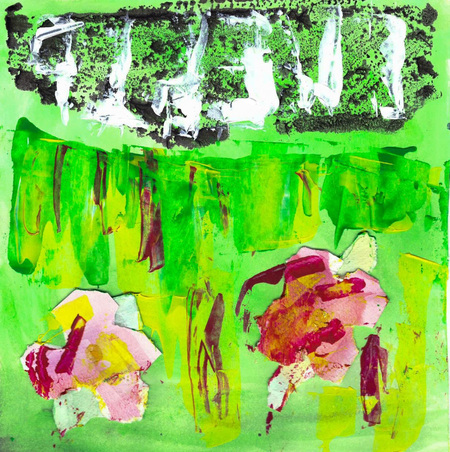
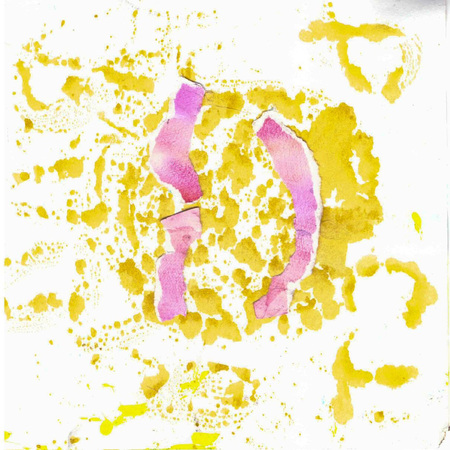
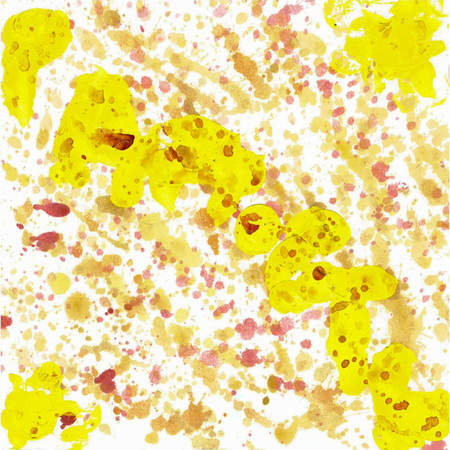
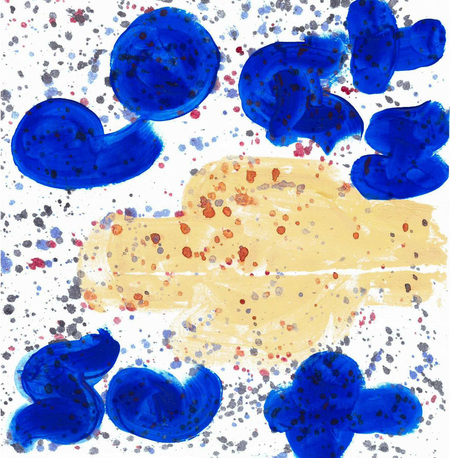
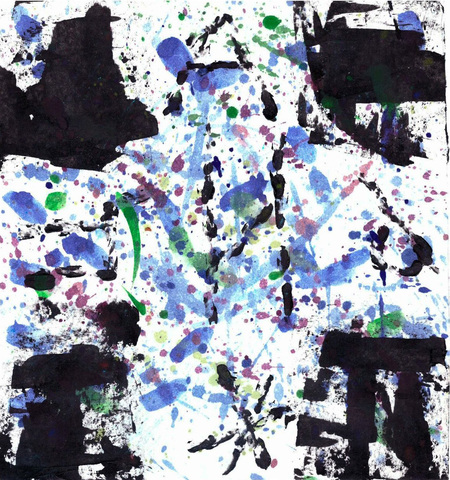
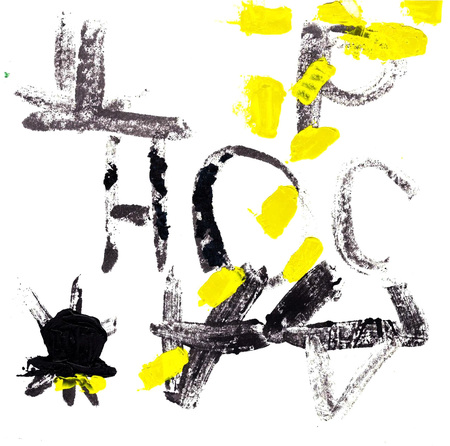
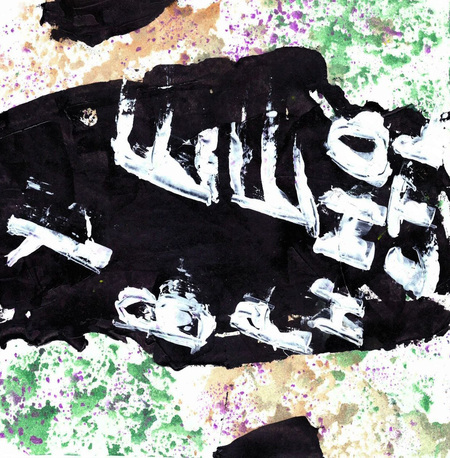
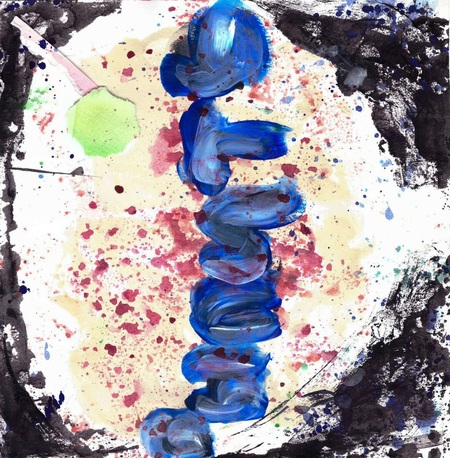
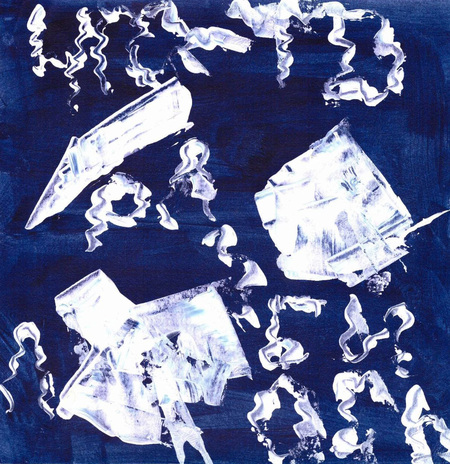
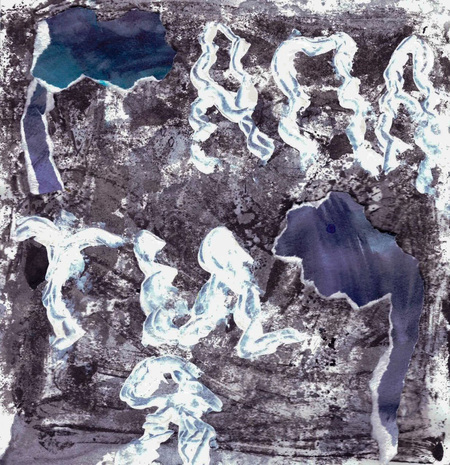
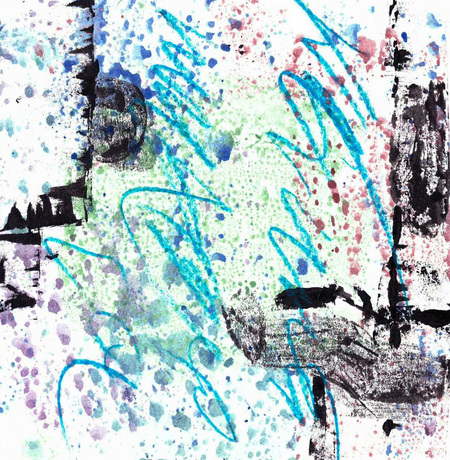
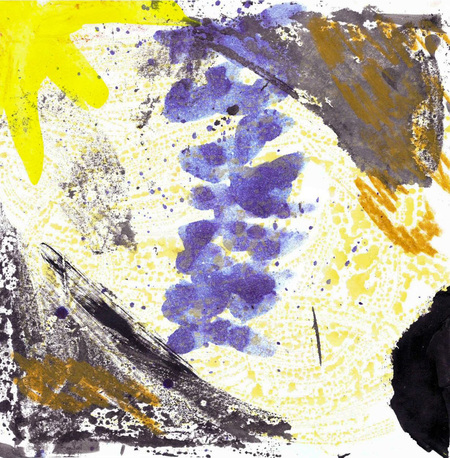
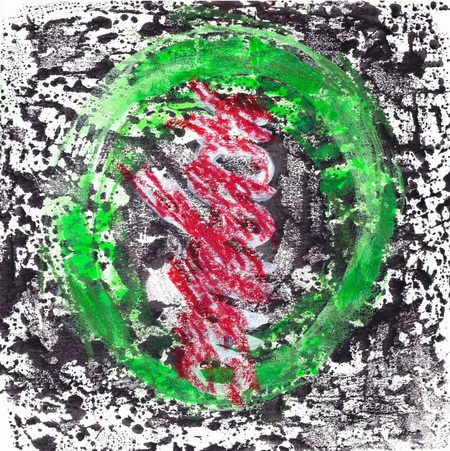
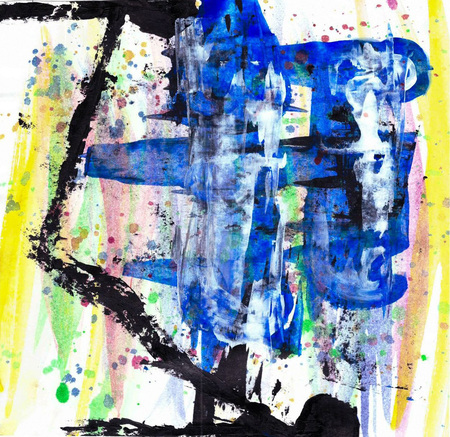
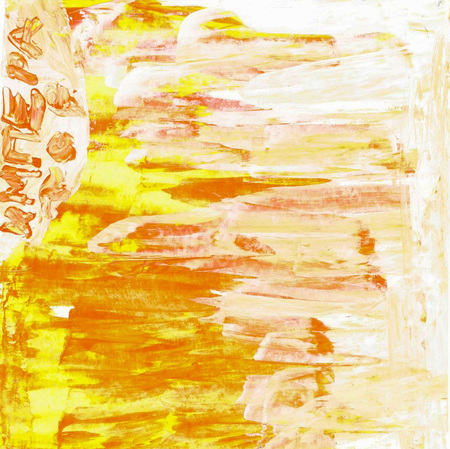
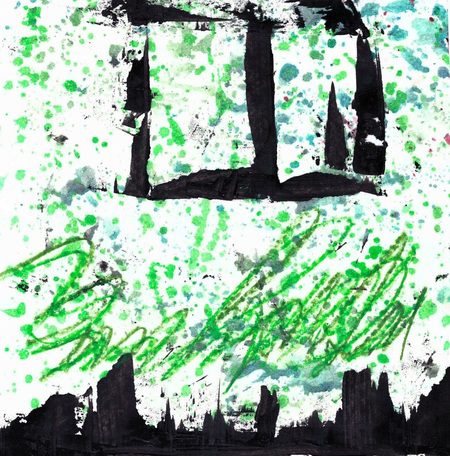
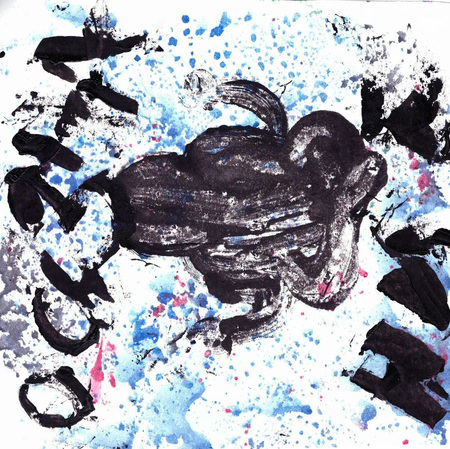
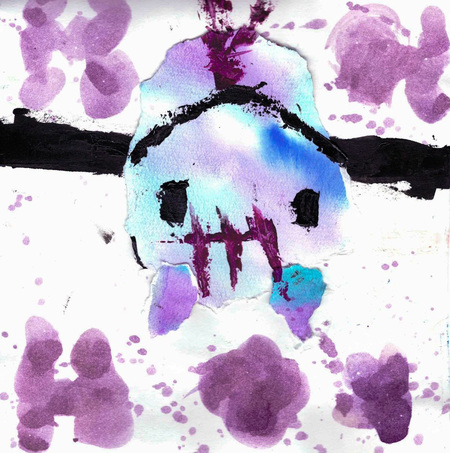
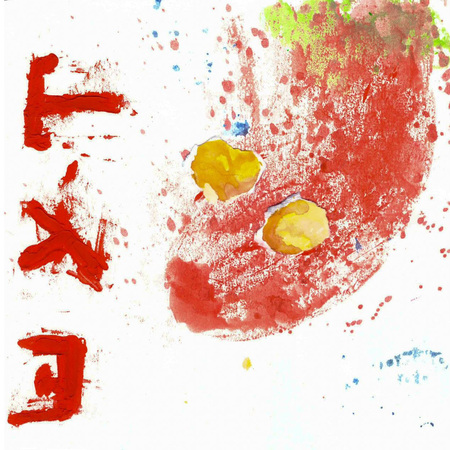
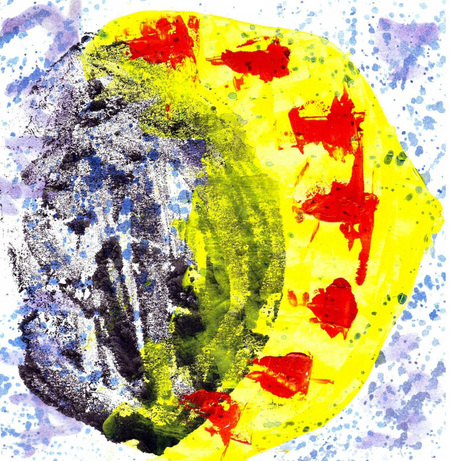
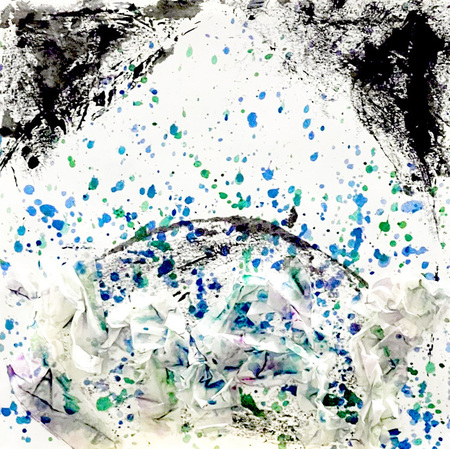
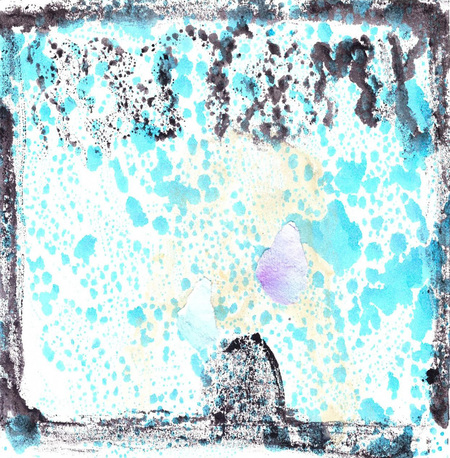
Изображения экспрессивные и абстрактные, что усложняет трактовку выпавшего расклада. Однако именно это подчеркивает субъективность трактовок.
Психушка, Осознал
Конюшня, Шут
Императрица, Суд
Ничего, Отсутствие
Две пустые грани являются символом будущего и показывают, что на судьбу человека влияет не мистика, а его выборы.
Маг, Умыться
Исходный размер 960x540
Каждый куб имеет свое значение и отвечает на один из вопросов: кто? где? что делает? с какой эмоцией? какой результат?
Бросая все 5 кубов, человек получает нелепое предсказание на день, которое он трактует самостоятельно.
0
0
0
0
0
0
0
0
0
0
0
0
0
1/6
Исходный размер 4679x3266
Исходный размер 2898x1638
Благодаря такой механике каждый, кто взаимодействует с кубами, может на себе понять, что на трактовку расклада влияют не выпавшие карты, но мысли и опыт человека.
Press space bar to start a drag.
When dragging you can use the arrow keys to move the item around and escape to cancel.
Some screen readers may require you to be in focus mode or to use your pass through key
Press space bar to start a drag.
When dragging you can use the arrow keys to move the item around and escape to cancel.
Some screen readers may require you to be in focus mode or to use your pass through key
Press space bar to start a drag.
When dragging you can use the arrow keys to move the item around and escape to cancel.
Some screen readers may require you to be in focus mode or to use your pass through key
Press space bar to start a drag.
When dragging you can use the arrow keys to move the item around and escape to cancel.
Some screen readers may require you to be in focus mode or to use your pass through key
Press space bar to start a drag.
When dragging you can use the arrow keys to move the item around and escape to cancel.
Some screen readers may require you to be in focus mode or to use your pass through key
Press space bar to start a drag.
When dragging you can use the arrow keys to move the item around and escape to cancel.
Some screen readers may require you to be in focus mode or to use your pass through key
Press space bar to start a drag.
When dragging you can use the arrow keys to move the item around and escape to cancel.
Some screen readers may require you to be in focus mode or to use your pass through key
Press space bar to start a drag.
When dragging you can use the arrow keys to move the item around and escape to cancel.
Some screen readers may require you to be in focus mode or to use your pass through key
Press space bar to start a drag.
When dragging you can use the arrow keys to move the item around and escape to cancel.
Some screen readers may require you to be in focus mode or to use your pass through key
Press space bar to start a drag.
When dragging you can use the arrow keys to move the item around and escape to cancel.
Some screen readers may require you to be in focus mode or to use your pass through key
Press space bar to start a drag.
When dragging you can use the arrow keys to move the item around and escape to cancel.
Some screen readers may require you to be in focus mode or to use your pass through key
Press space bar to start a drag.
When dragging you can use the arrow keys to move the item around and escape to cancel.
Some screen readers may require you to be in focus mode or to use your pass through key
Press space bar to start a drag.
When dragging you can use the arrow keys to move the item around and escape to cancel.
Some screen readers may require you to be in focus mode or to use your pass through key
Press space bar to start a drag.
When dragging you can use the arrow keys to move the item around and escape to cancel.
Some screen readers may require you to be in focus mode or to use your pass through key
Press space bar to start a drag.
When dragging you can use the arrow keys to move the item around and escape to cancel.
Some screen readers may require you to be in focus mode or to use your pass through key