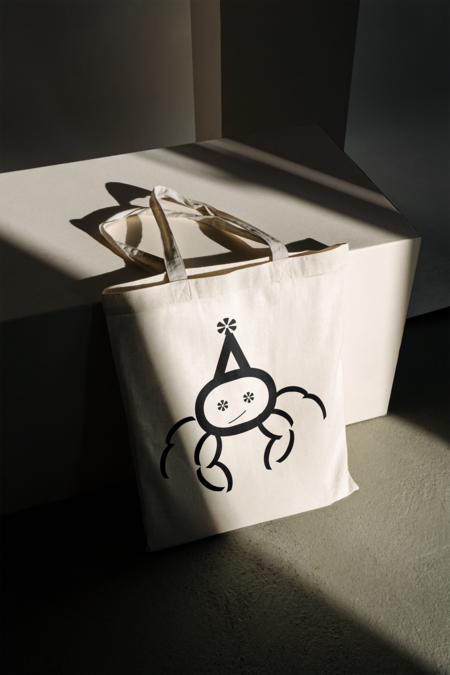
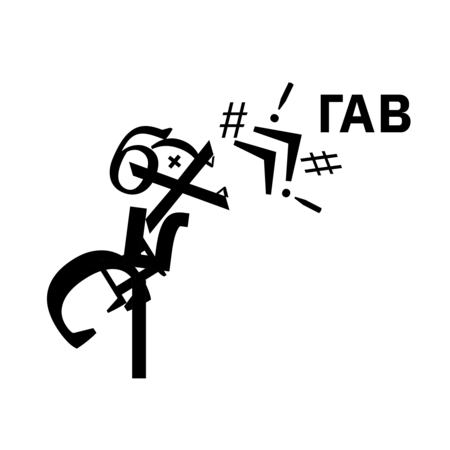
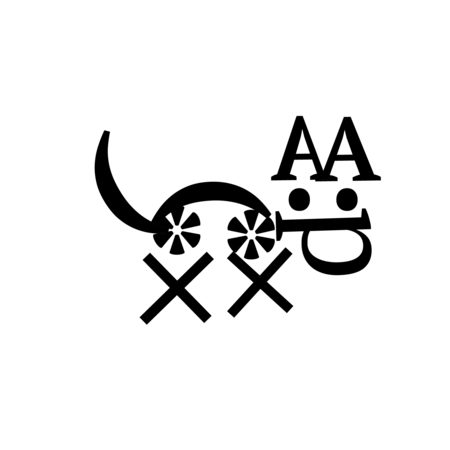
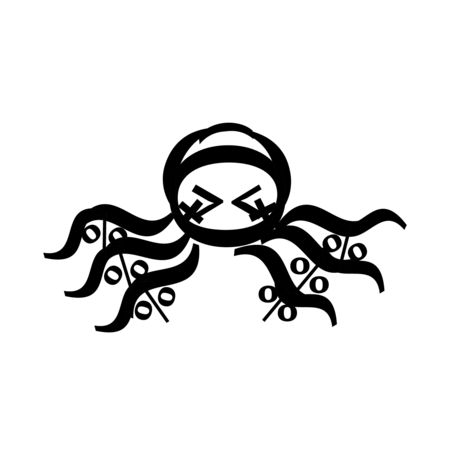
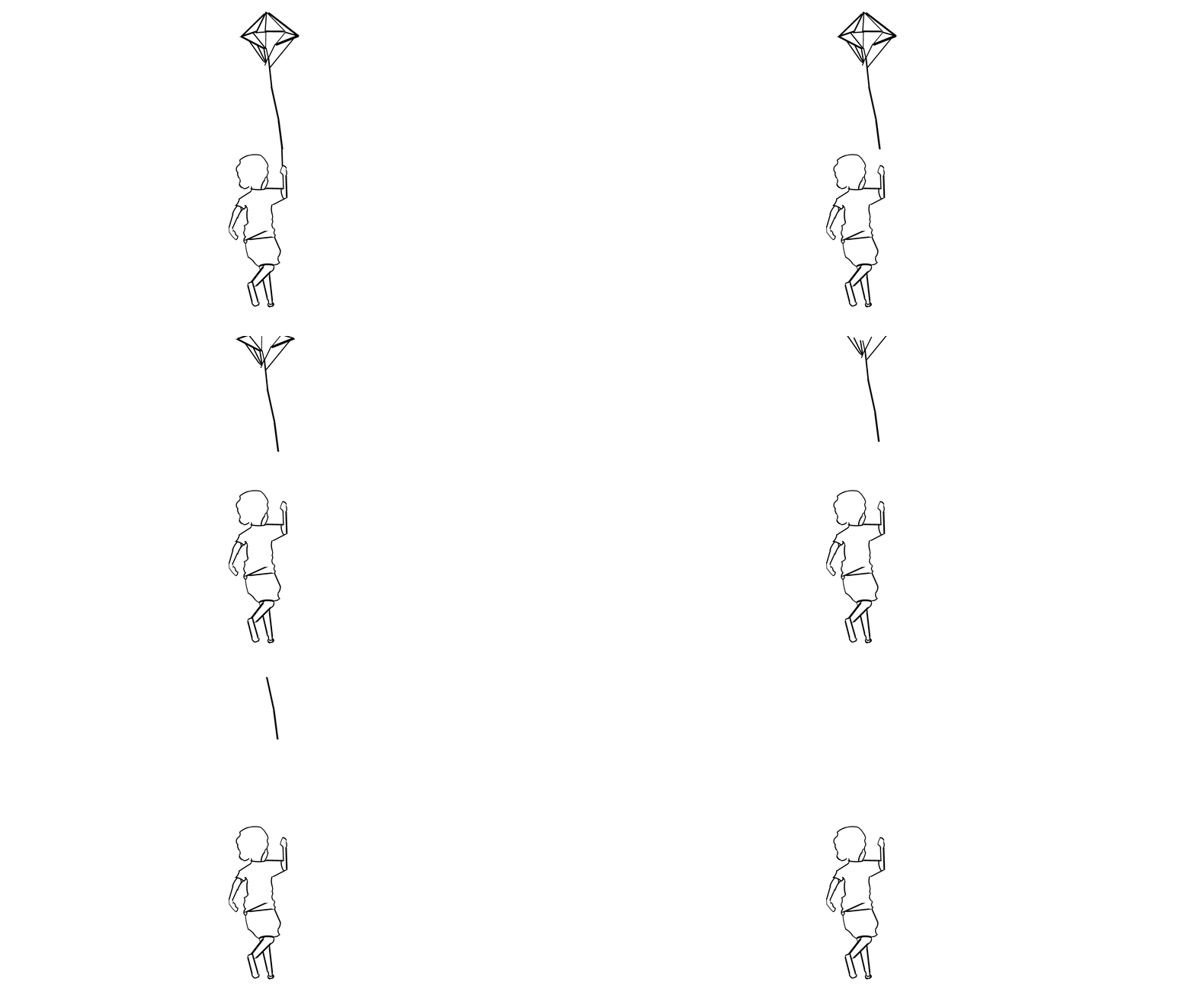
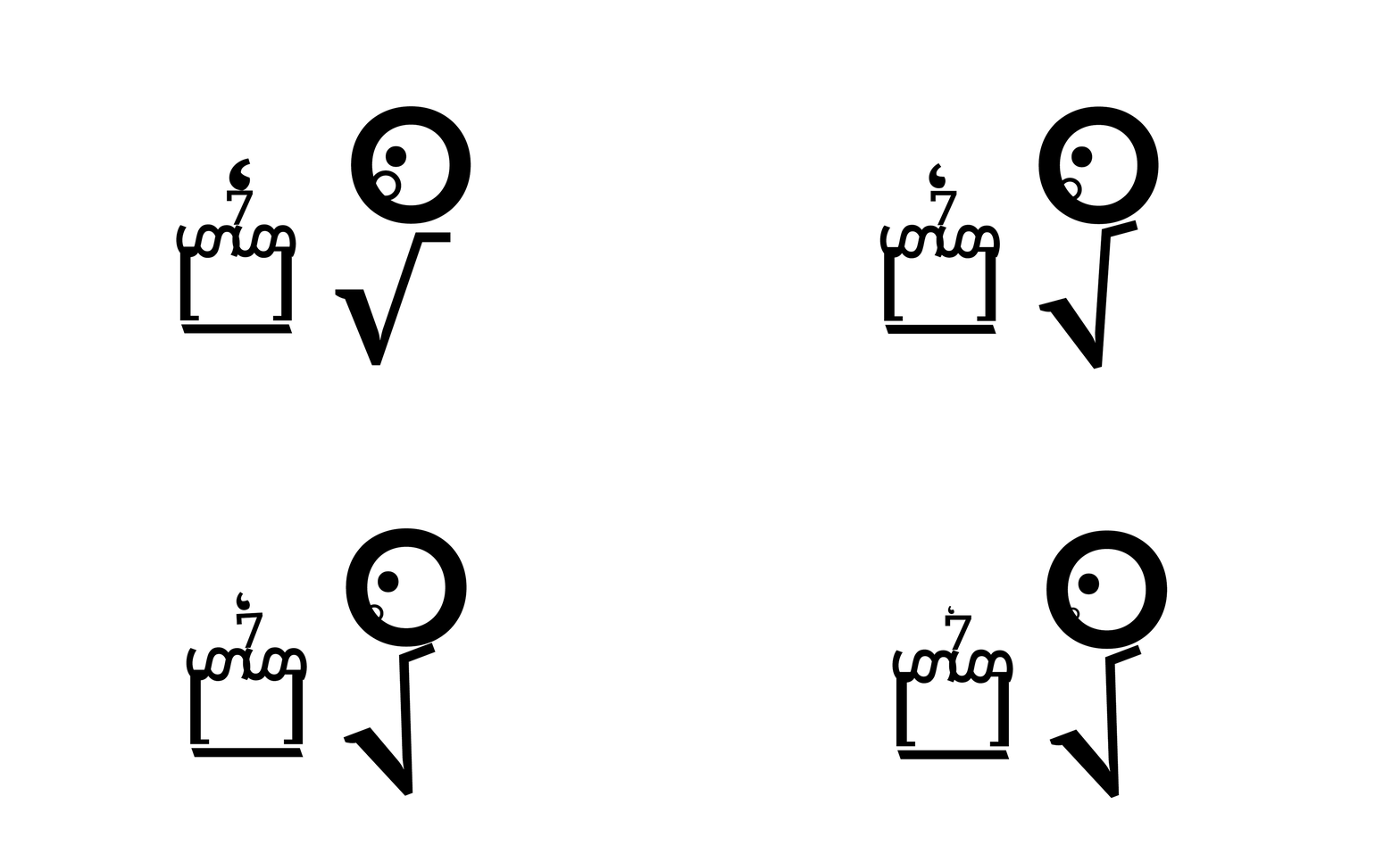
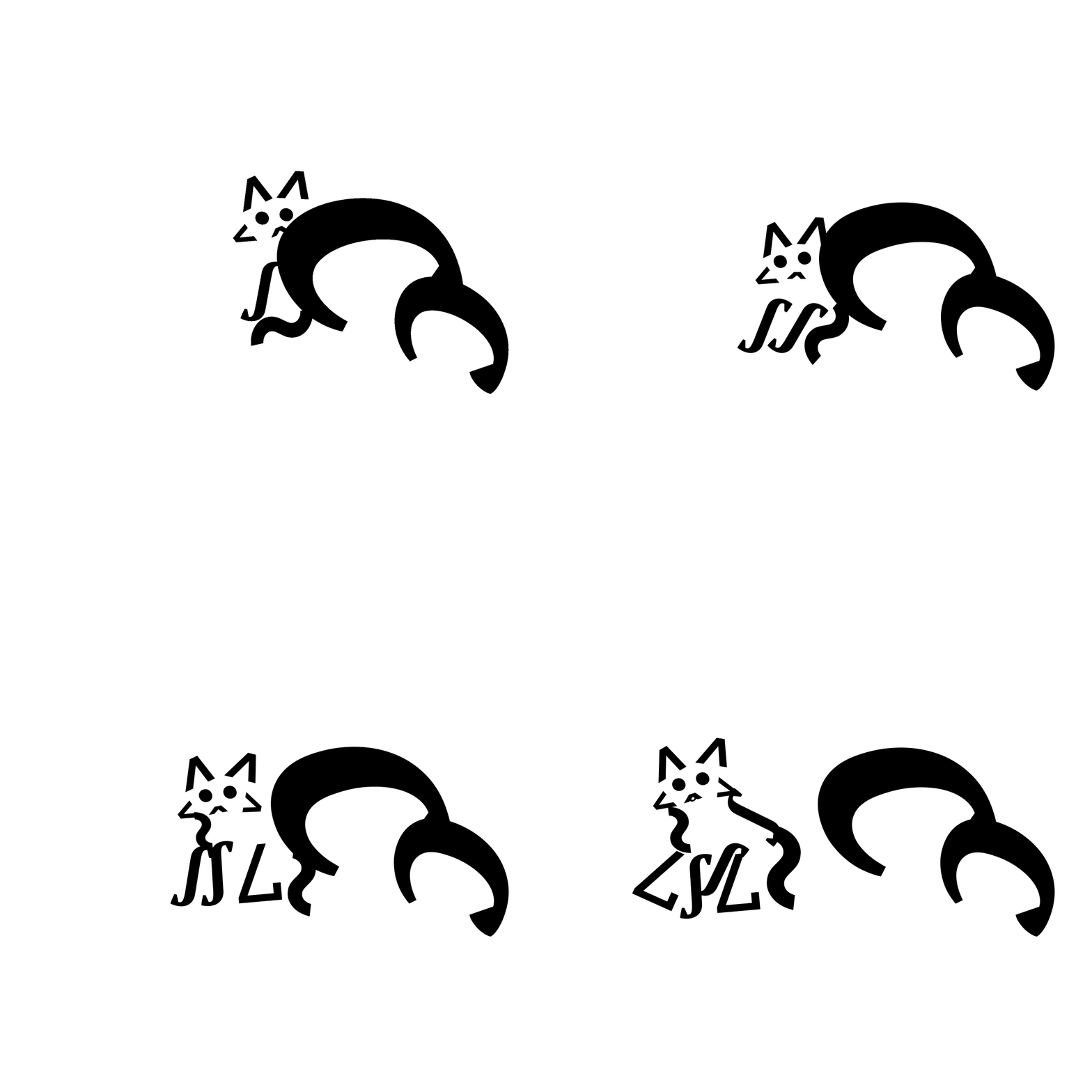
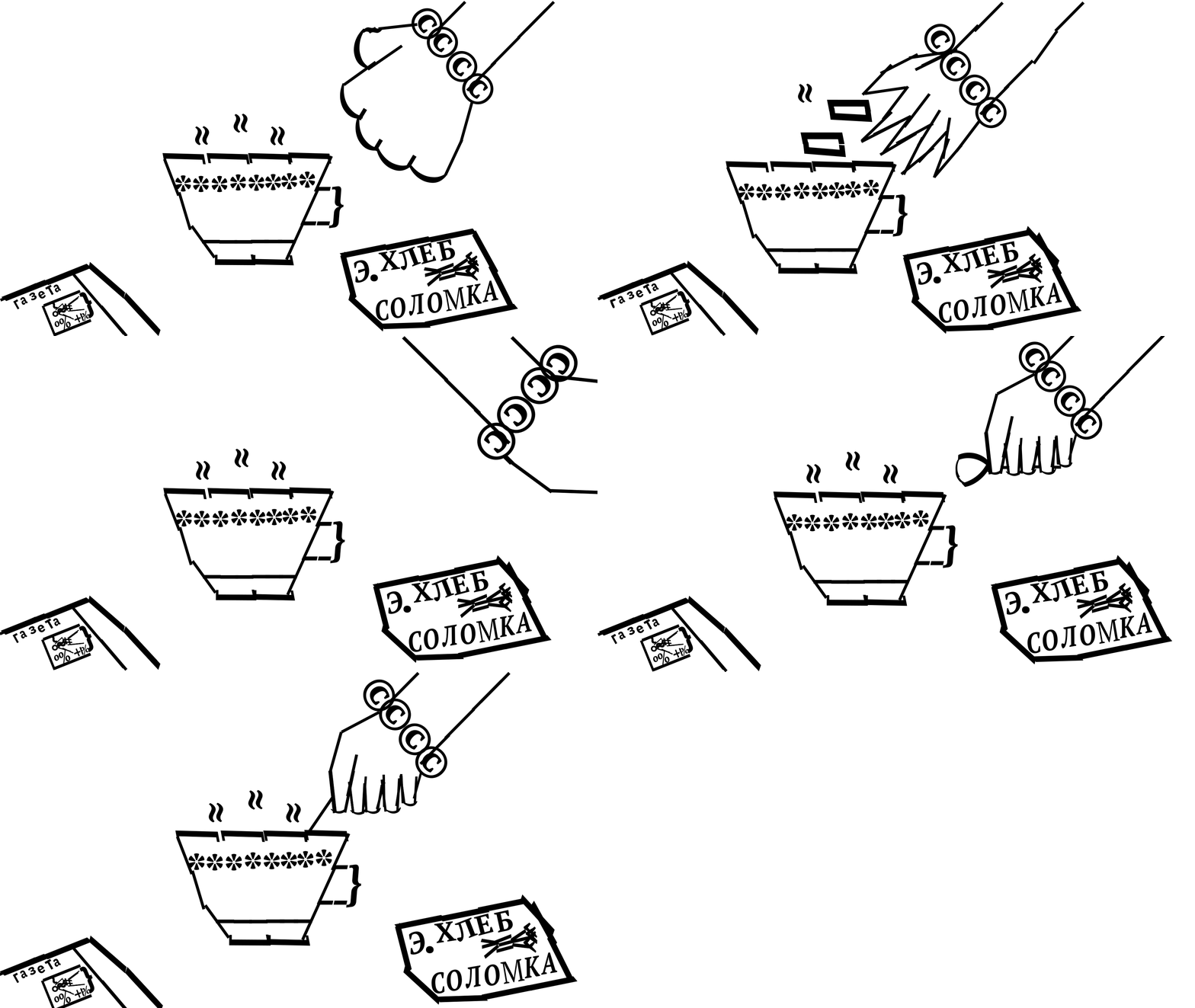
Серия упражнений по изографии для учащихся ШКИ (Электросталь)
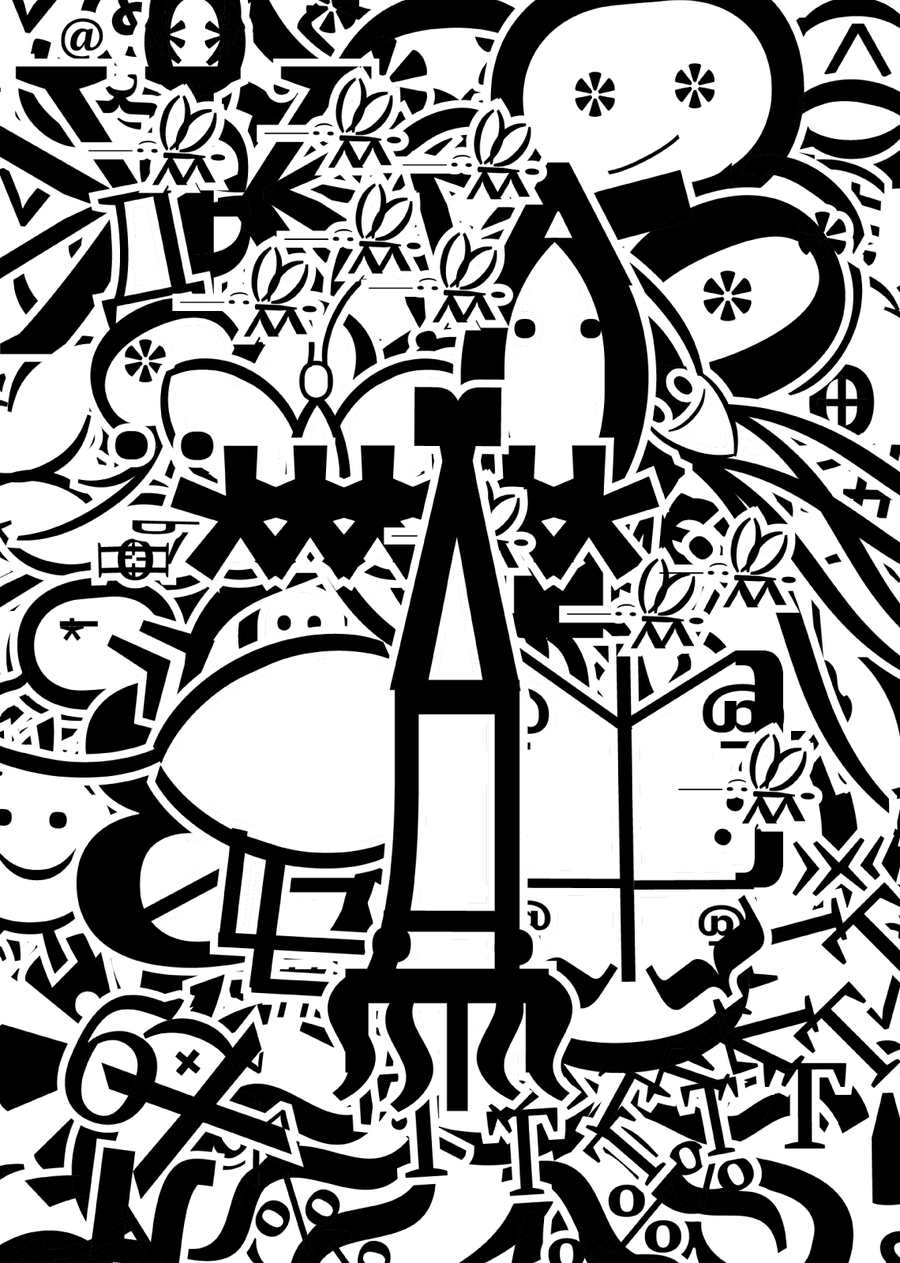
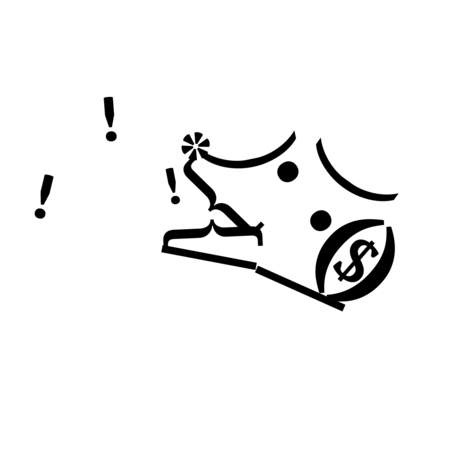
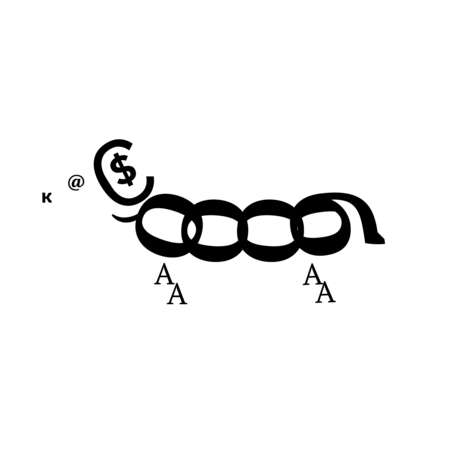
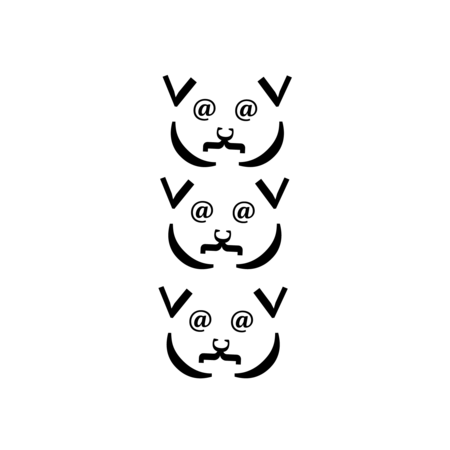
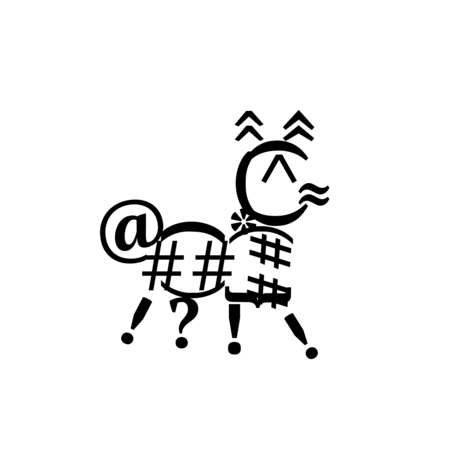
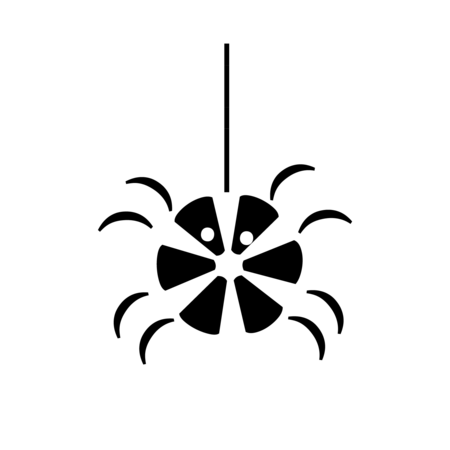
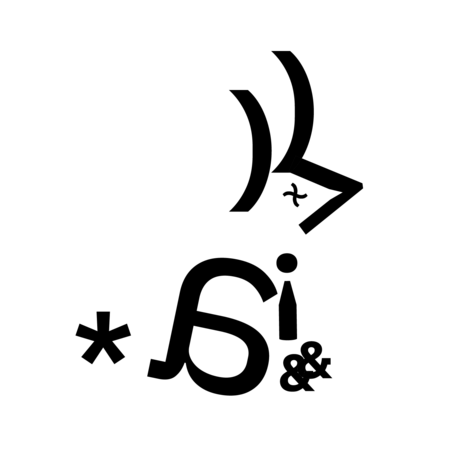
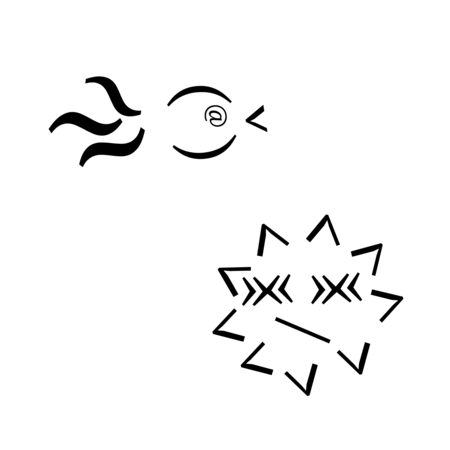
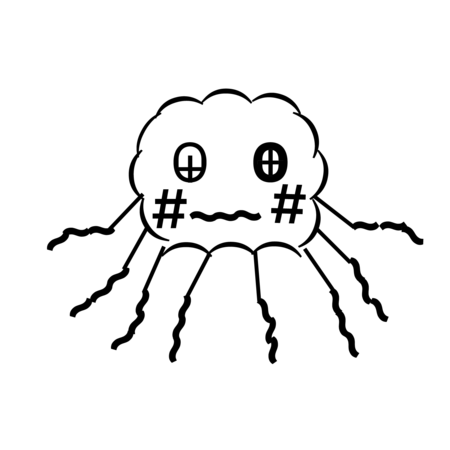
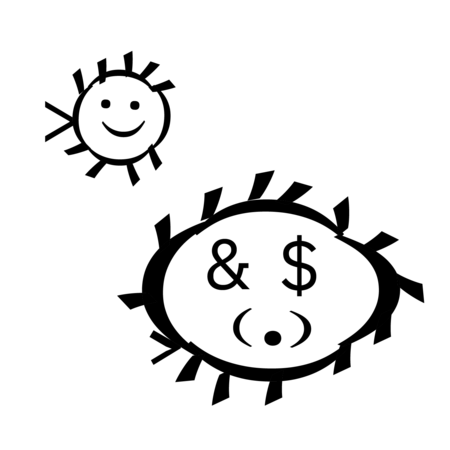
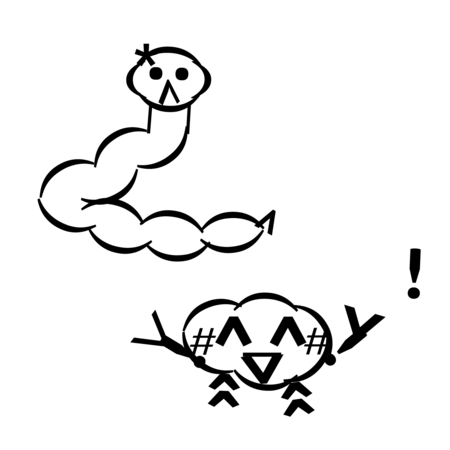
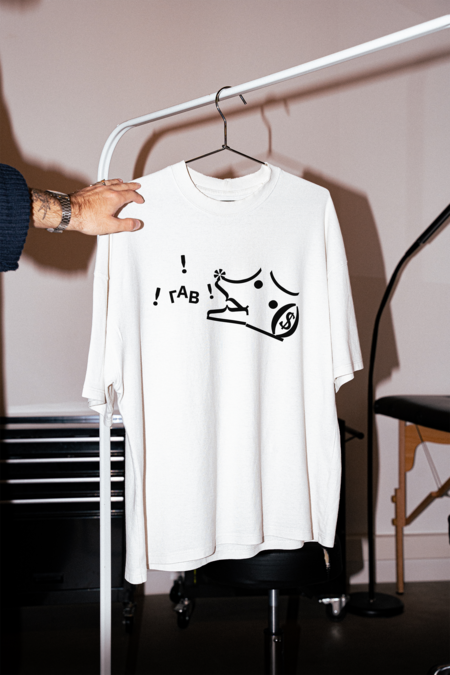
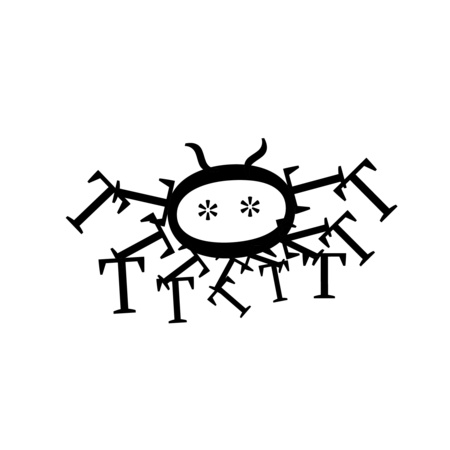
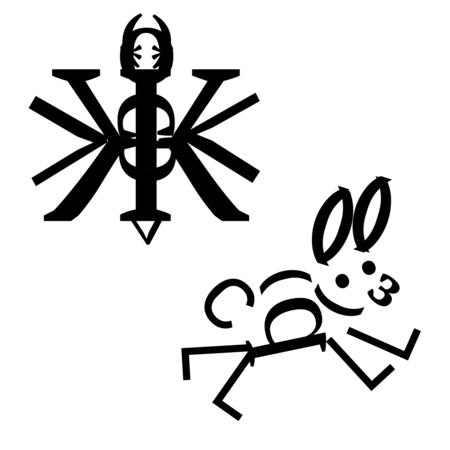
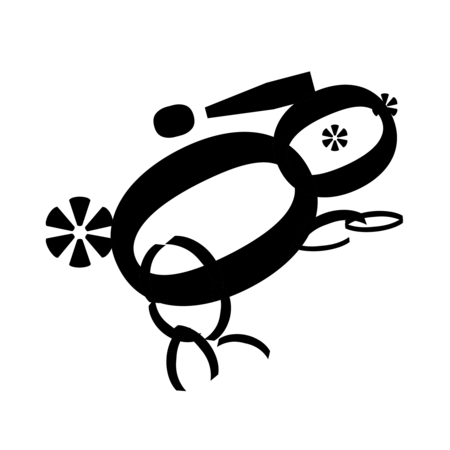
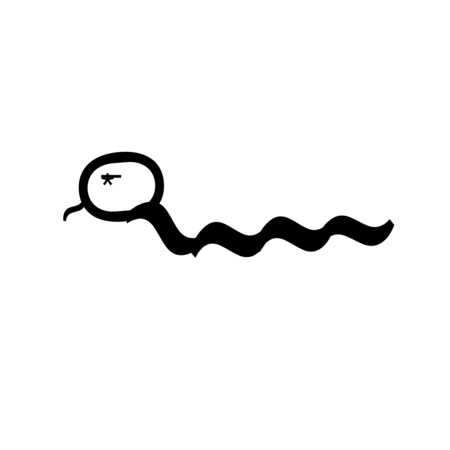
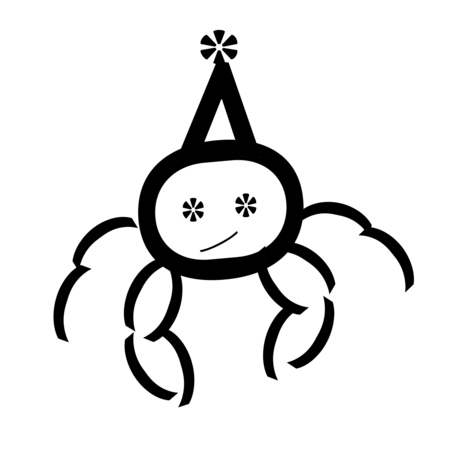
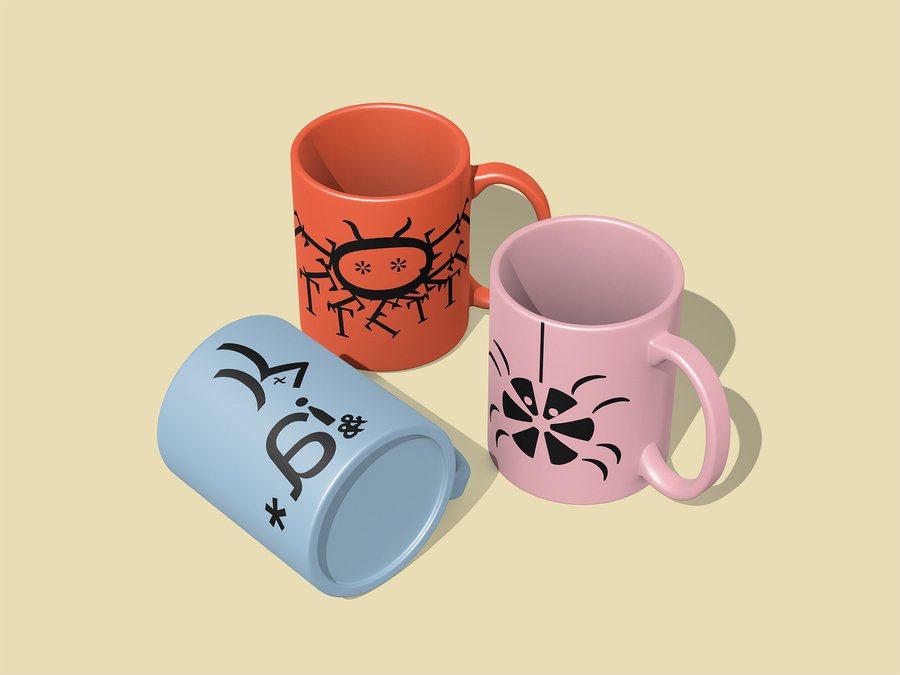
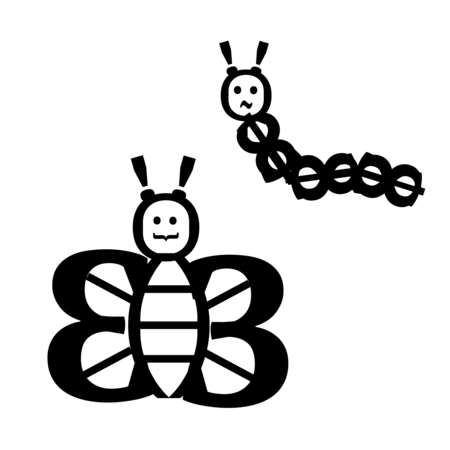
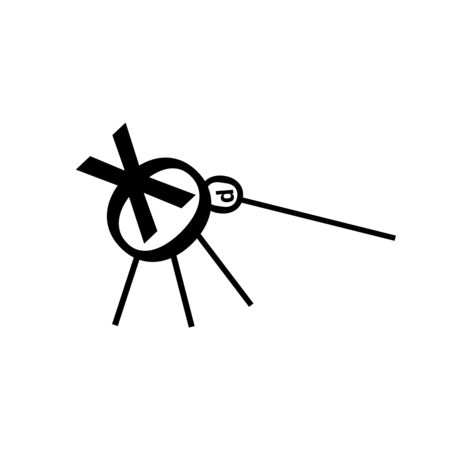
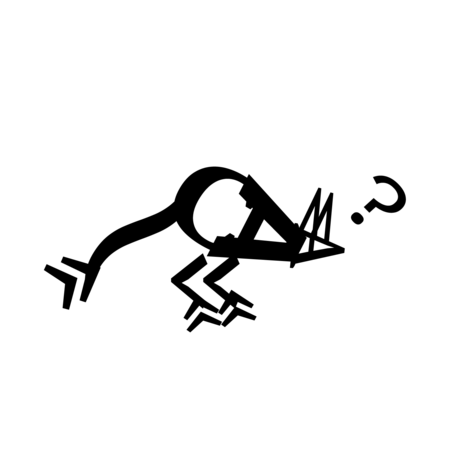
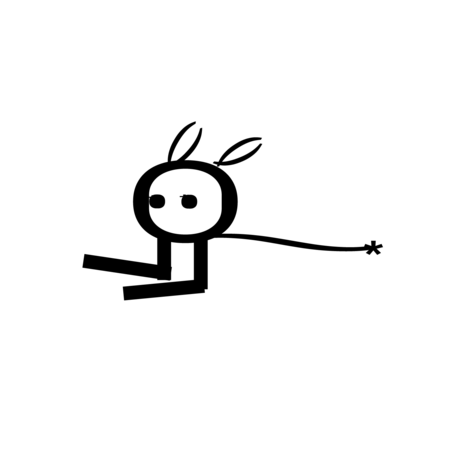
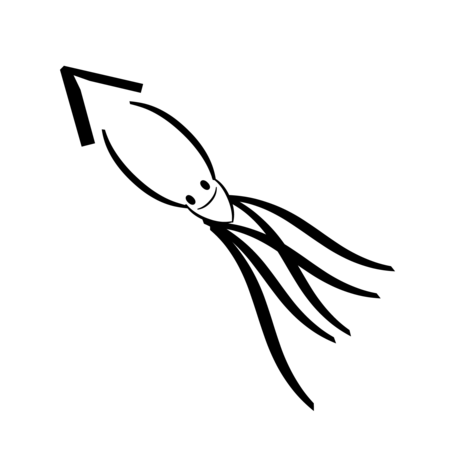
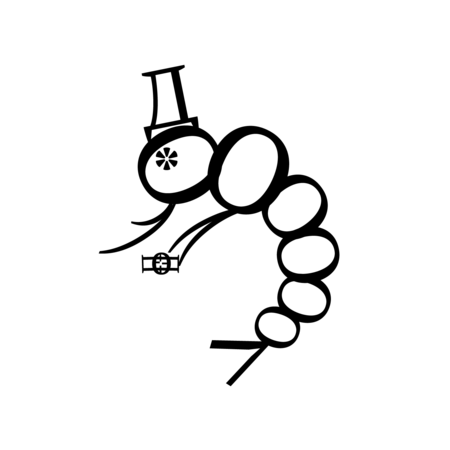
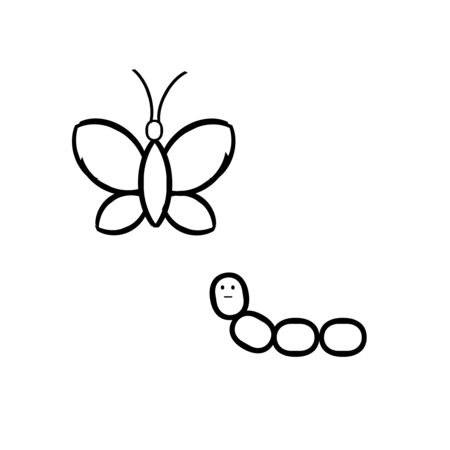
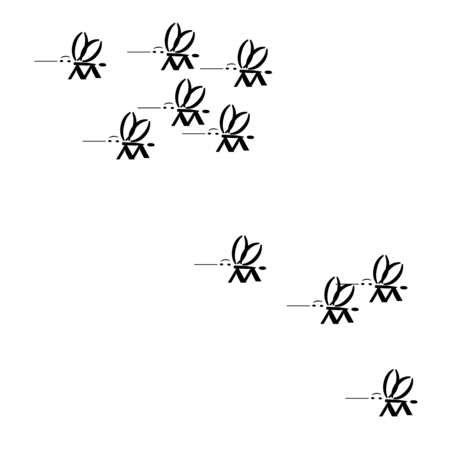
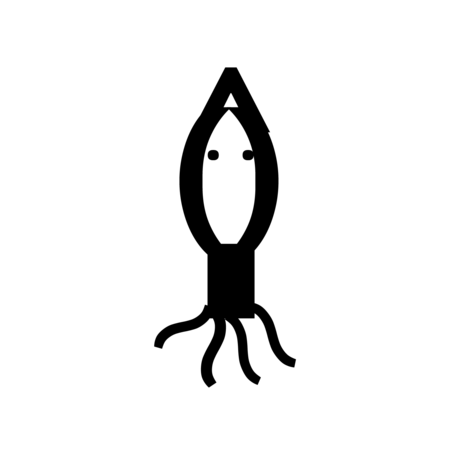
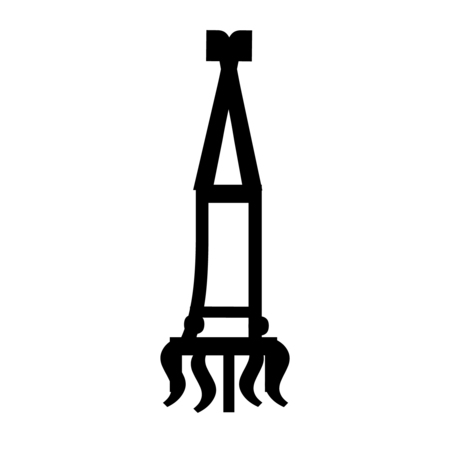
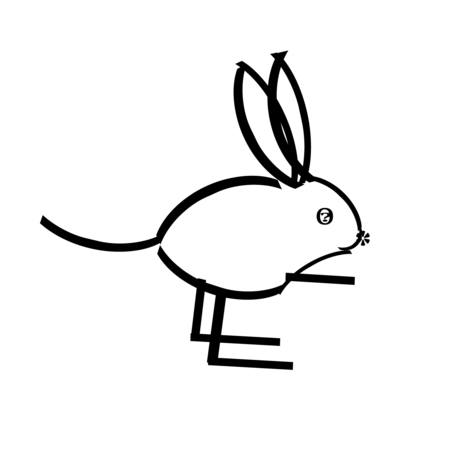
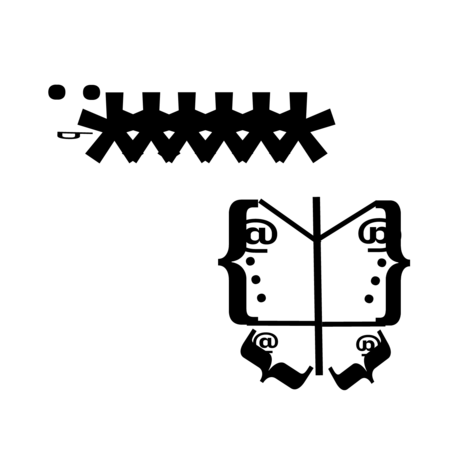
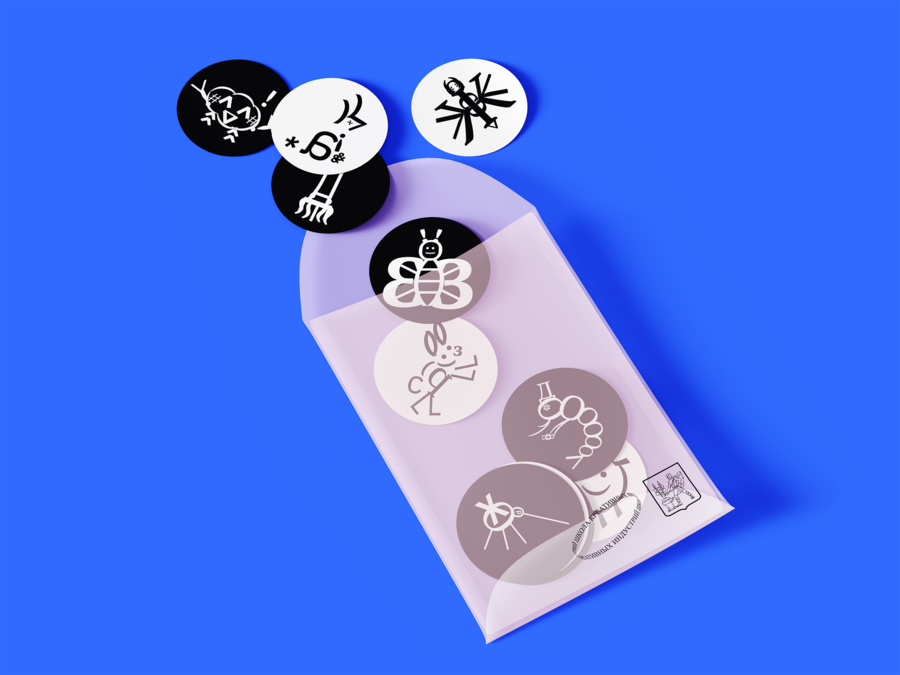
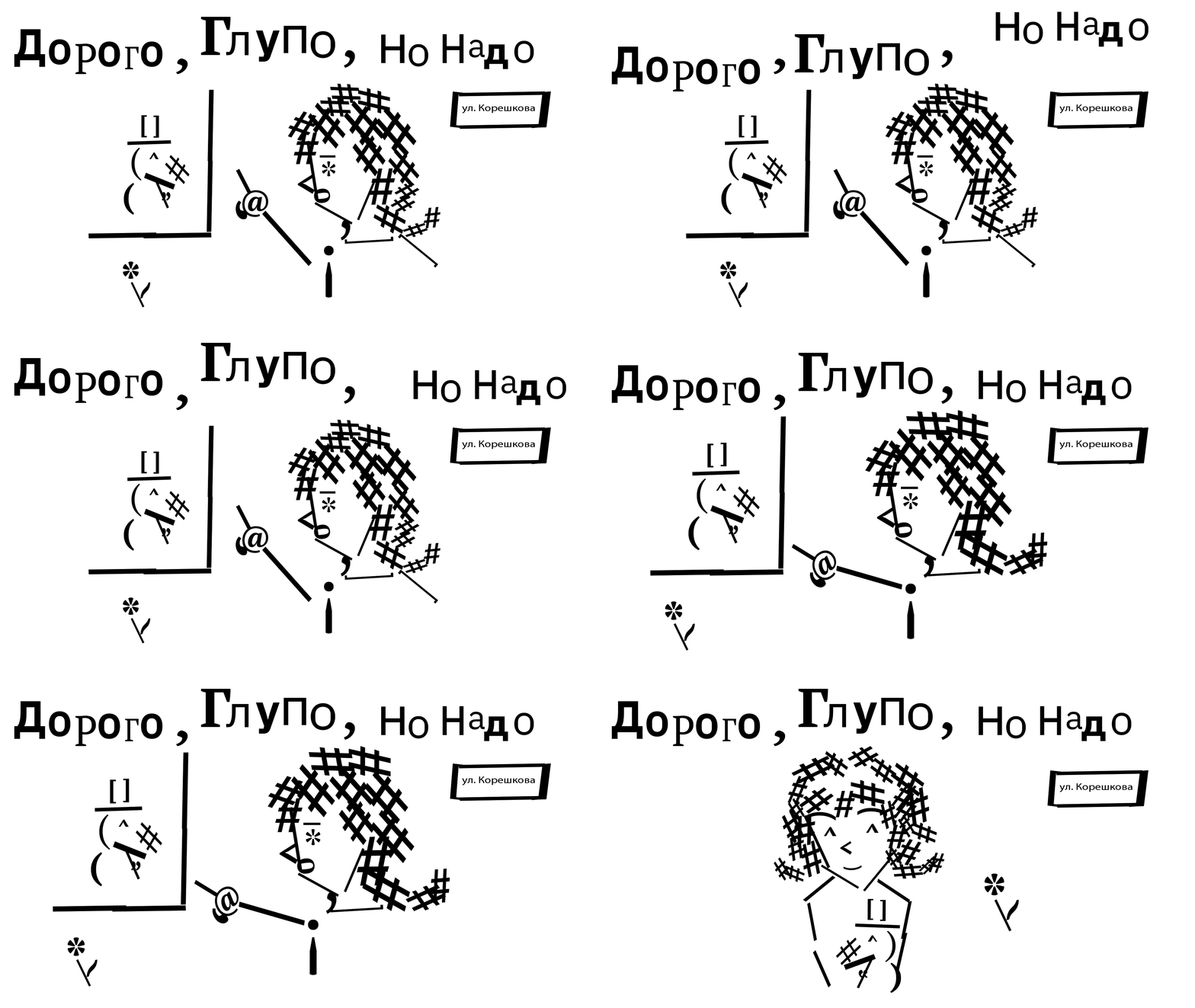
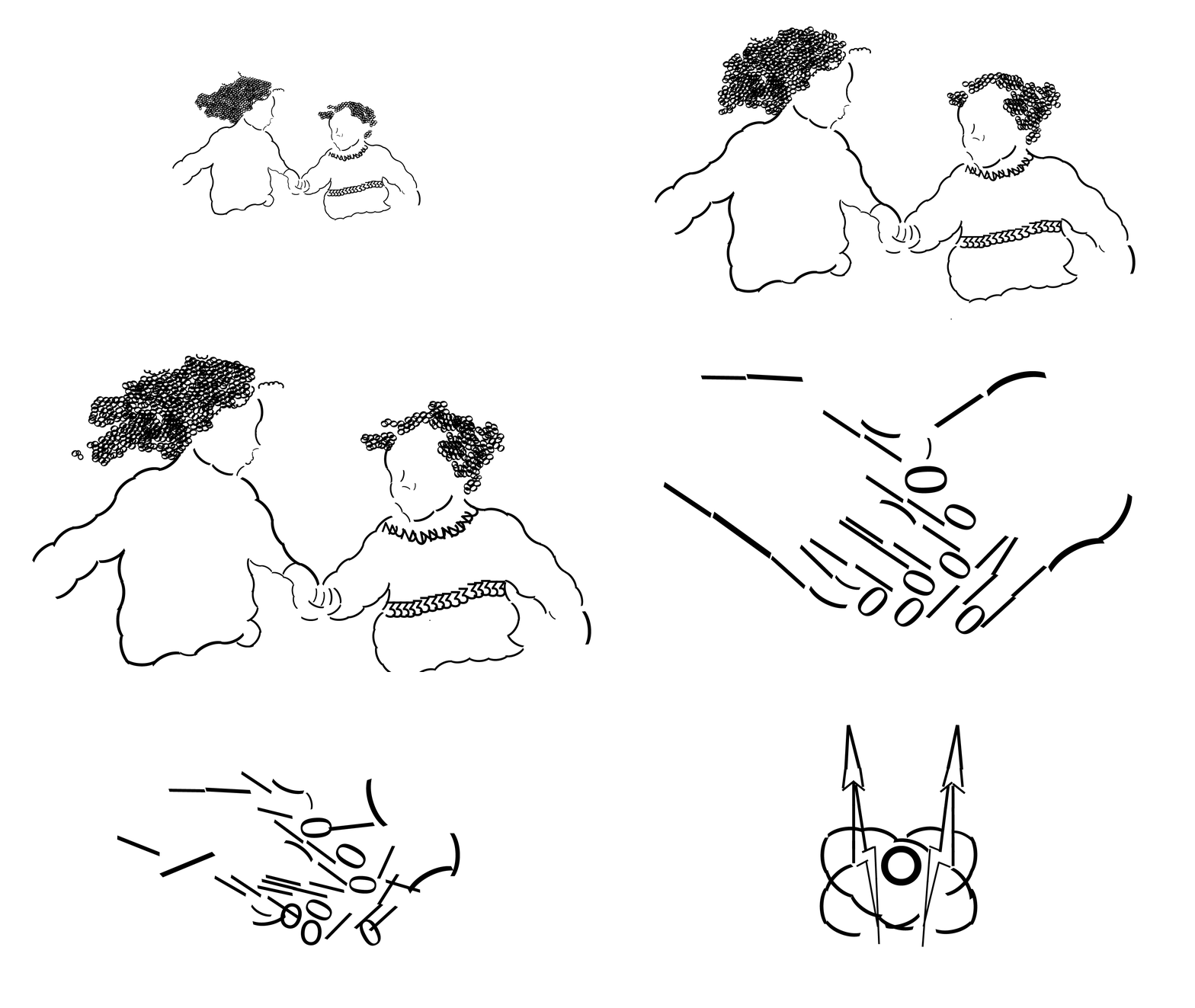
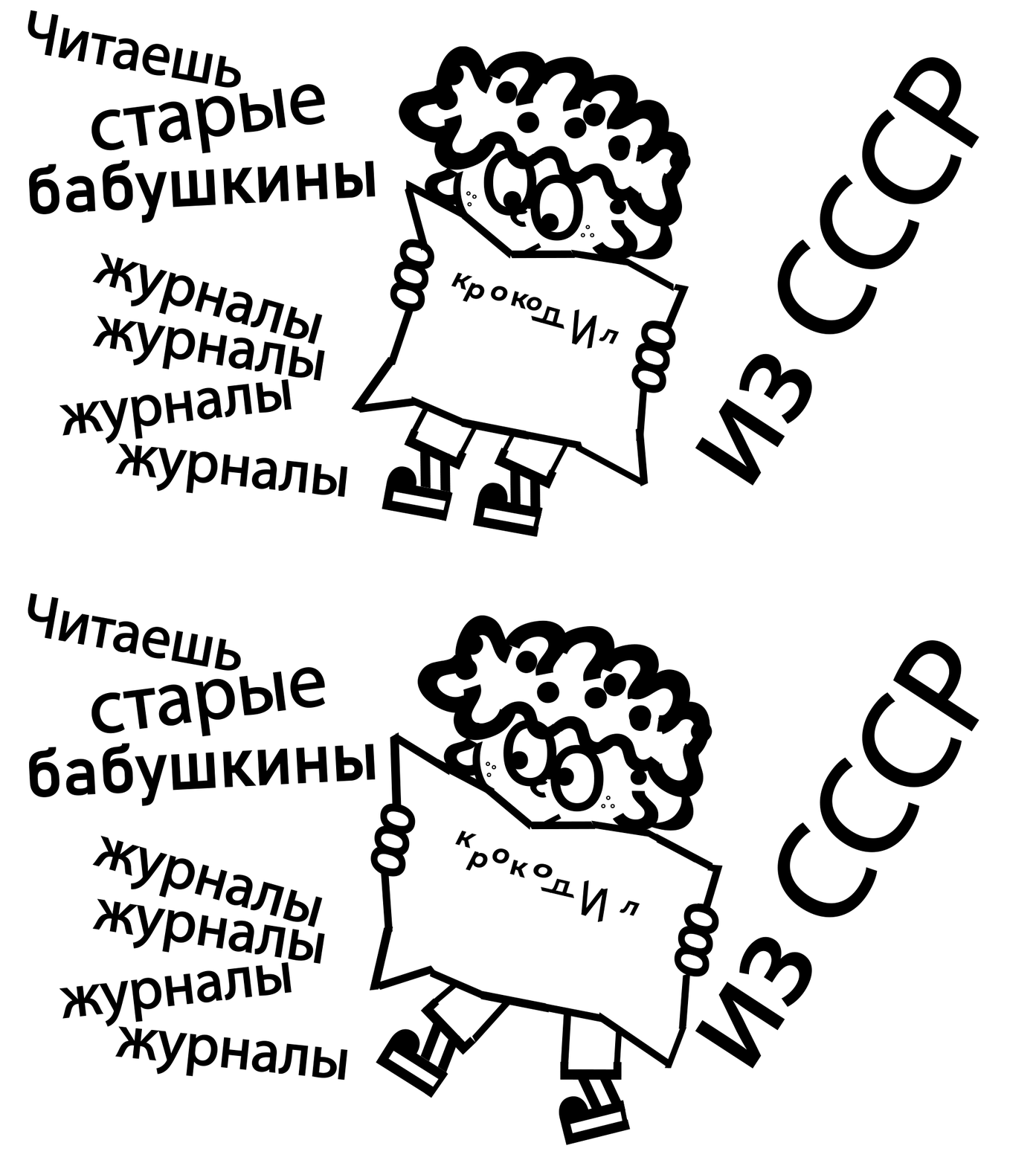
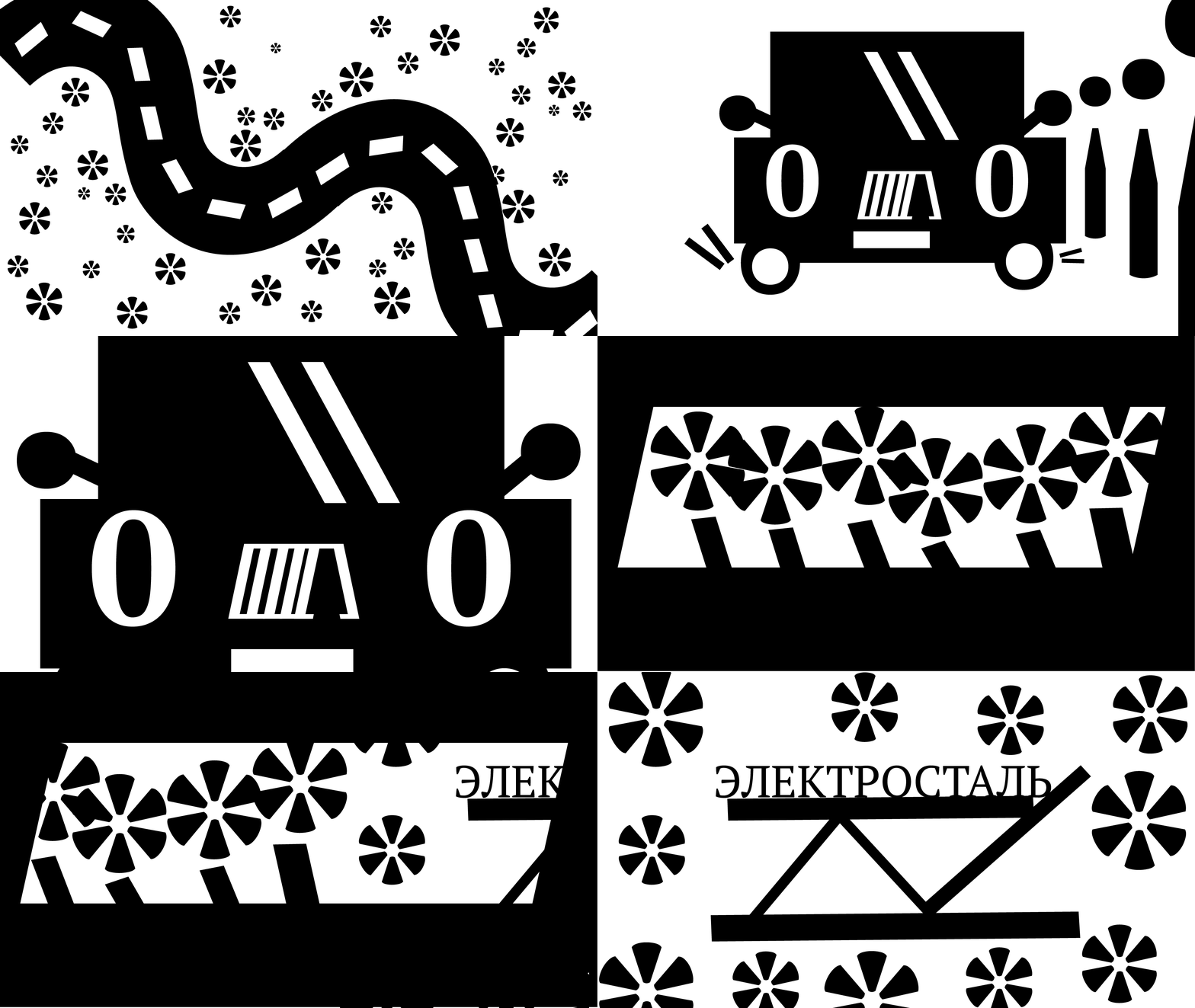
Изография — это искусство создания изображений, в которых буквы, цифры или символы образуют визуально похожий на предмет рисунок. Этот рисунок должен соответствовать названию, выраженному через текст. Таким образом, изография представляет собой уникальный способ иллюстрации, при котором графические элементы формируются из текстовых компонентов.
Исходный размер 2000x1500
Исходный размер 2500x1875
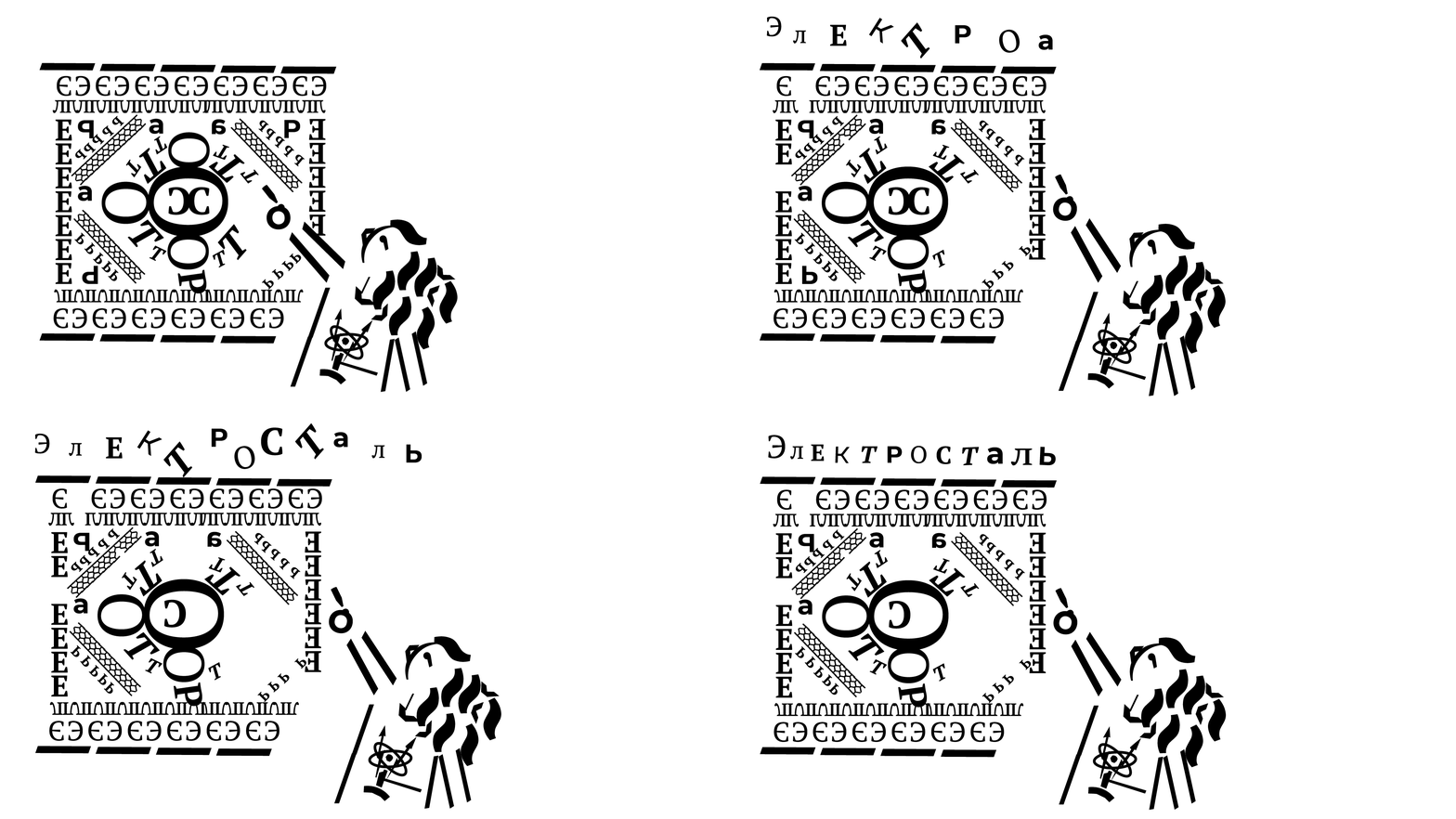
И создана серия коротких гифок, посвящённых воспоминаниям о родном городе.
0
0
0
0
0
0
0
0
0
0
0
0
0
0
0
0
0
0
0
0
0
1/10
[итог]
Ученики освоили новый вид иллюстрации и выполнили задания учителя. Кто знает, когда в следующий раз представится шанс изобразить зайца, который опаздывает на работу?
Школа креативных индустрий (ШКИ) в Электростали — образовательный проект в рамках федерального проекта «Придумано в России» при поддержке Минкультуры РФ. Работает на базе ДХШ им. Н. Н. Лаврентьевой. В ШКИ бесплатно обучаются школьники 14–18 лет — они осваивают востребованные профессии креативного сектора в современных студиях. Это вторая ШКИ в Московской области.
elcreative.ru elst_mbudkhsc@mosreg.ru 8 496 570 3706 Электросталь, ул. Западная, д. 15
Матрёшка вместо клатча и собор Василия Блаженного на сумке Chanel. В наше время это звучит дико. Однако именно так Карл Лагерфельд увидел Москву в 2009 году. До этого Dior выгнал моделей в парижских новинках прямо на московские улицы, а Сен-Лоран показал русскую коллекцию под оперные арии и получил от New York Times приговор: она меняет ход мировой моды. Рассказываем, как модные дома вдохновлялись Москвой и что из этого получилось. Узнать больше
Press space bar to start a drag.
When dragging you can use the arrow keys to move the item around and escape to cancel.
Some screen readers may require you to be in focus mode or to use your pass through key
Press space bar to start a drag.
When dragging you can use the arrow keys to move the item around and escape to cancel.
Some screen readers may require you to be in focus mode or to use your pass through key
Press space bar to start a drag.
When dragging you can use the arrow keys to move the item around and escape to cancel.
Some screen readers may require you to be in focus mode or to use your pass through key
Press space bar to start a drag.
When dragging you can use the arrow keys to move the item around and escape to cancel.
Some screen readers may require you to be in focus mode or to use your pass through key
Press space bar to start a drag.
When dragging you can use the arrow keys to move the item around and escape to cancel.
Some screen readers may require you to be in focus mode or to use your pass through key
Press space bar to start a drag.
When dragging you can use the arrow keys to move the item around and escape to cancel.
Some screen readers may require you to be in focus mode or to use your pass through key
Press space bar to start a drag.
When dragging you can use the arrow keys to move the item around and escape to cancel.
Some screen readers may require you to be in focus mode or to use your pass through key
Press space bar to start a drag.
When dragging you can use the arrow keys to move the item around and escape to cancel.
Some screen readers may require you to be in focus mode or to use your pass through key
Press space bar to start a drag.
When dragging you can use the arrow keys to move the item around and escape to cancel.
Some screen readers may require you to be in focus mode or to use your pass through key
Press space bar to start a drag.
When dragging you can use the arrow keys to move the item around and escape to cancel.
Some screen readers may require you to be in focus mode or to use your pass through key
Press space bar to start a drag.
When dragging you can use the arrow keys to move the item around and escape to cancel.
Some screen readers may require you to be in focus mode or to use your pass through key
Press space bar to start a drag.
When dragging you can use the arrow keys to move the item around and escape to cancel.
Some screen readers may require you to be in focus mode or to use your pass through key
Press space bar to start a drag.
When dragging you can use the arrow keys to move the item around and escape to cancel.
Some screen readers may require you to be in focus mode or to use your pass through key
Press space bar to start a drag.
When dragging you can use the arrow keys to move the item around and escape to cancel.
Some screen readers may require you to be in focus mode or to use your pass through key
Press space bar to start a drag.
When dragging you can use the arrow keys to move the item around and escape to cancel.
Some screen readers may require you to be in focus mode or to use your pass through key
Press space bar to start a drag.
When dragging you can use the arrow keys to move the item around and escape to cancel.
Some screen readers may require you to be in focus mode or to use your pass through key