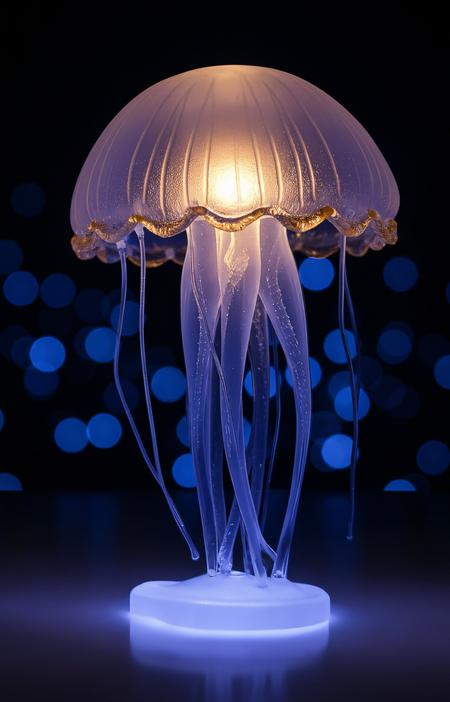
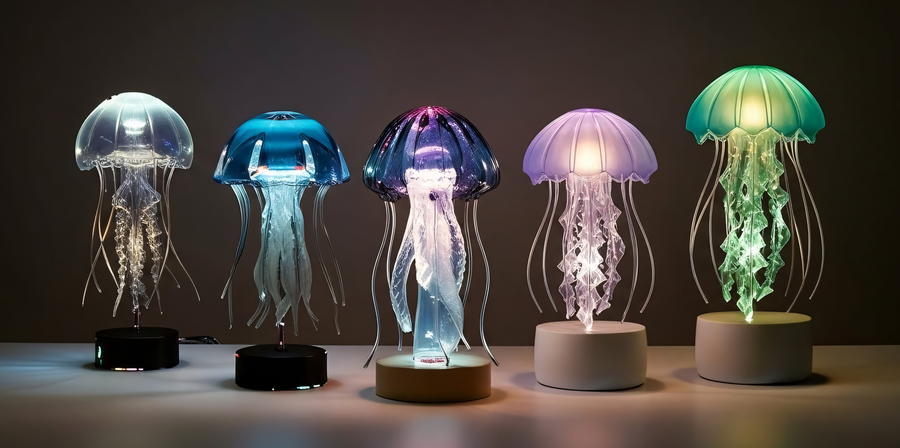
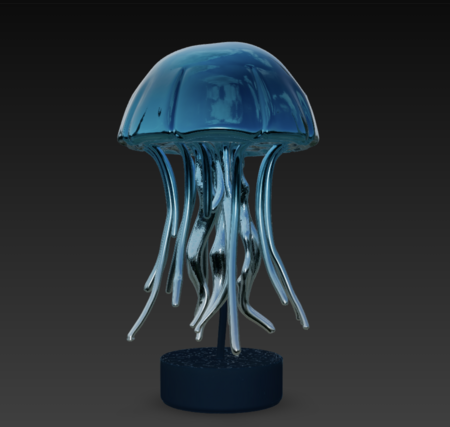
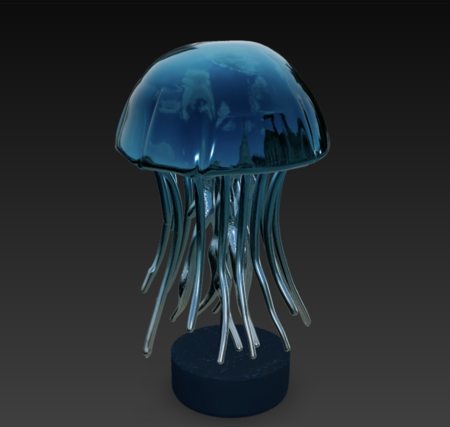
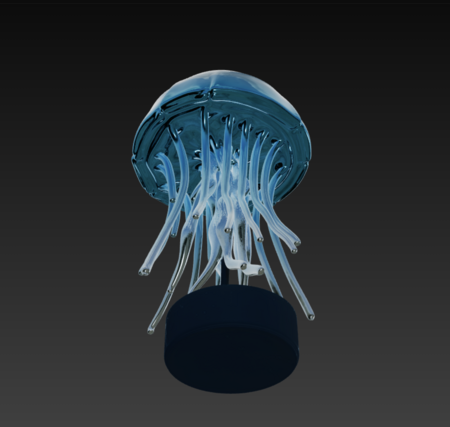
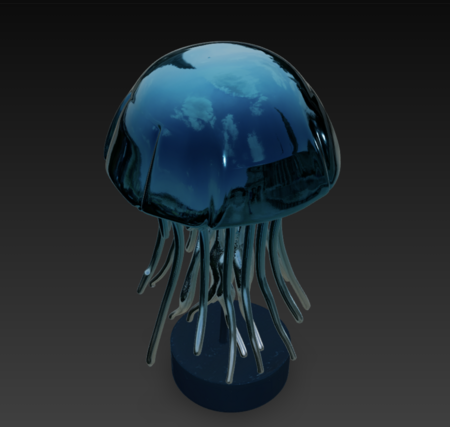
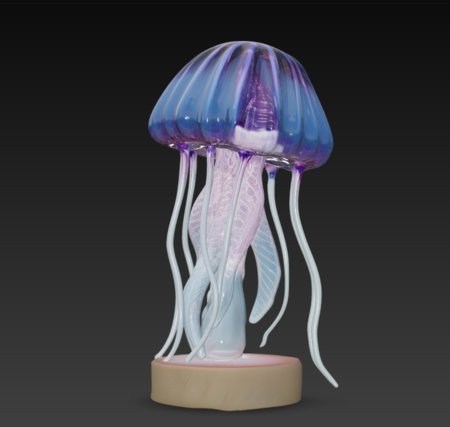
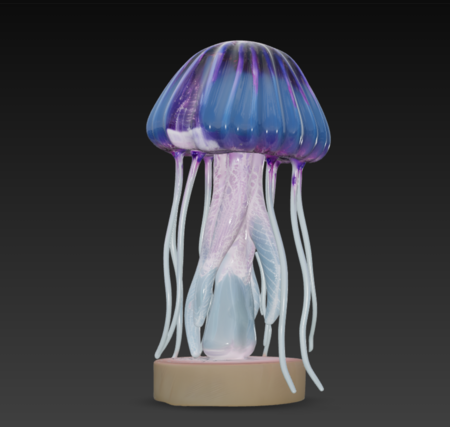
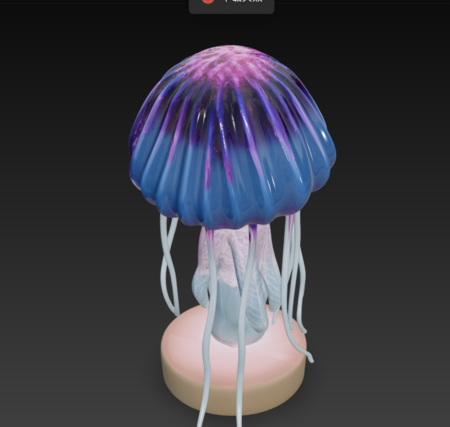
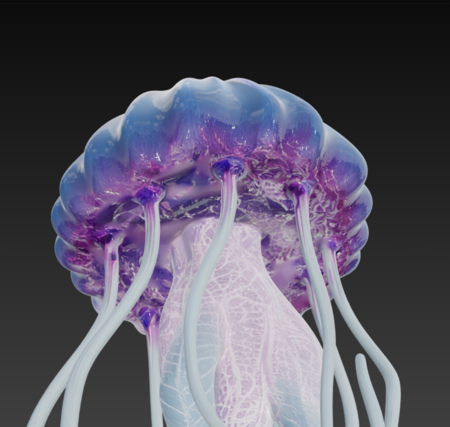
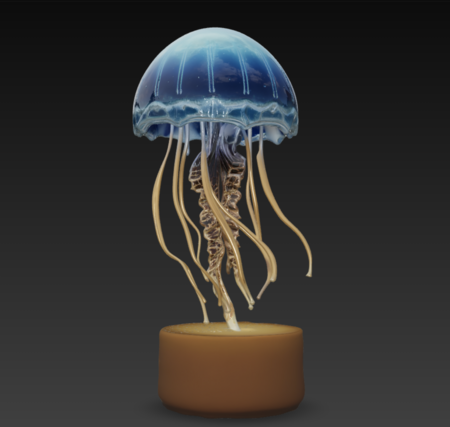
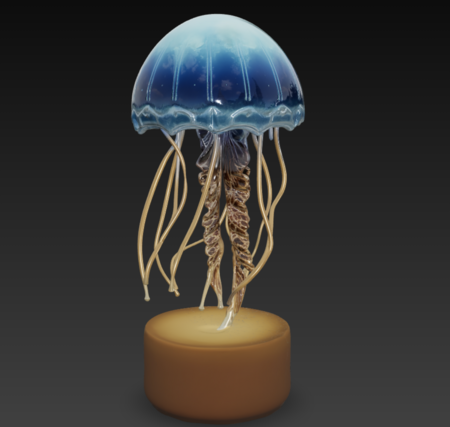
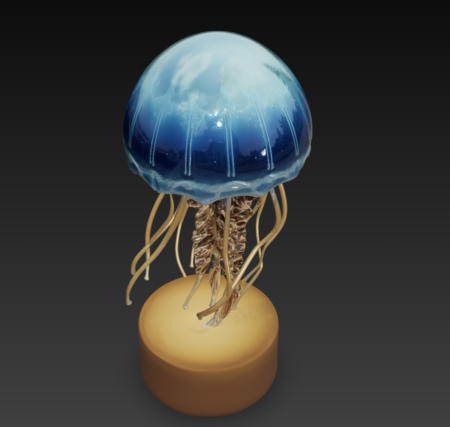
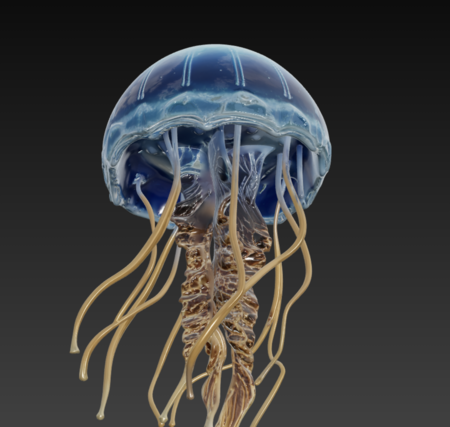
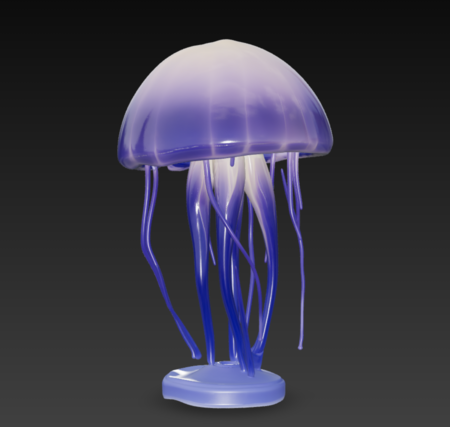
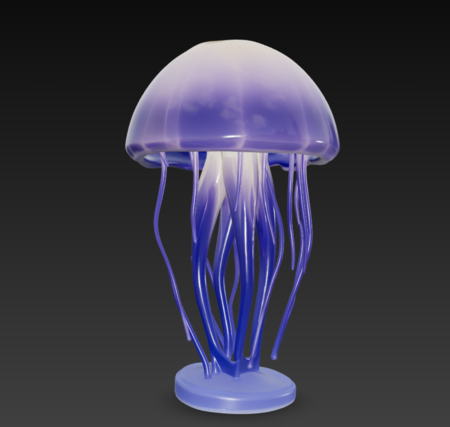
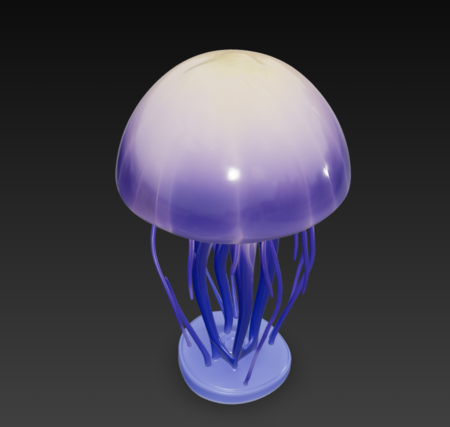
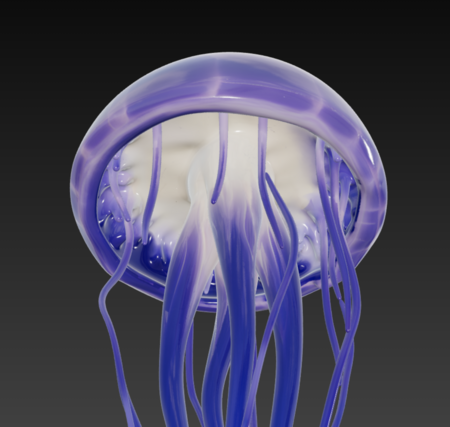
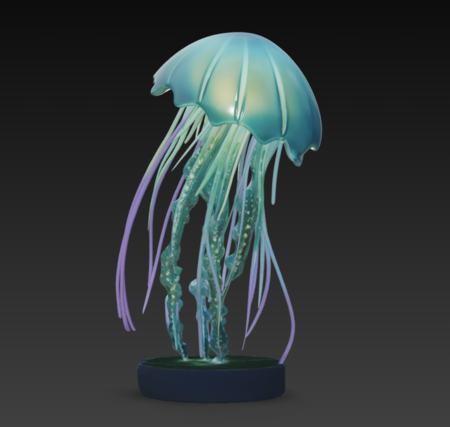
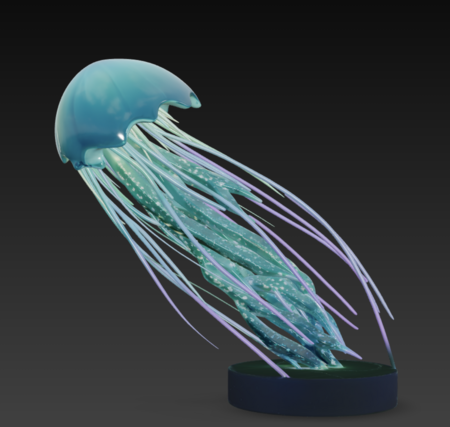
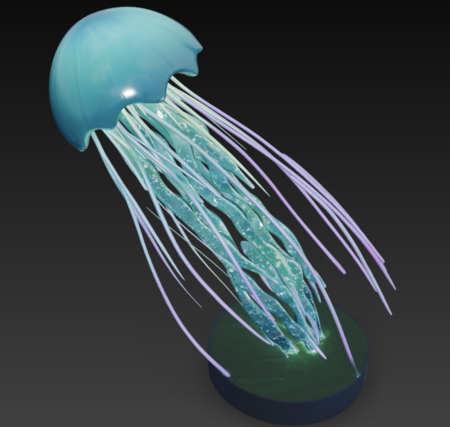
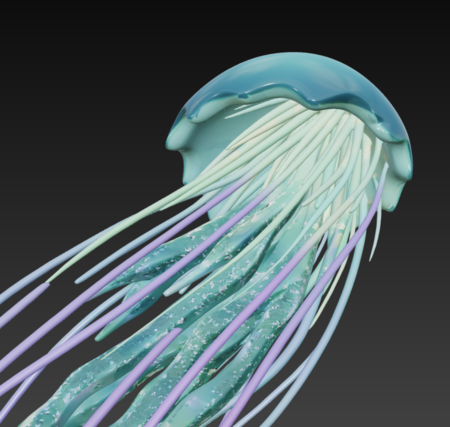
La Mer Nocturne («Морской ноктюрн») — это бренд интерьерных ночников в форме разноцветных медуз. Серия ламп была вдохновлена ночной жизнью на глубинах океана, где в темноте становится видно неоновое свечение медуз. Нежный свет легко успокаивает и переносит пользователя в мир фантазий и грез.
Исходный размер 2498x1244
Whisk: the selected lamps together in a row on a white table, dark ambient lighting
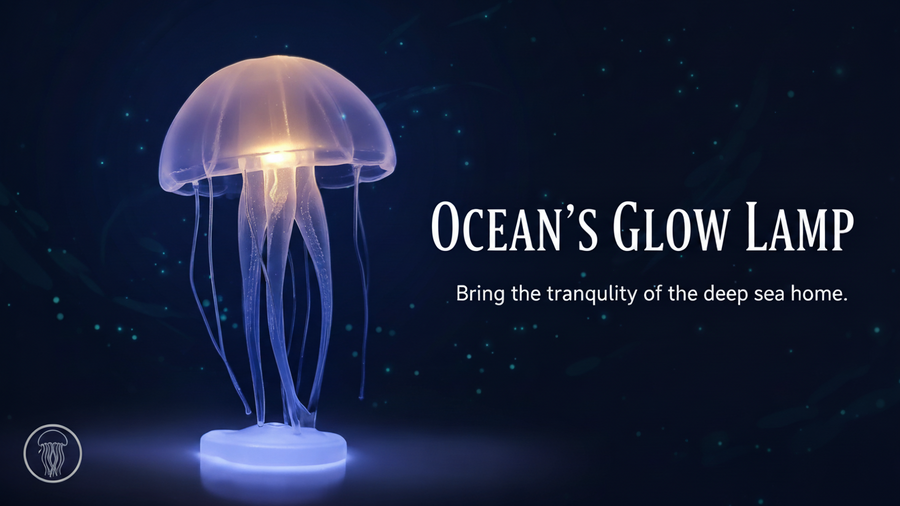
Исходный размер 1344x756
Whisk: the jellyfish lamp in a creative ad poster, add special effects
Модели
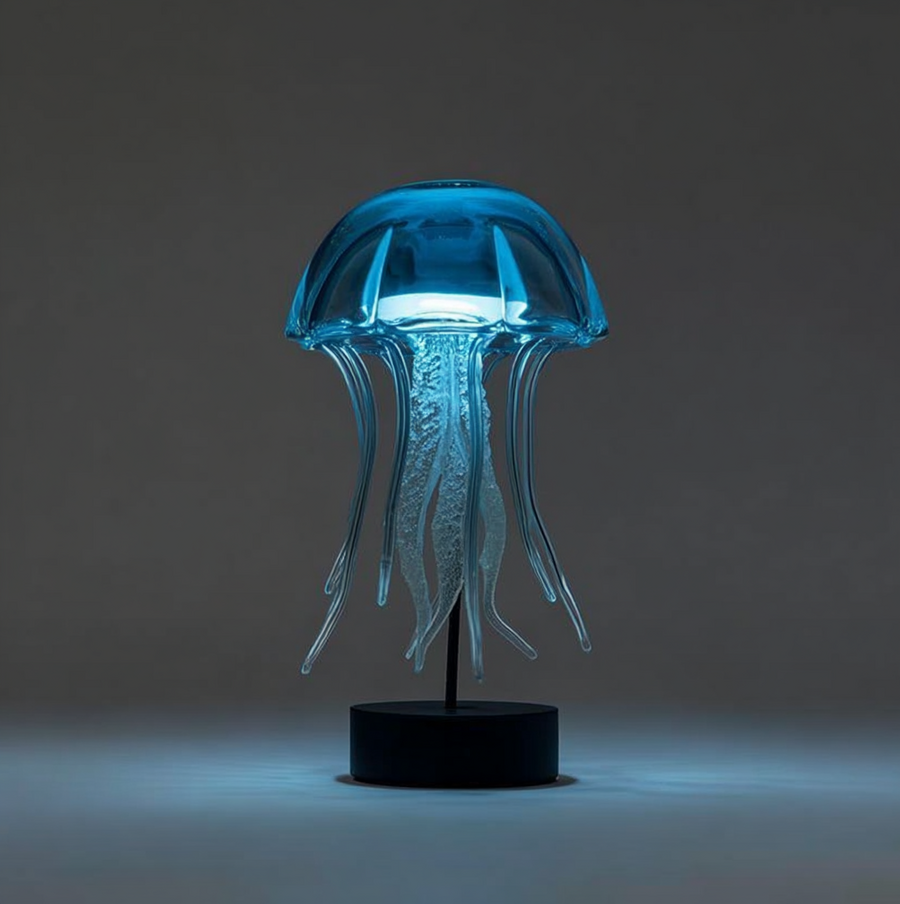
Azure
Исходный размер 1017x1021
MJ: a a simple 3d model of a symmetric glass jellyfish lamp
Исходный размер 1220x1158
Viola
Исходный размер 1025x1017
MJ: a a simple 3d model of a symmetric glass jellyfish lamp
Исходный размер 1220x1158
Solaire
Исходный размер 1026x1015
MJ: a a simple 3d model of a symmetric glass jellyfish lamp
Исходный размер 1220x1158
Reve
Исходный размер 1009x1006
MJ: a a simple 3d model of a symmetric glass jellyfish lamp
Исходный размер 1220x1158
Pulse
Исходный размер 1020x1021
MJ: a a simple 3d model of a green glass jellyfish lamp
Press space bar to start a drag.
When dragging you can use the arrow keys to move the item around and escape to cancel.
Some screen readers may require you to be in focus mode or to use your pass through key
Press space bar to start a drag.
When dragging you can use the arrow keys to move the item around and escape to cancel.
Some screen readers may require you to be in focus mode or to use your pass through key
Press space bar to start a drag.
When dragging you can use the arrow keys to move the item around and escape to cancel.
Some screen readers may require you to be in focus mode or to use your pass through key
Press space bar to start a drag.
When dragging you can use the arrow keys to move the item around and escape to cancel.
Some screen readers may require you to be in focus mode or to use your pass through key
Press space bar to start a drag.
When dragging you can use the arrow keys to move the item around and escape to cancel.
Some screen readers may require you to be in focus mode or to use your pass through key
Press space bar to start a drag.
When dragging you can use the arrow keys to move the item around and escape to cancel.
Some screen readers may require you to be in focus mode or to use your pass through key
Press space bar to start a drag.
When dragging you can use the arrow keys to move the item around and escape to cancel.
Some screen readers may require you to be in focus mode or to use your pass through key
Press space bar to start a drag.
When dragging you can use the arrow keys to move the item around and escape to cancel.
Some screen readers may require you to be in focus mode or to use your pass through key
Press space bar to start a drag.
When dragging you can use the arrow keys to move the item around and escape to cancel.
Some screen readers may require you to be in focus mode or to use your pass through key
Press space bar to start a drag.
When dragging you can use the arrow keys to move the item around and escape to cancel.
Some screen readers may require you to be in focus mode or to use your pass through key