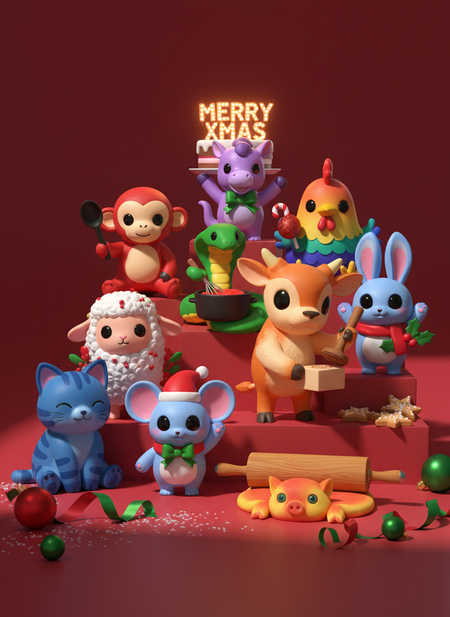
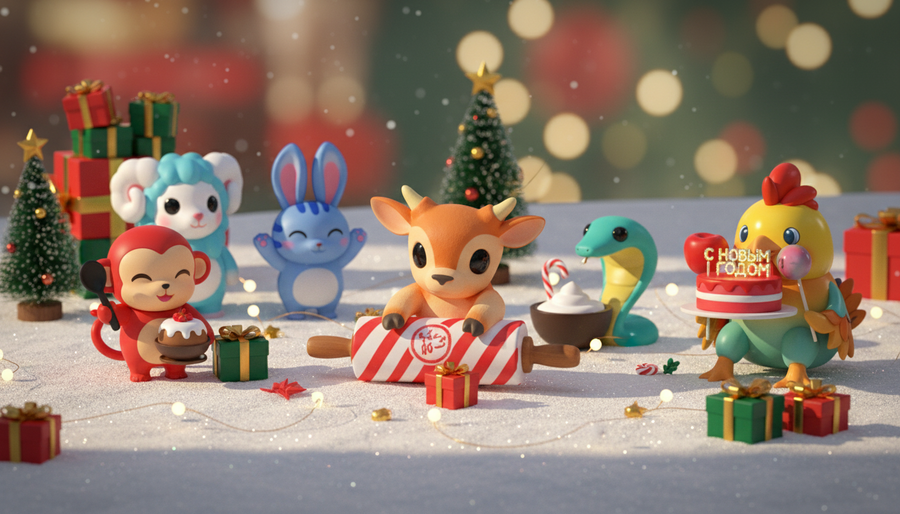
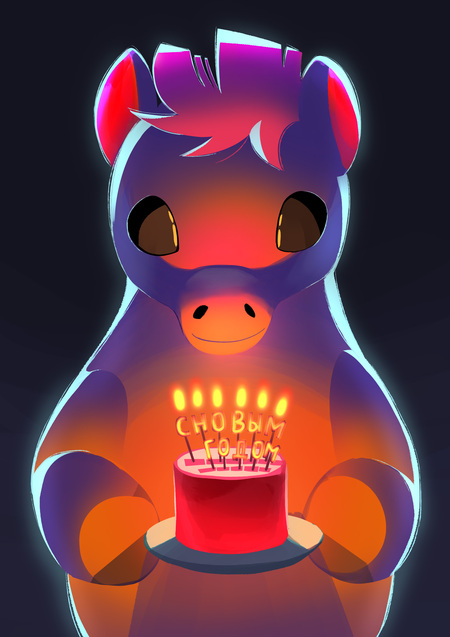
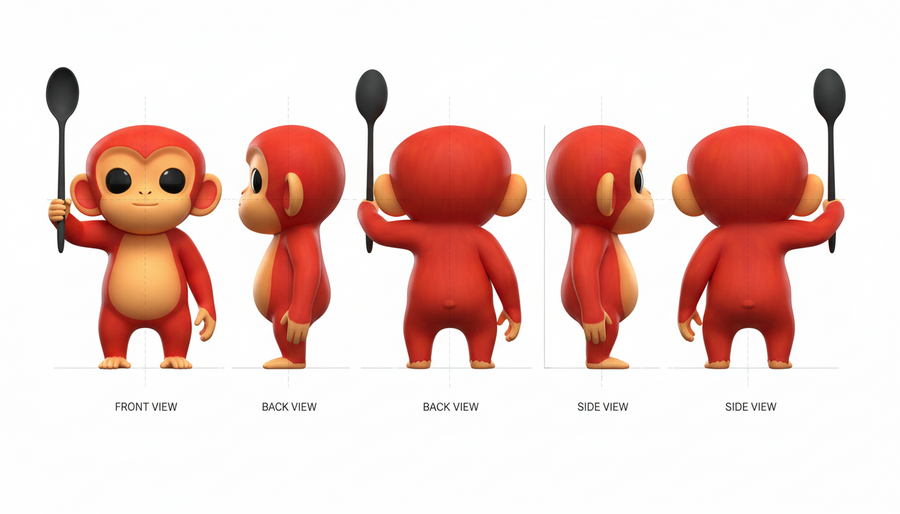
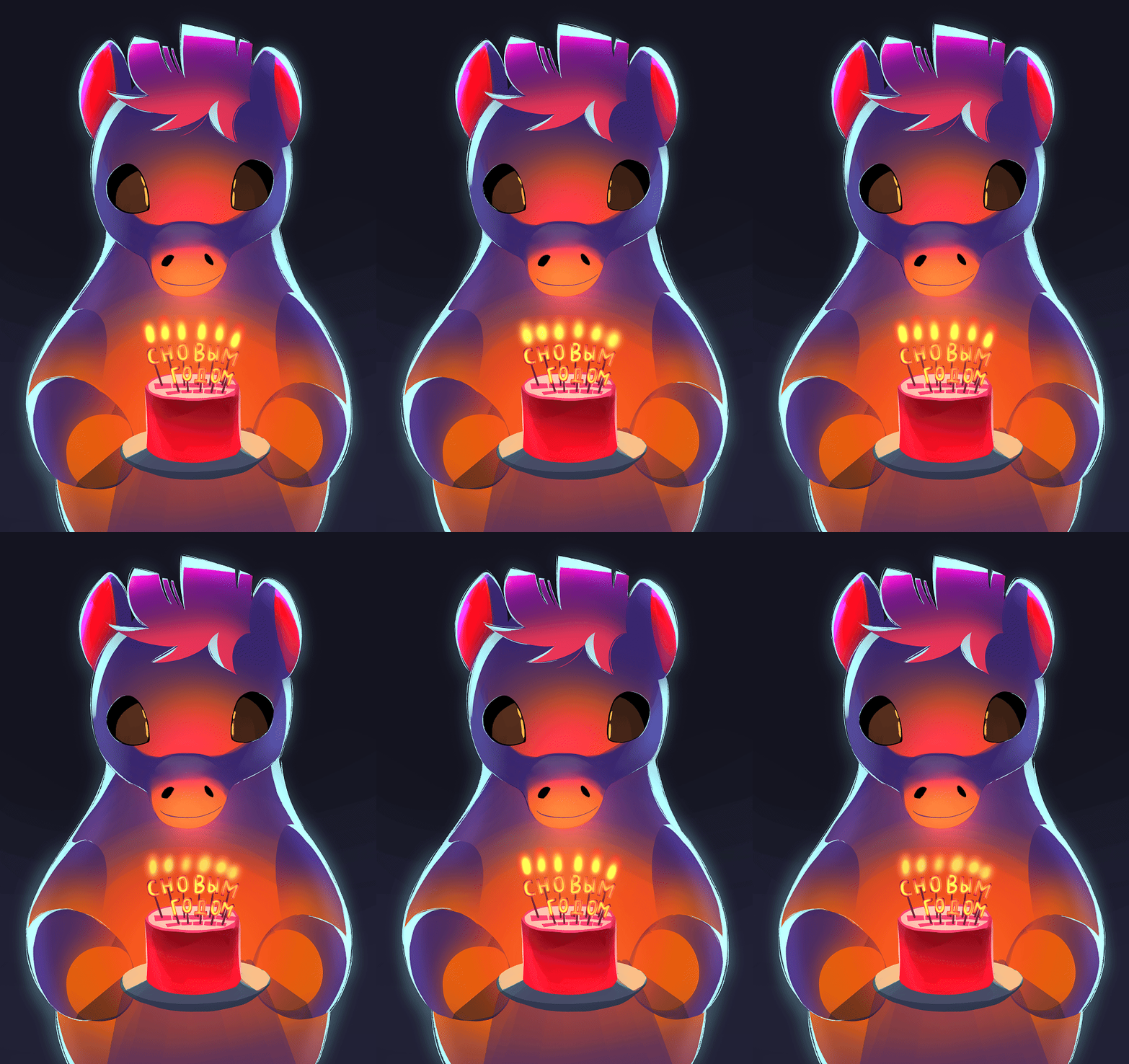
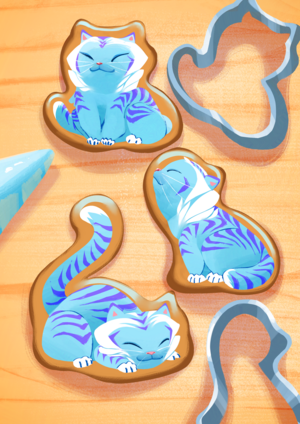
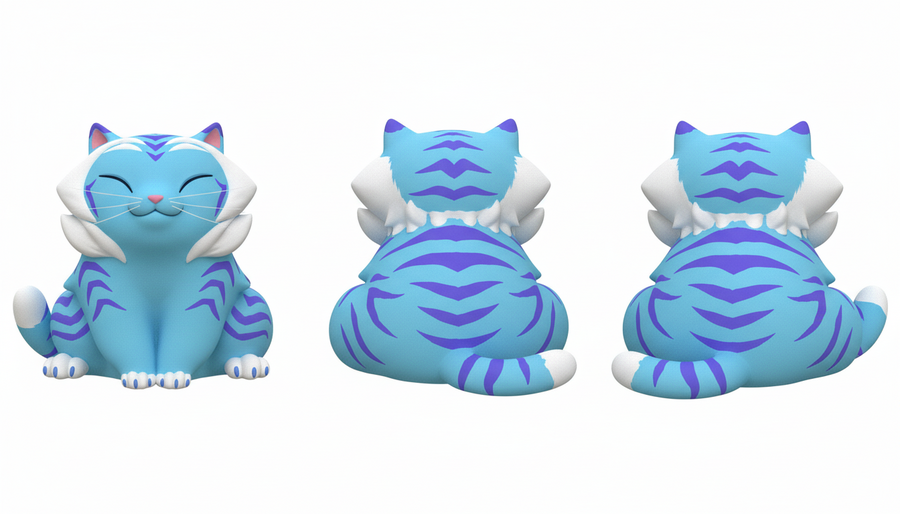
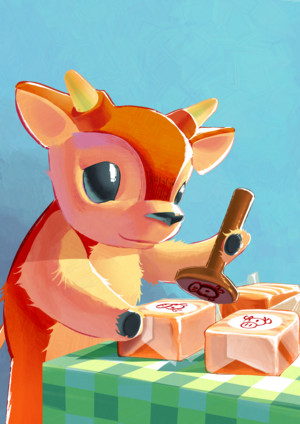
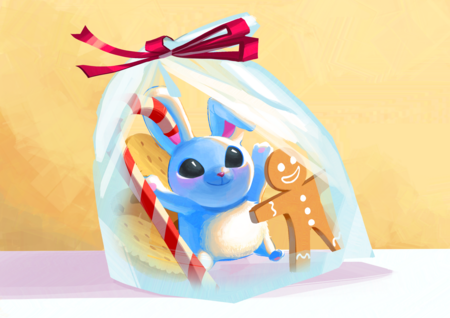
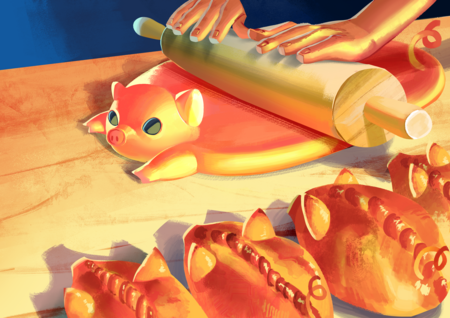
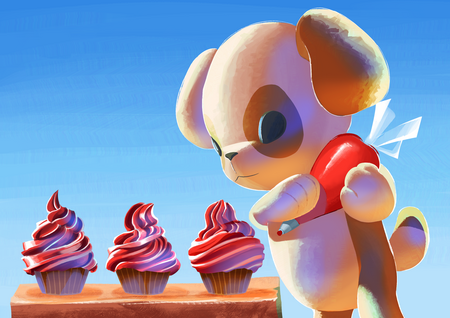
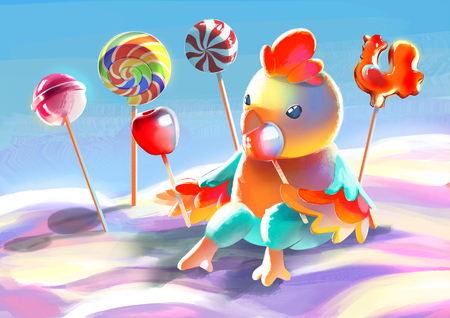
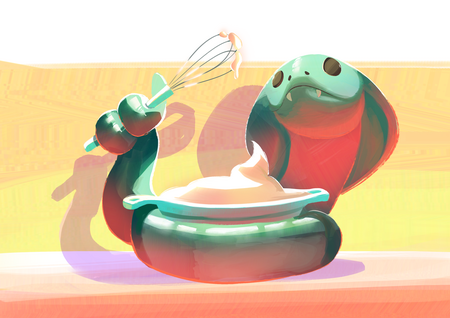
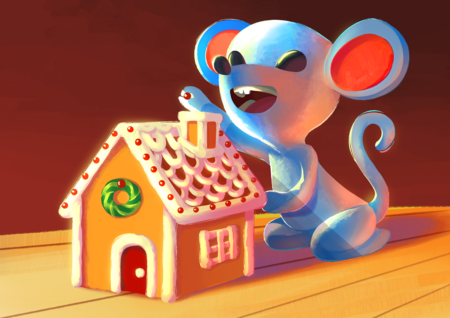
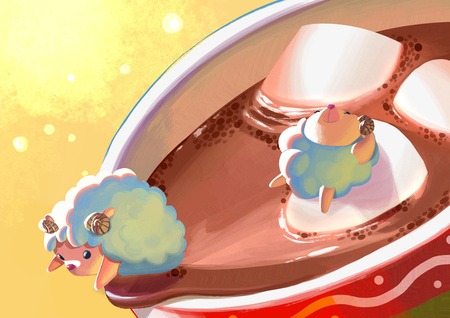
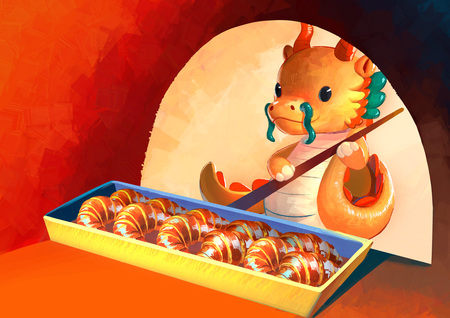
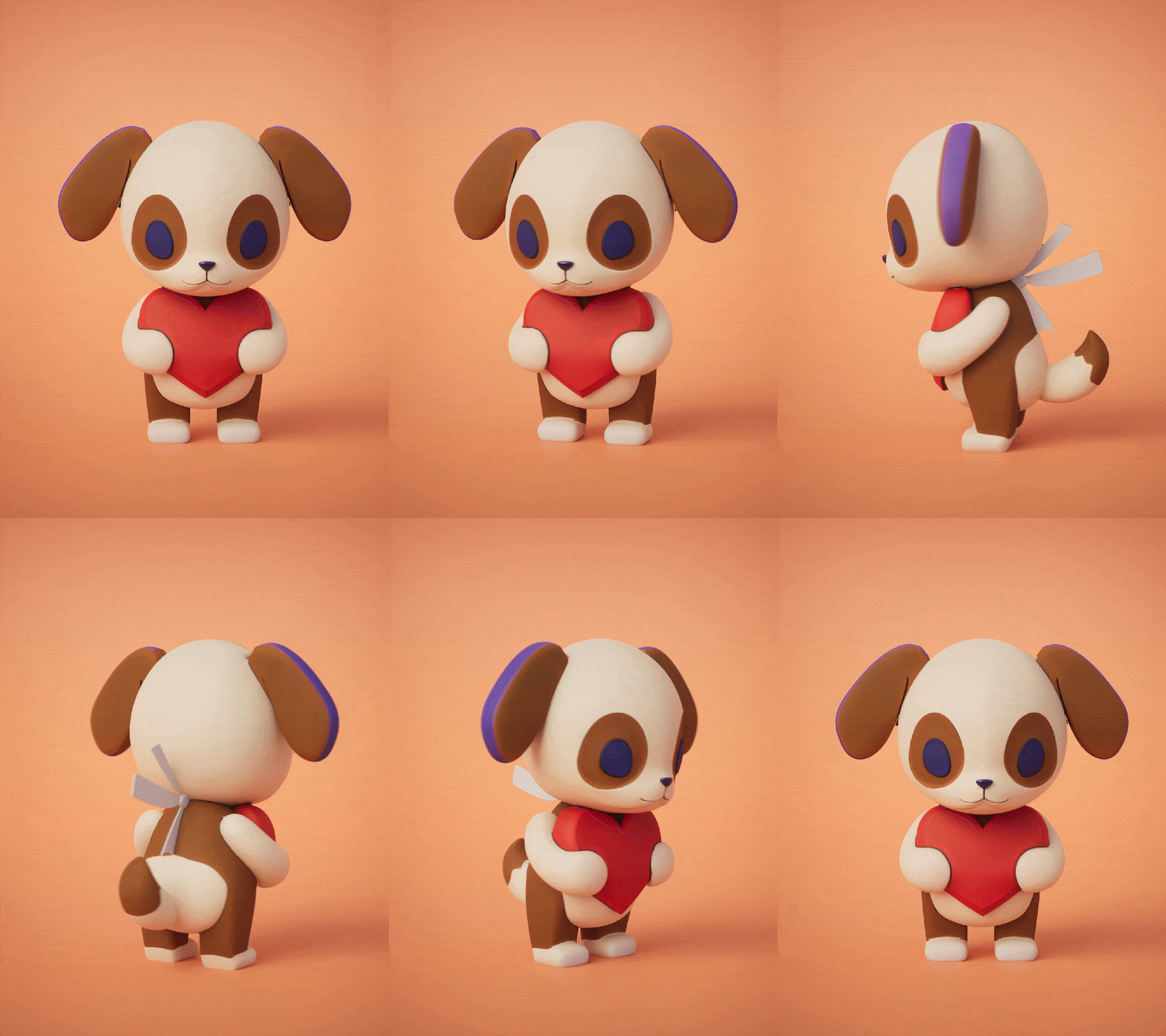
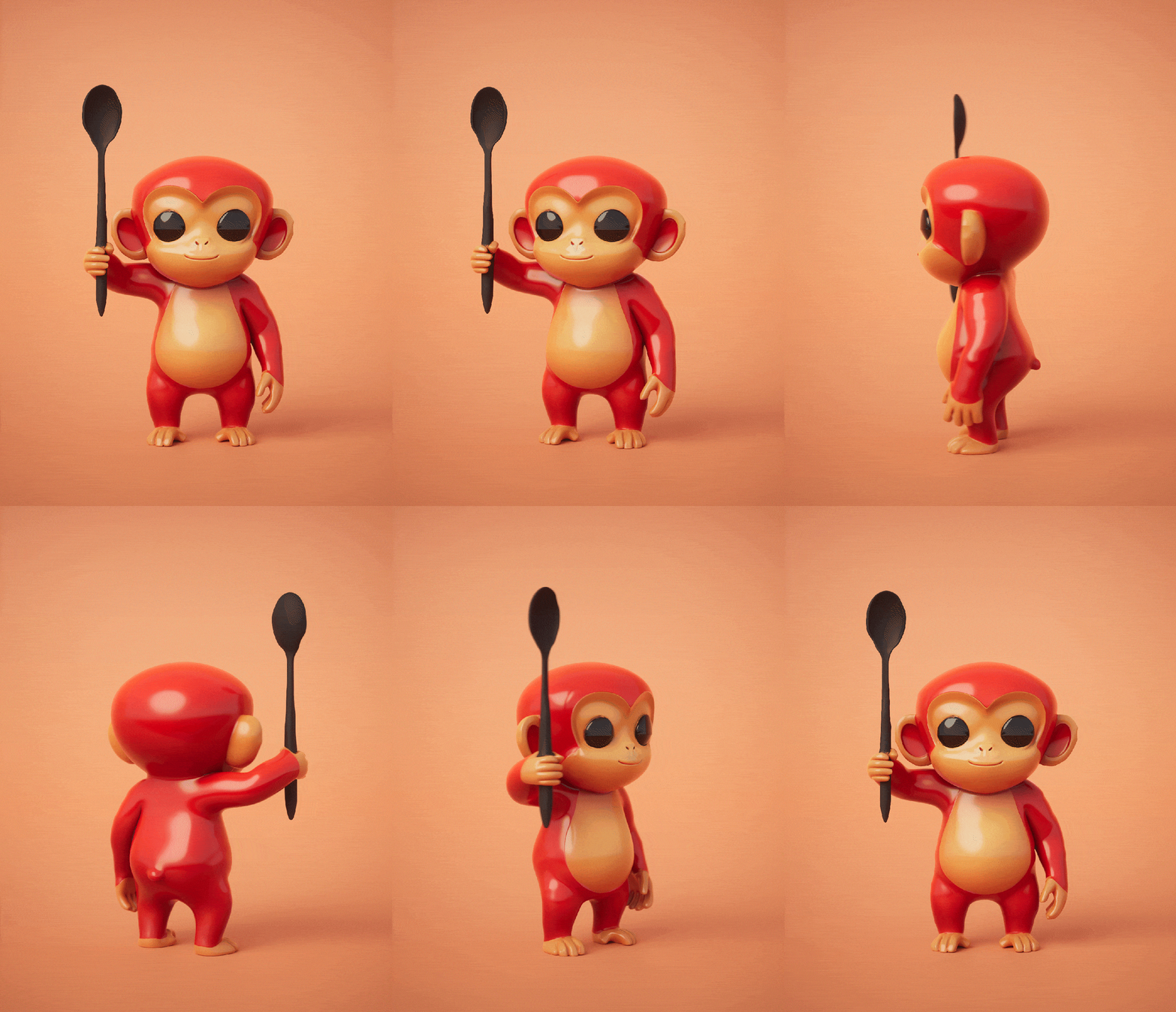
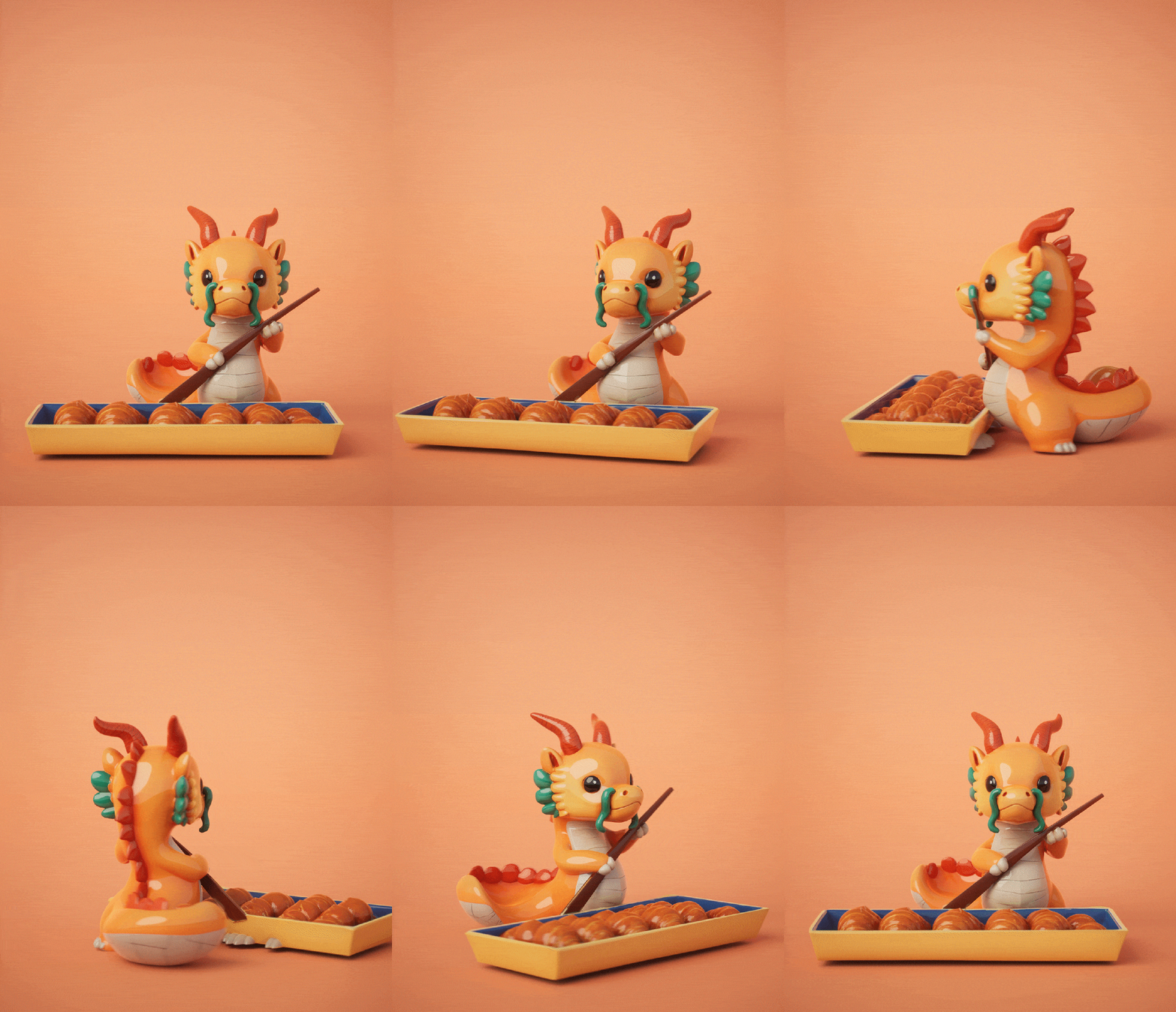
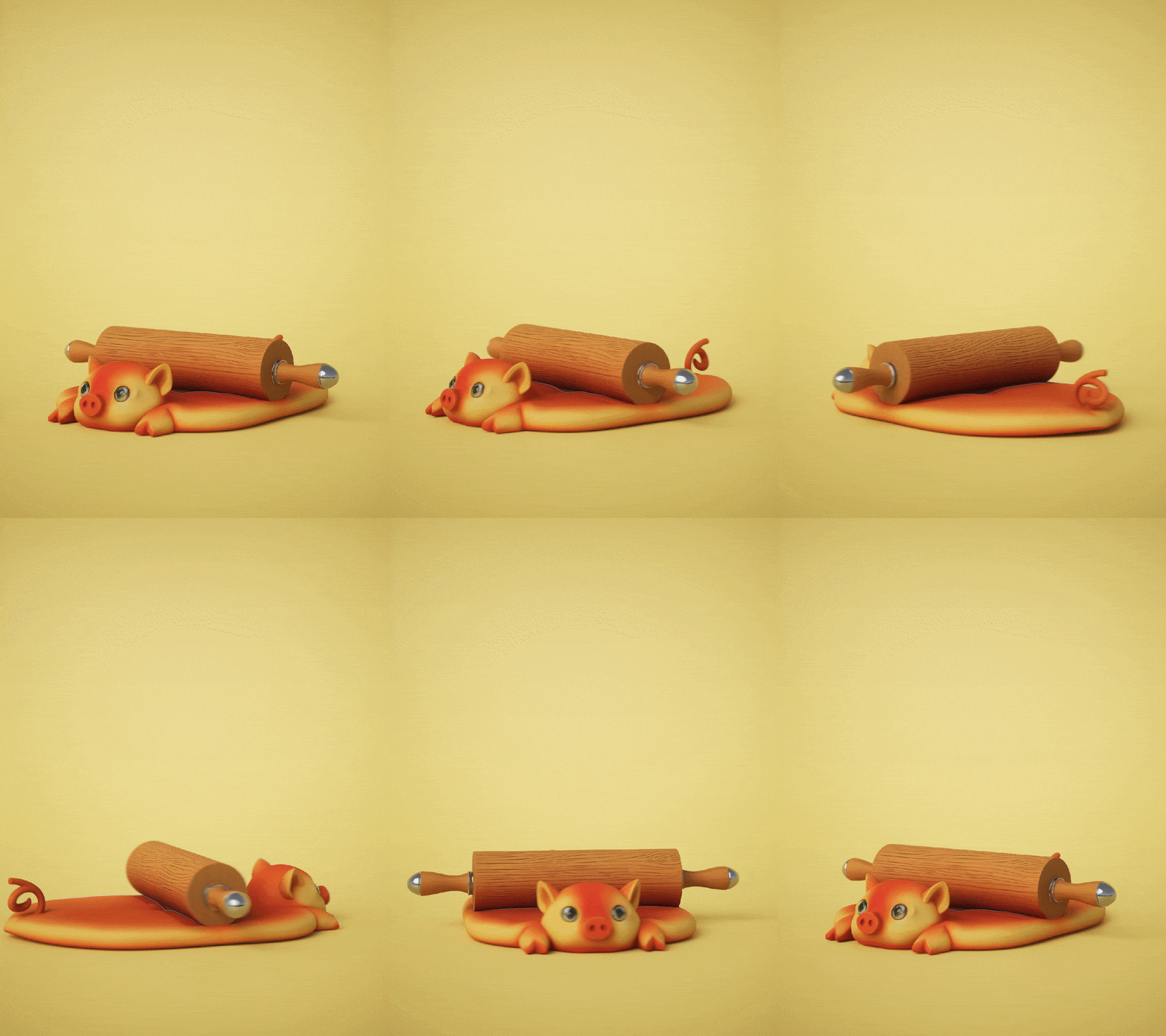
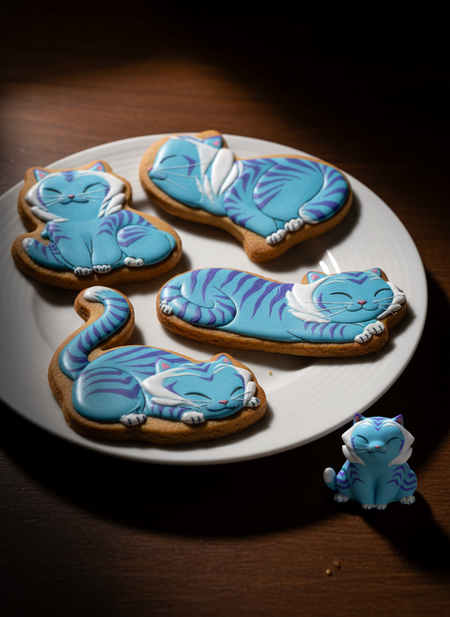
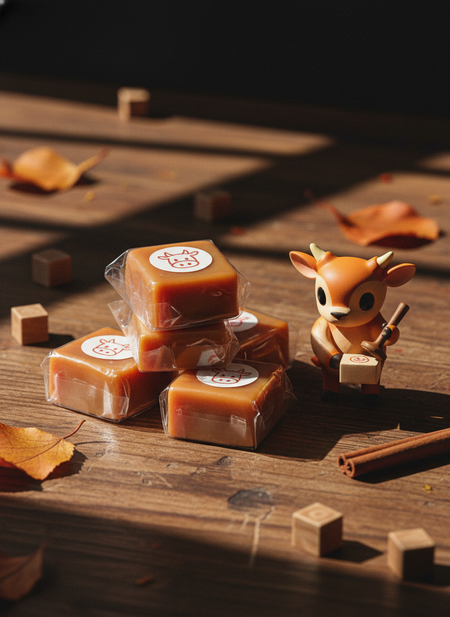
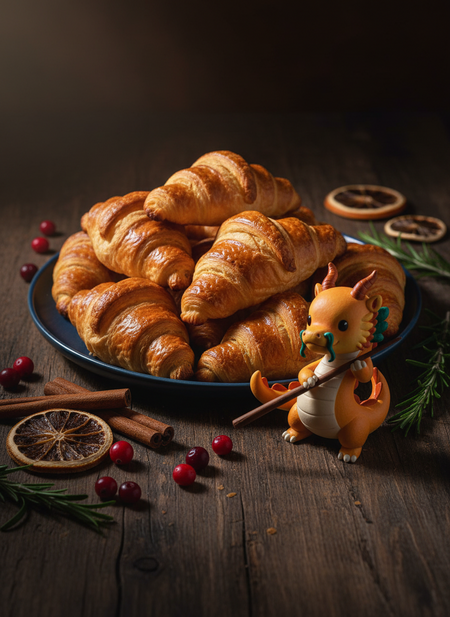
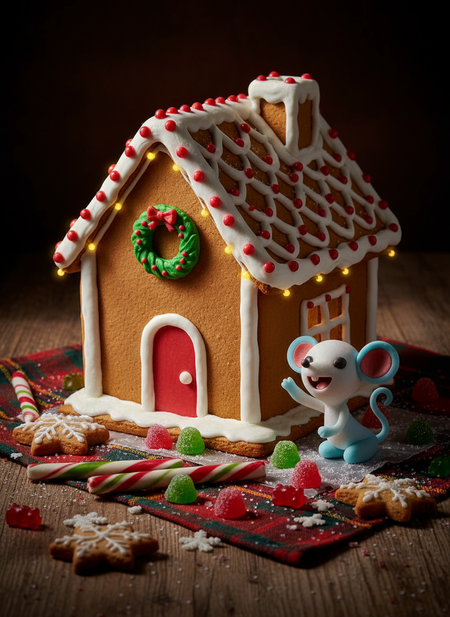
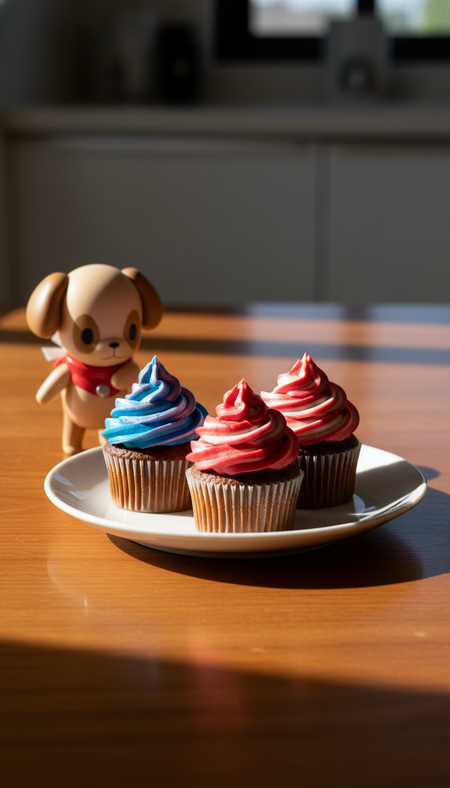
Однажды 12 животных из Восточного Зодиака собрались вместе, чтобы поздравить жеребенка Морина с Новым годом. Для того чтобы порадовать его, они решили приготовить сладости и накрыть на стол.
Исходный размер 1344x768
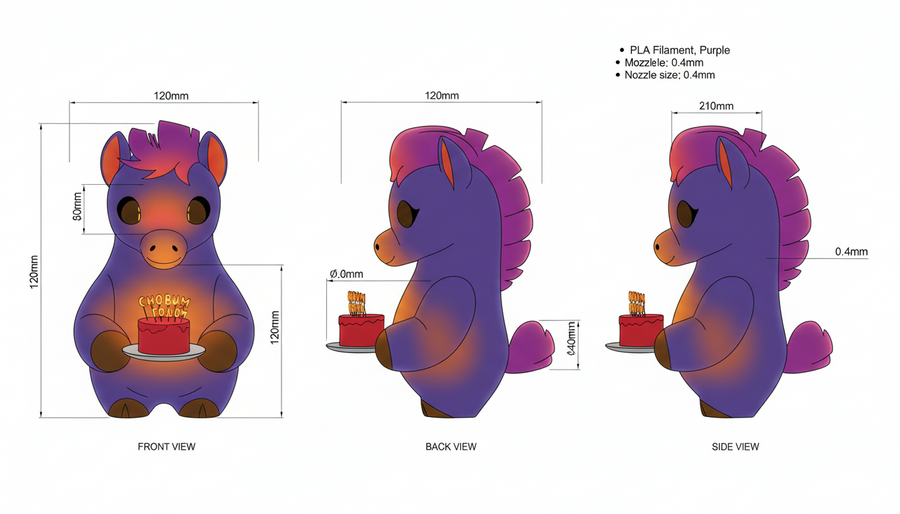
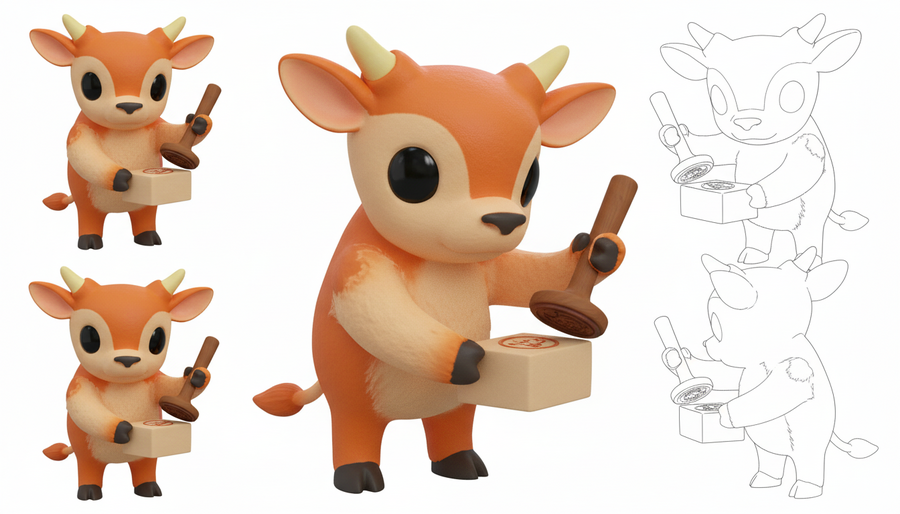
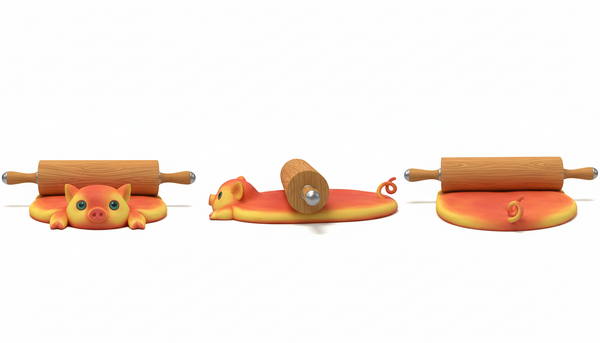
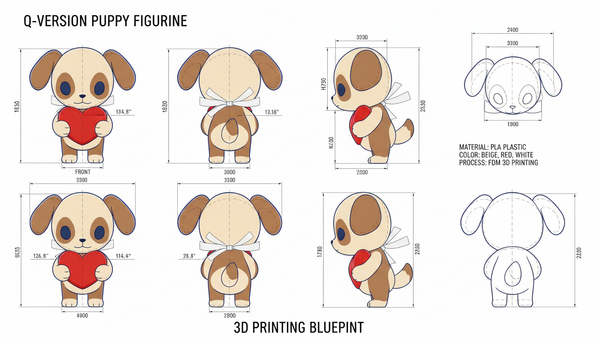
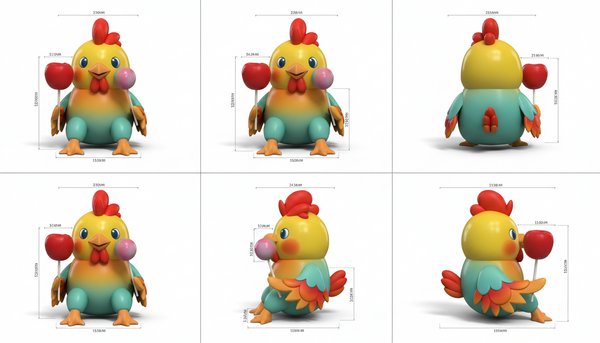
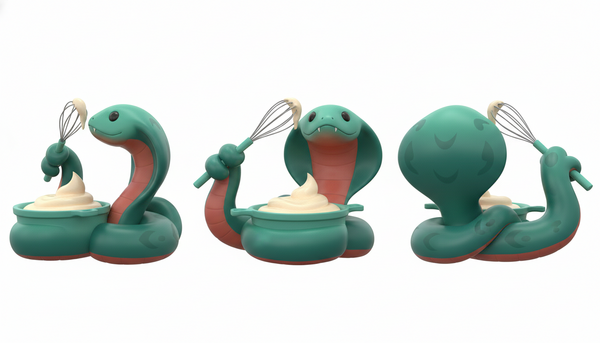
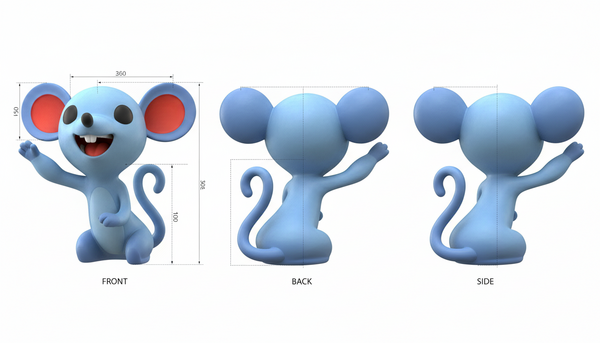
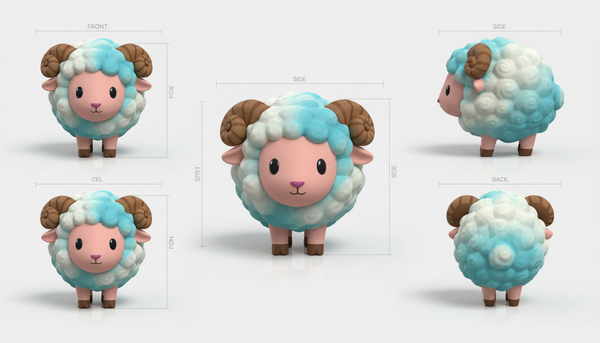
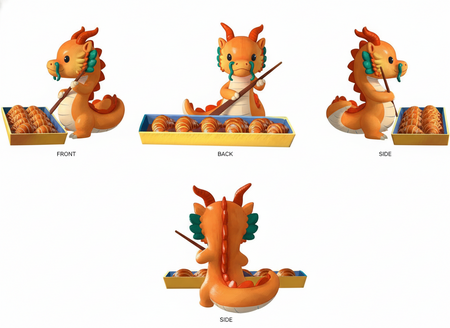
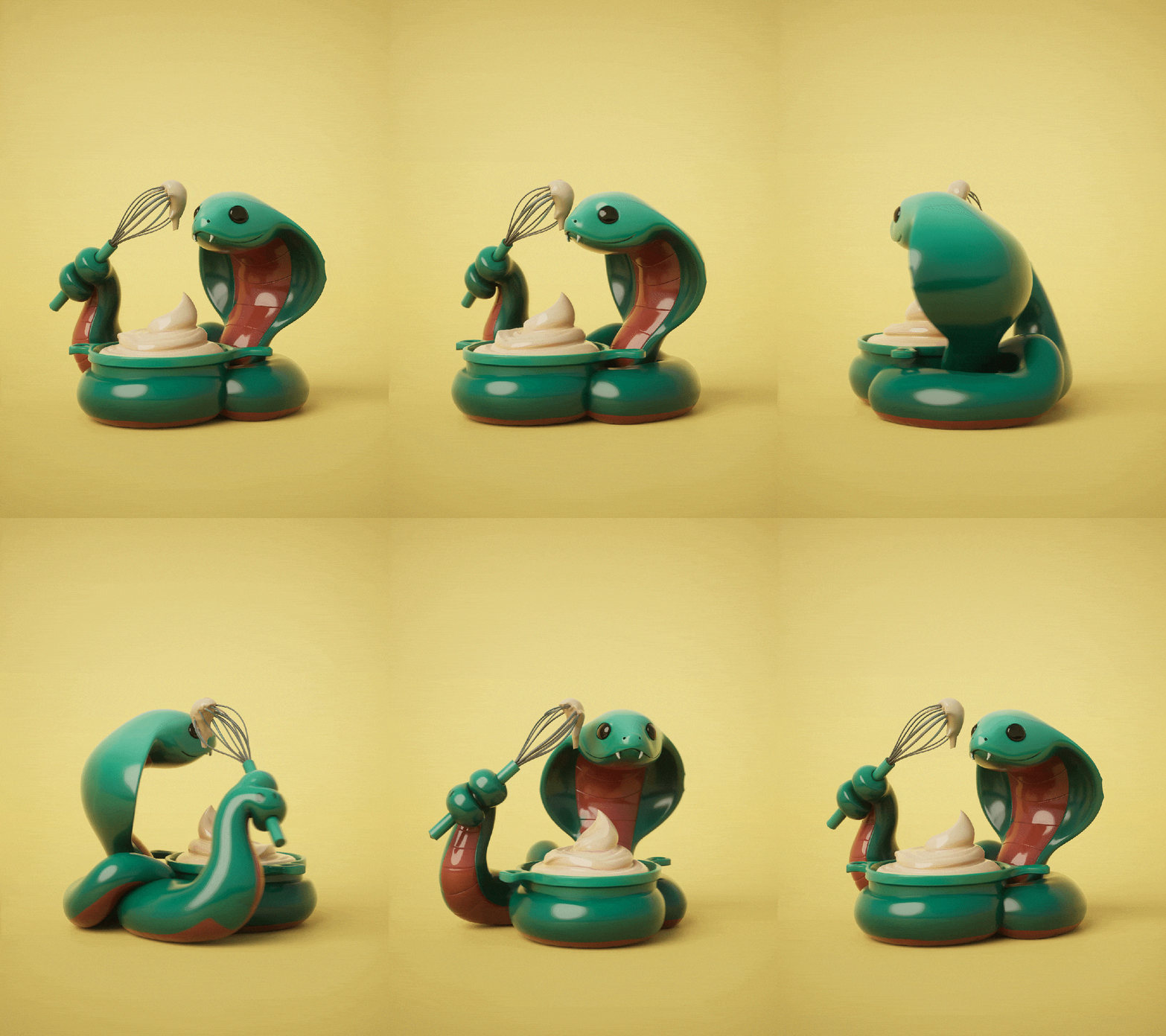
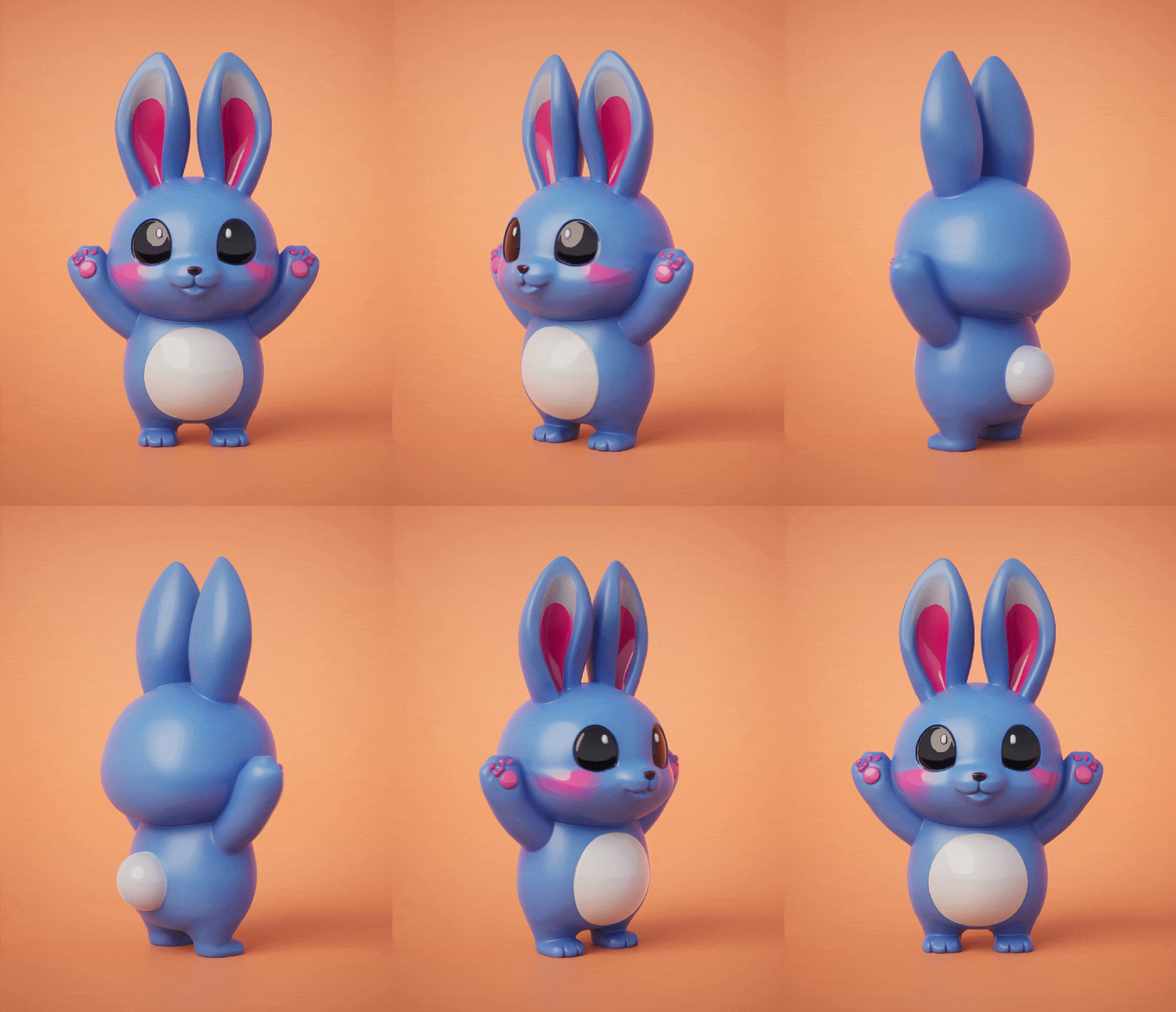
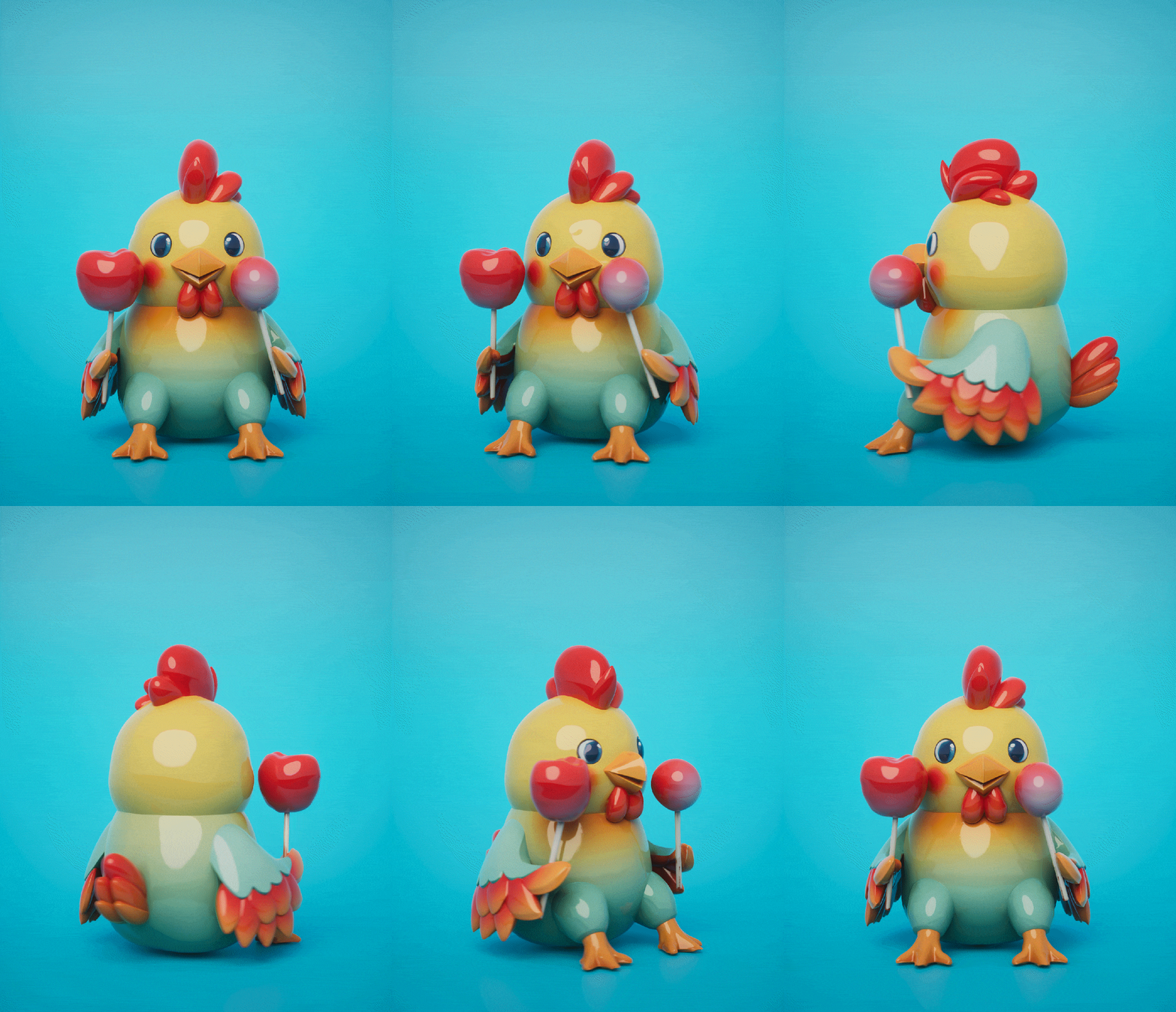
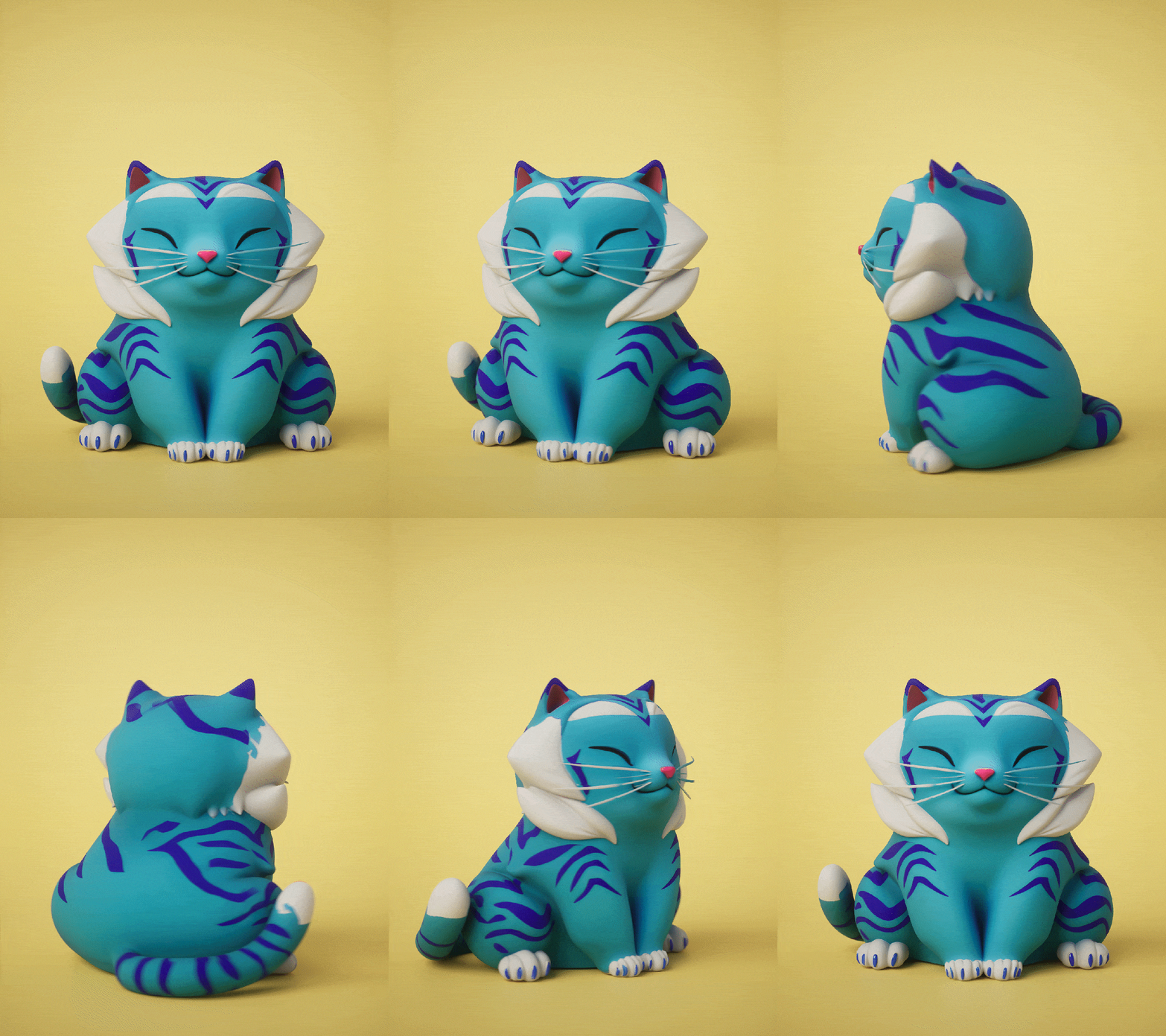
Серия представляет собой набор столовых миниатюр, изображающие животных восточного зодиака с оригинальным дизайном.
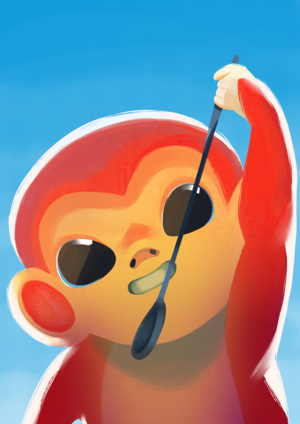
Концепт-арт
Модели были сделаны на основе оригинальных иллюстраций из проекта «Легенда о Восточном Зодиаке».
Гиляна Шарбаева создала серию чайных сервизов с изображением животных Восточного Зодиака. Проект включает в себя столовые миниатюры с оригинальным дизайном, созданные на основе иллюстраций из «Легенды о Восточном Зодиаке».
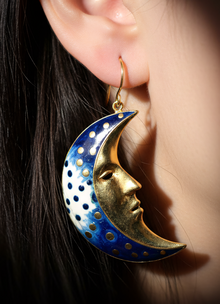
Элен Асланова создала серию украшений в эзотерическом стиле с использованием генерации изображений и 3D-моделирования. Каждый предмет коллекции выполнен с элементами золота, синего цвета и точечного декора, включая серьги, кулон и заколку.
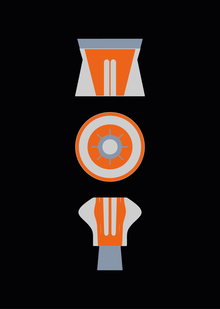
Милана Гонтарь создала серию декоративных светильников «Венера» из биоразлагаемого PLA пластика с использованием 3D-печати. Серия вдохновлена эстетикой space age и формой космических аппаратов, отправленных к Венере.
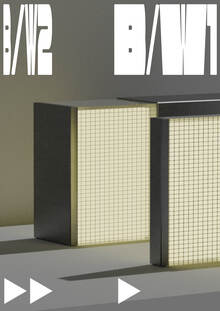
Глеб Тюрин создал лампу для книжных полок B/W-1 и B/W-2, вдохновлённую шрифтом «Корешок». Шрифт «Корешок» Алевтины Яковлевой включает узкие и широкие буквы, имитирующие плотно стоящие книги на полке.
Матрёшка вместо клатча и собор Василия Блаженного на сумке Chanel. В наше время это звучит дико. Однако именно так Карл Лагерфельд увидел Москву в 2009 году. До этого Dior выгнал моделей в парижских новинках прямо на московские улицы, а Сен-Лоран показал русскую коллекцию под оперные арии и получил от New York Times приговор: она меняет ход мировой моды. Рассказываем, как модные дома вдохновлялись Москвой и что из этого получилось. Узнать больше
Press space bar to start a drag.
When dragging you can use the arrow keys to move the item around and escape to cancel.
Some screen readers may require you to be in focus mode or to use your pass through key
Press space bar to start a drag.
When dragging you can use the arrow keys to move the item around and escape to cancel.
Some screen readers may require you to be in focus mode or to use your pass through key
Press space bar to start a drag.
When dragging you can use the arrow keys to move the item around and escape to cancel.
Some screen readers may require you to be in focus mode or to use your pass through key
Press space bar to start a drag.
When dragging you can use the arrow keys to move the item around and escape to cancel.
Some screen readers may require you to be in focus mode or to use your pass through key
Press space bar to start a drag.
When dragging you can use the arrow keys to move the item around and escape to cancel.
Some screen readers may require you to be in focus mode or to use your pass through key
Press space bar to start a drag.
When dragging you can use the arrow keys to move the item around and escape to cancel.
Some screen readers may require you to be in focus mode or to use your pass through key
Press space bar to start a drag.
When dragging you can use the arrow keys to move the item around and escape to cancel.
Some screen readers may require you to be in focus mode or to use your pass through key
Press space bar to start a drag.
When dragging you can use the arrow keys to move the item around and escape to cancel.
Some screen readers may require you to be in focus mode or to use your pass through key
Press space bar to start a drag.
When dragging you can use the arrow keys to move the item around and escape to cancel.
Some screen readers may require you to be in focus mode or to use your pass through key
Press space bar to start a drag.
When dragging you can use the arrow keys to move the item around and escape to cancel.
Some screen readers may require you to be in focus mode or to use your pass through key
Press space bar to start a drag.
When dragging you can use the arrow keys to move the item around and escape to cancel.
Some screen readers may require you to be in focus mode or to use your pass through key
Press space bar to start a drag.
When dragging you can use the arrow keys to move the item around and escape to cancel.
Some screen readers may require you to be in focus mode or to use your pass through key
Press space bar to start a drag.
When dragging you can use the arrow keys to move the item around and escape to cancel.
Some screen readers may require you to be in focus mode or to use your pass through key
Press space bar to start a drag.
When dragging you can use the arrow keys to move the item around and escape to cancel.
Some screen readers may require you to be in focus mode or to use your pass through key
Press space bar to start a drag.
When dragging you can use the arrow keys to move the item around and escape to cancel.
Some screen readers may require you to be in focus mode or to use your pass through key
Press space bar to start a drag.
When dragging you can use the arrow keys to move the item around and escape to cancel.
Some screen readers may require you to be in focus mode or to use your pass through key
Press space bar to start a drag.
When dragging you can use the arrow keys to move the item around and escape to cancel.
Some screen readers may require you to be in focus mode or to use your pass through key
Press space bar to start a drag.
When dragging you can use the arrow keys to move the item around and escape to cancel.
Some screen readers may require you to be in focus mode or to use your pass through key
Press space bar to start a drag.
When dragging you can use the arrow keys to move the item around and escape to cancel.
Some screen readers may require you to be in focus mode or to use your pass through key
Press space bar to start a drag.
When dragging you can use the arrow keys to move the item around and escape to cancel.
Some screen readers may require you to be in focus mode or to use your pass through key