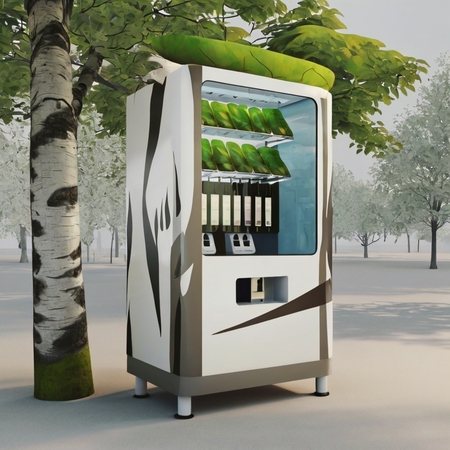
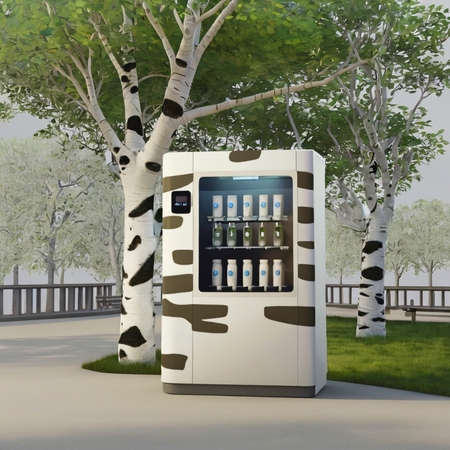
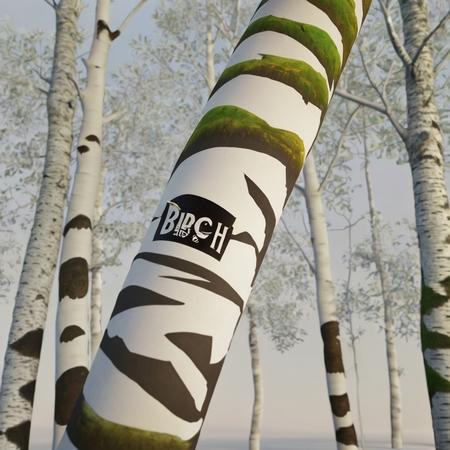
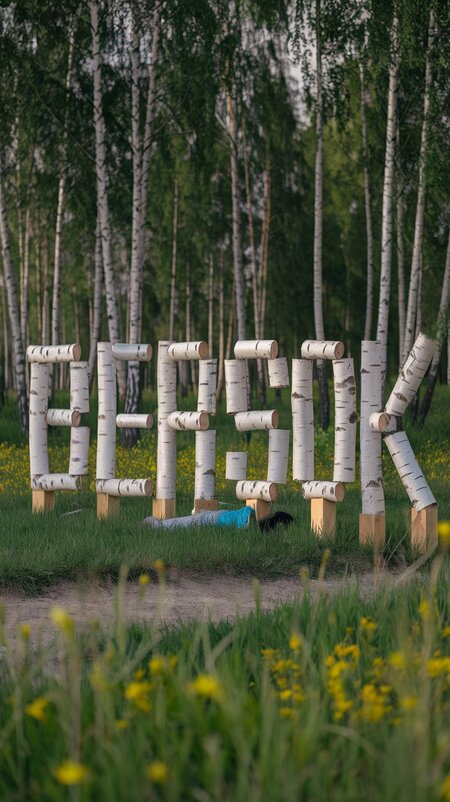
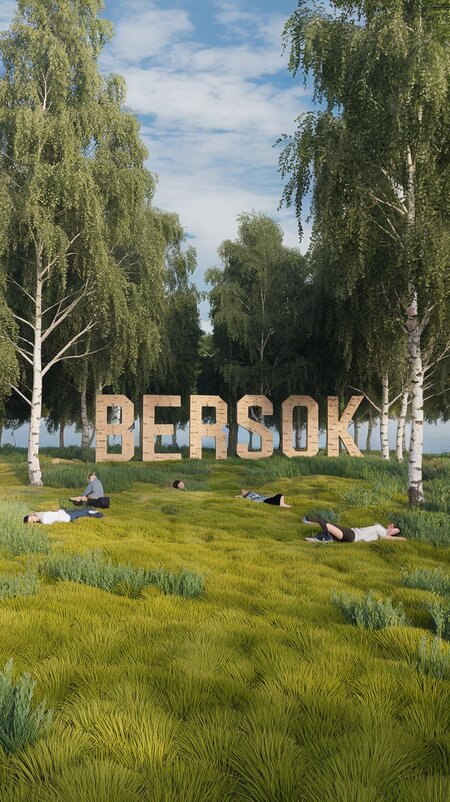
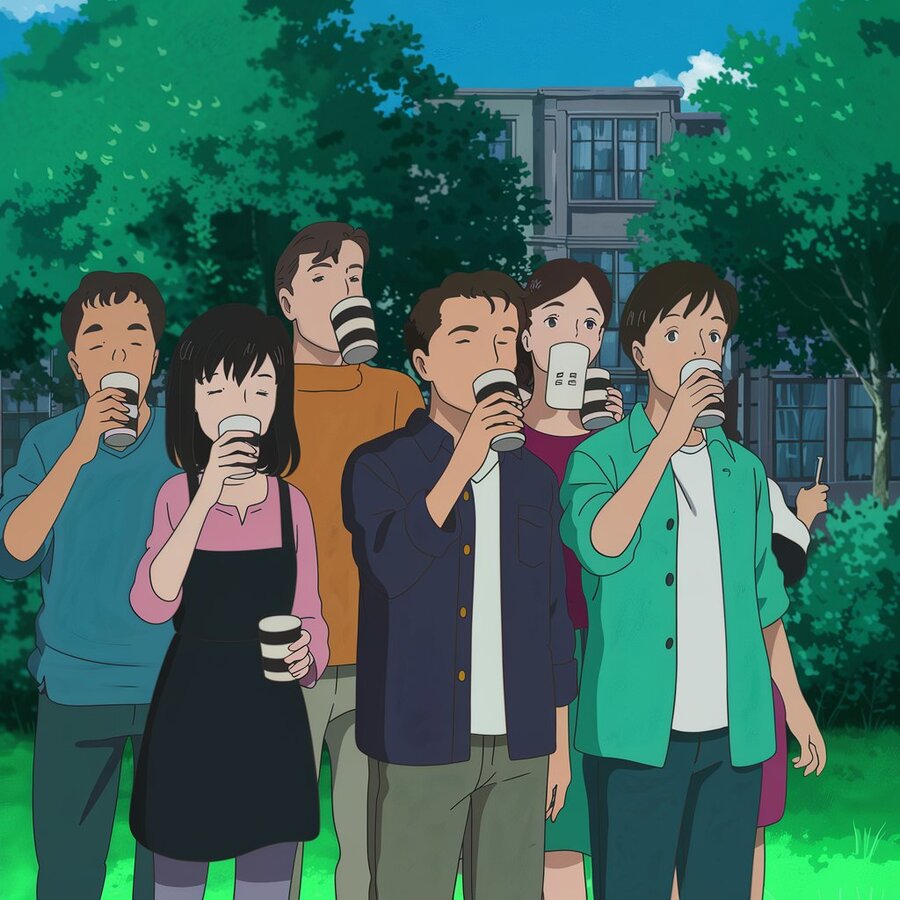
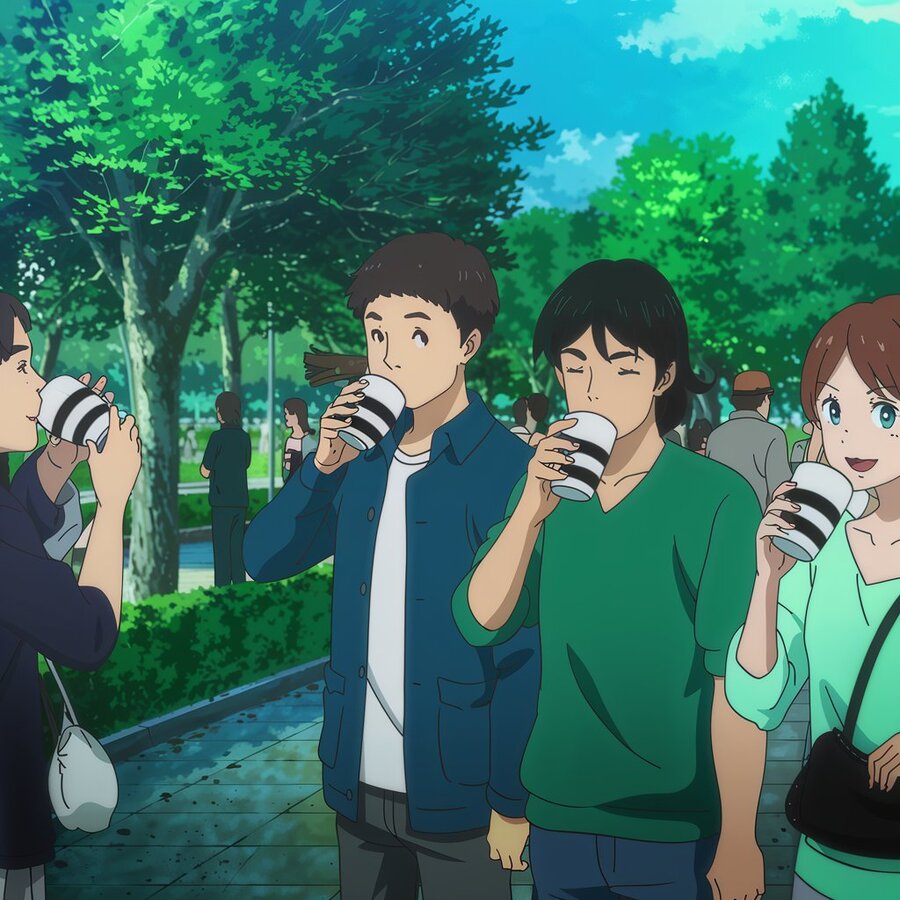
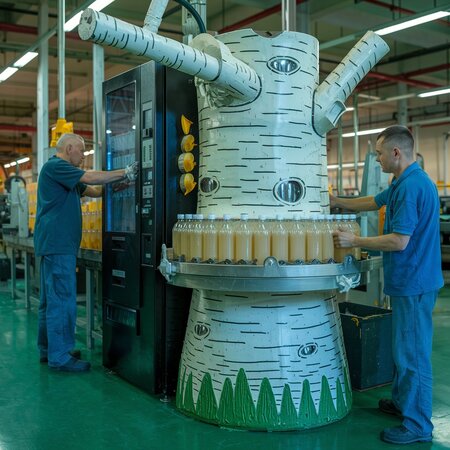
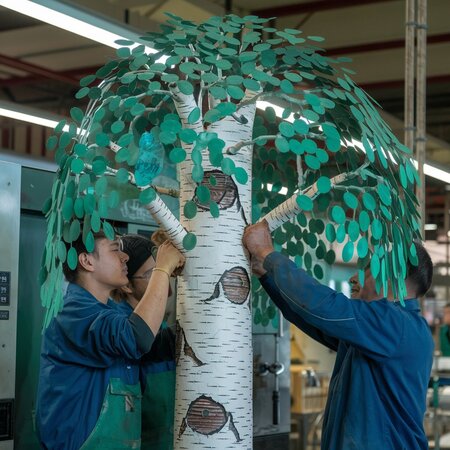
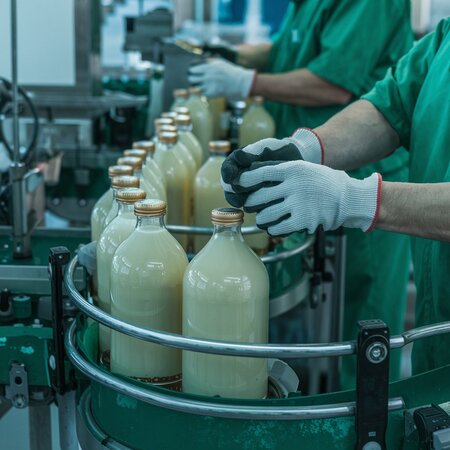
Берсок — это венгдинговые автоматы по разливу берёзового сока, расположенные на улицах вашего города!
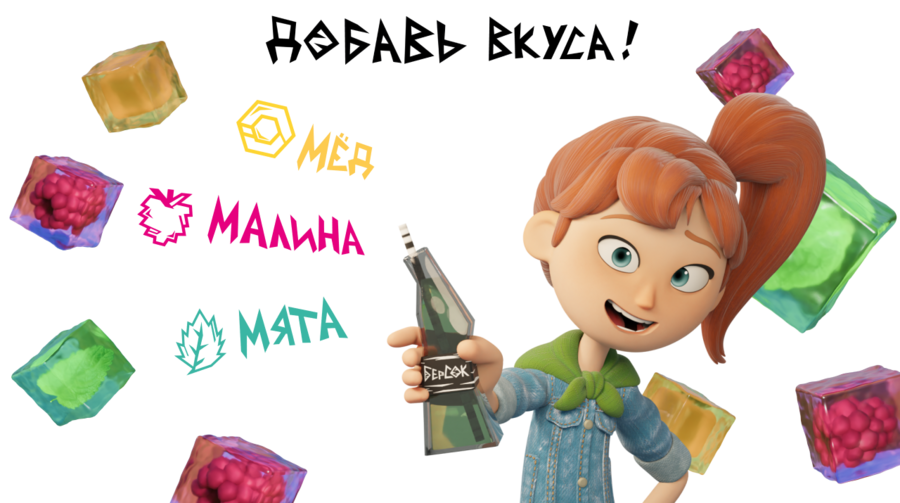
В жаркую погоду освежитесь стаканчиком натурального прохладительного напитка, при желании добавьте лёд с различными вкусами.
Исходный размер 2820x325
Проект на старом портфолио — https://portfolio.hse.ru/Project/214972
Продукция
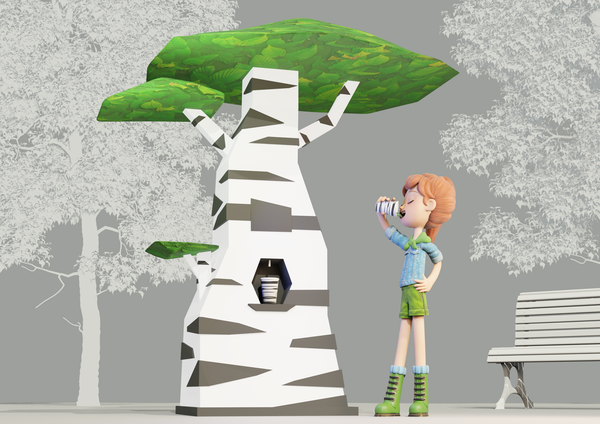
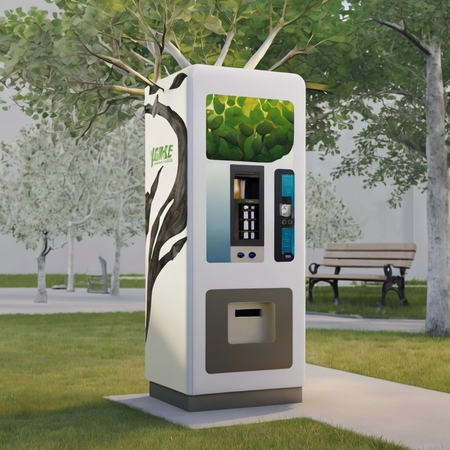
Вендинговый автомат в парке
1. Оригинальный дизайн
2. Дизайн, созданный при помощи нейросетей
Другие варианты дизайна автомата
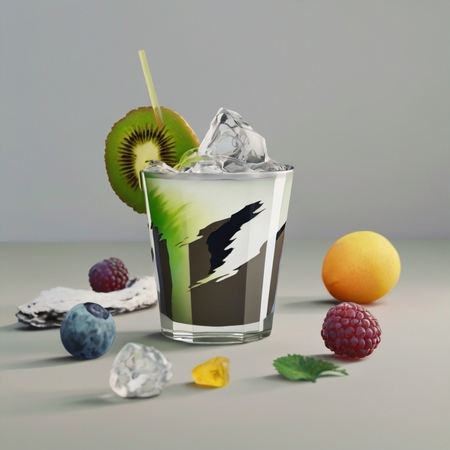
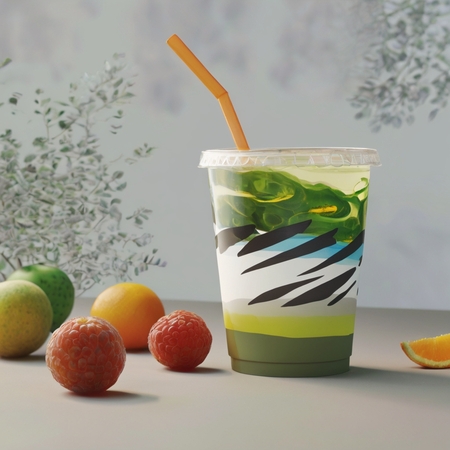
Дизайн стаканчиков с соком, созданный при помощи нейросетей
Исходный размер 1280x715
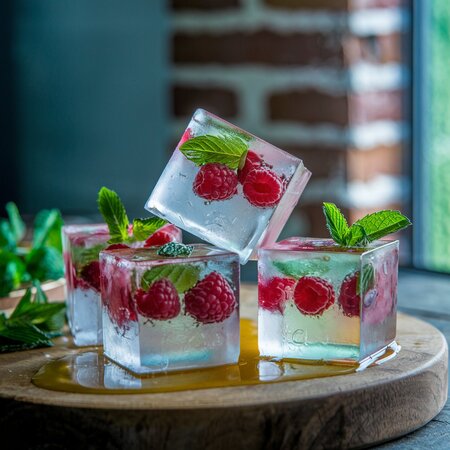
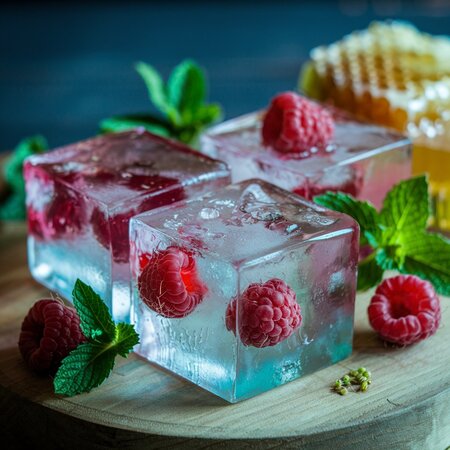
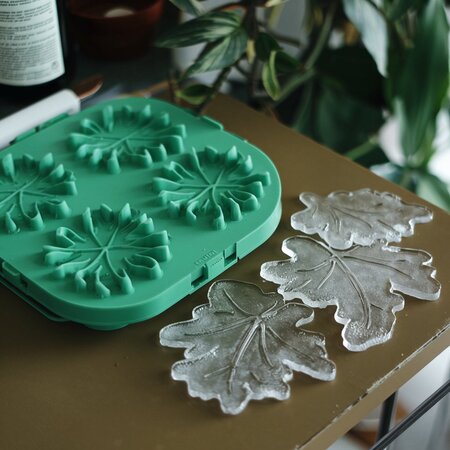
Свой дизайн льда для напитка
Дизайн льда, созданный при помощи нейросетей
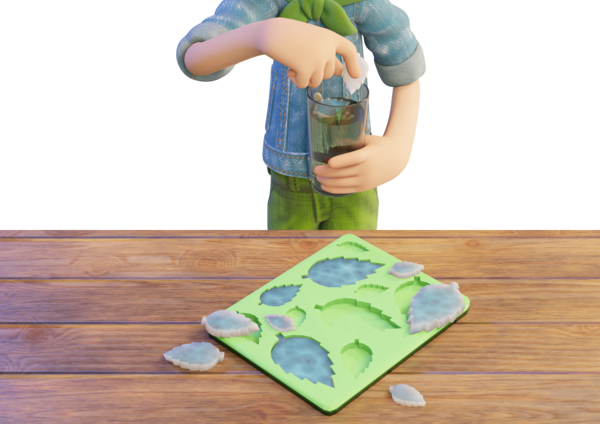
Формы для производства льда
1. Свой дизайн
2. Дизайн, созданный при помощи нейросетей
Исходный размер 1024x1024
Дизайн формы для льда, созданный при помощи нейросетей
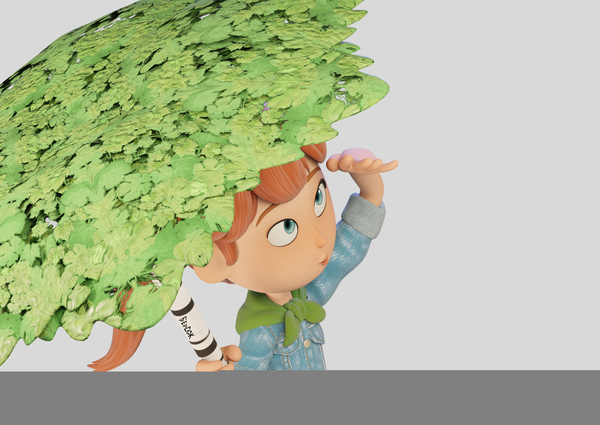
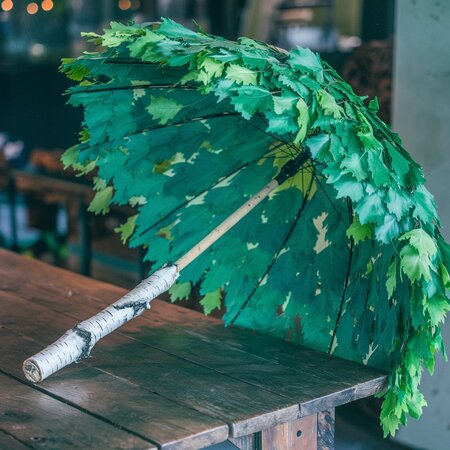
Мерч — зонт
1. Свой дизайн
2. Дизайн, созданный при помощи нейросетей
Исходный размер 1024x1024
Дизайн зонта, созданный при помощи нейросетей
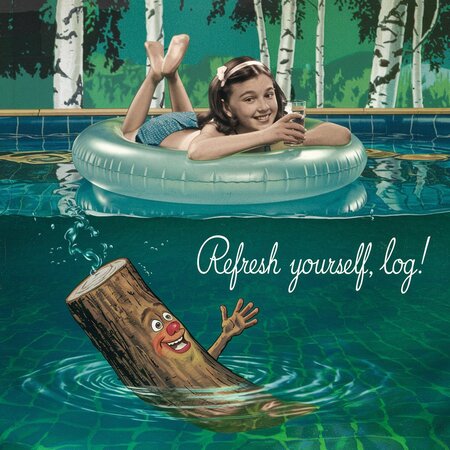
Промо-материалы
Loading...
Исходный размер 735x331
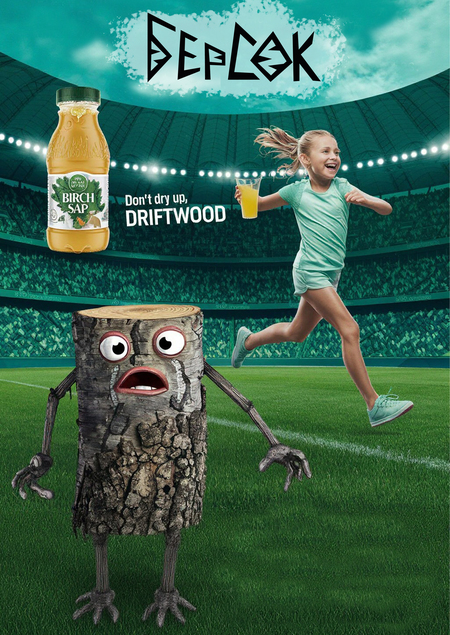
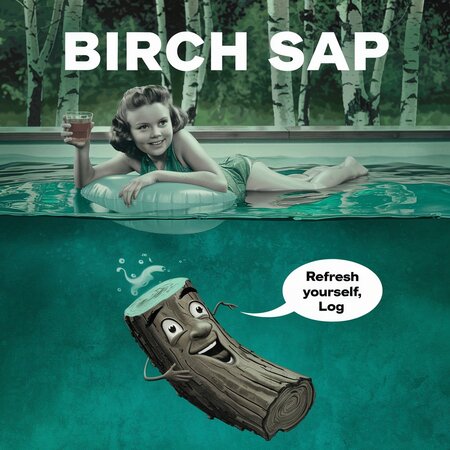
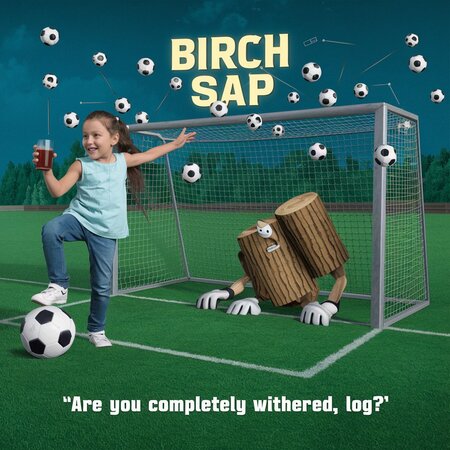
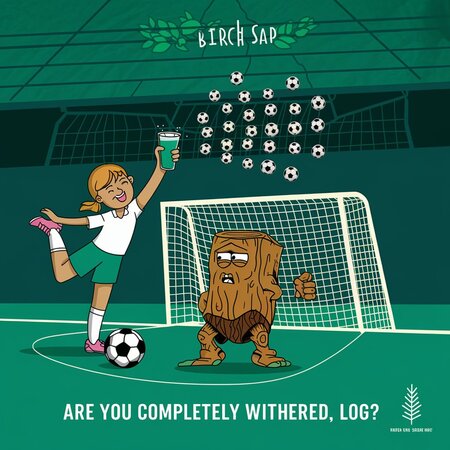
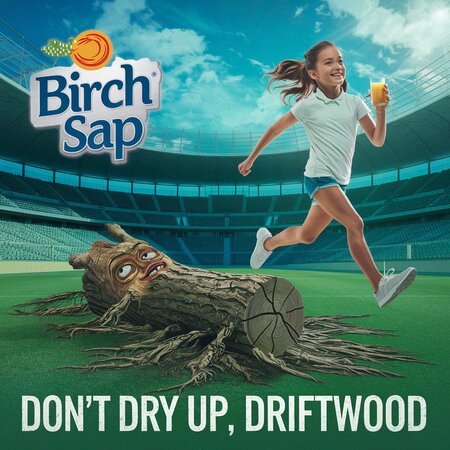
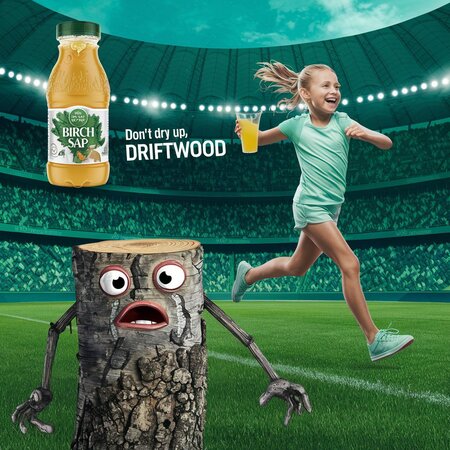
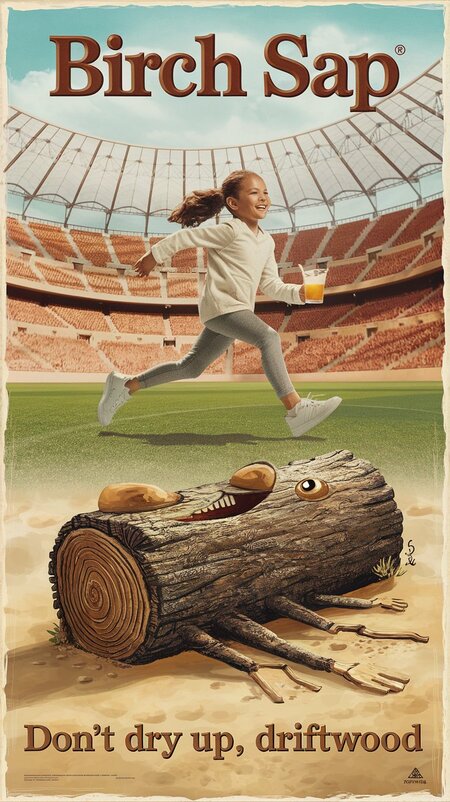
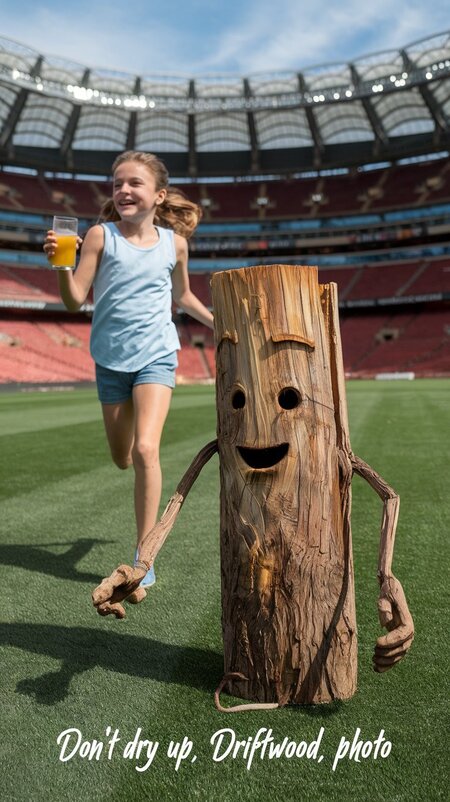
Плакаты, созданные самостоятельно
Айдентика
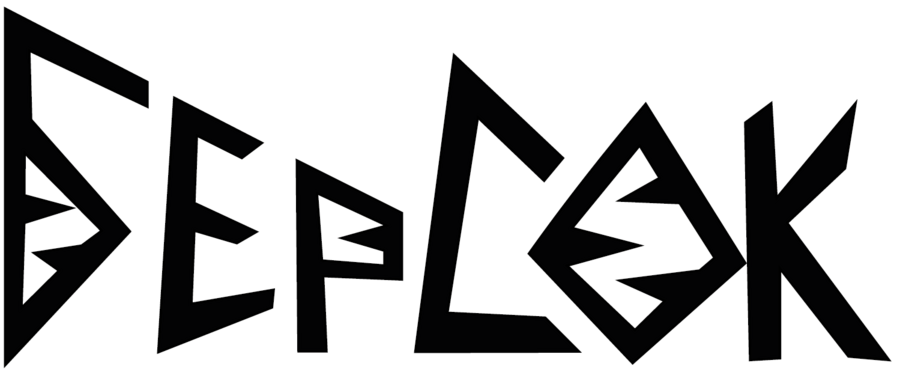
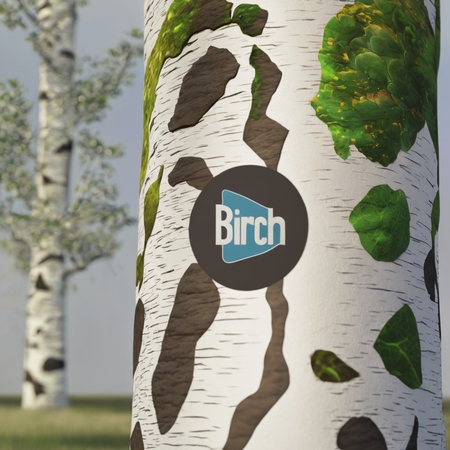
Возможные варианты логотипа, созданные при помощи нейросетей
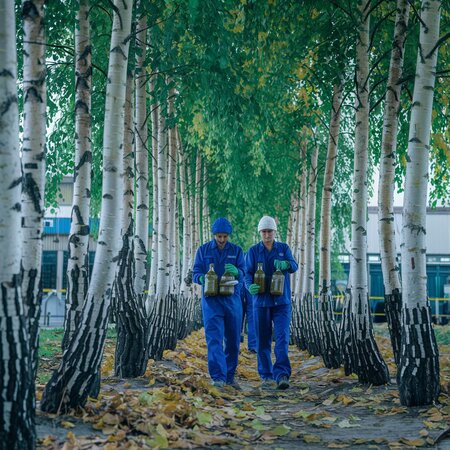
Анна Кирина создала проект BERSOK, представляющий вендинговые автоматы для разлива берёзового сока на улицах города. Проект включает в себя создание изображений с использованием нейросетей Leonardo и Ideogram по заданным промптам на английском языке.
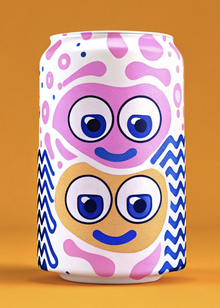
Софья Коноплева создала айдентику для газировки Sodamelity, ориентированную на детей и подростков, с использованием генеративных нейросетей. Проект включает логотип, упаковку, постеры и визуальные элементы, созданные с помощью AI-инструментов Recraft, Midjourney и Ideogram.
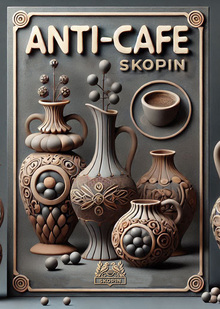
Анастасия Гонгина создала концепцию анти-кафе «Skopin», вдохновлённого скопинской керамикой и волшебной атмосферой. Проект включает в себя 3D-рендеры интерьера, постеры и уникальные элементы мебели и посуды в стиле скопинской керамики.
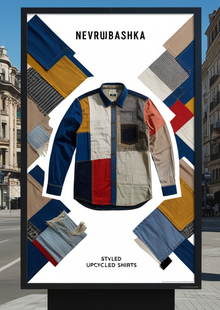
Яна Юрасова создала ребрендинг фирменного стиля апсайкл-бренда "nevrubashka" с использованием искусственного интеллекта. Проект включает в себя логотипы, постеры, упаковку и другие элементы, выполненные в стиле патчинга с природной цветовой палитрой.
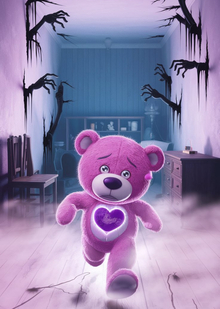
Алена Тимошенкова создала 3D платформер-раннер «Кошмариум», в котором игрок управляет плюшевым медвежонком, убегающим от кошмаров в темной комнате. В проекте использовалась нейросеть Ideogram для генерации детализированных изображений персонажа и игровой локации с черными костлявыми руками и светящимися кубиками.
urban.deziiign
Матрёшка вместо клатча и собор Василия Блаженного на сумке Chanel. В наше время это звучит дико. Однако именно так Карл Лагерфельд увидел Москву в 2009 году. До этого Dior выгнал моделей в парижских новинках прямо на московские улицы, а Сен-Лоран показал русскую коллекцию под оперные арии и получил от New York Times приговор: она меняет ход мировой моды. Рассказываем, как модные дома вдохновлялись Москвой и что из этого получилось. Узнать больше
Press space bar to start a drag.
When dragging you can use the arrow keys to move the item around and escape to cancel.
Some screen readers may require you to be in focus mode or to use your pass through key
Press space bar to start a drag.
When dragging you can use the arrow keys to move the item around and escape to cancel.
Some screen readers may require you to be in focus mode or to use your pass through key
Press space bar to start a drag.
When dragging you can use the arrow keys to move the item around and escape to cancel.
Some screen readers may require you to be in focus mode or to use your pass through key
Press space bar to start a drag.
When dragging you can use the arrow keys to move the item around and escape to cancel.
Some screen readers may require you to be in focus mode or to use your pass through key
Press space bar to start a drag.
When dragging you can use the arrow keys to move the item around and escape to cancel.
Some screen readers may require you to be in focus mode or to use your pass through key
Press space bar to start a drag.
When dragging you can use the arrow keys to move the item around and escape to cancel.
Some screen readers may require you to be in focus mode or to use your pass through key
Press space bar to start a drag.
When dragging you can use the arrow keys to move the item around and escape to cancel.
Some screen readers may require you to be in focus mode or to use your pass through key
Press space bar to start a drag.
When dragging you can use the arrow keys to move the item around and escape to cancel.
Some screen readers may require you to be in focus mode or to use your pass through key
Press space bar to start a drag.
When dragging you can use the arrow keys to move the item around and escape to cancel.
Some screen readers may require you to be in focus mode or to use your pass through key
Press space bar to start a drag.
When dragging you can use the arrow keys to move the item around and escape to cancel.
Some screen readers may require you to be in focus mode or to use your pass through key
Press space bar to start a drag.
When dragging you can use the arrow keys to move the item around and escape to cancel.
Some screen readers may require you to be in focus mode or to use your pass through key
Press space bar to start a drag.
When dragging you can use the arrow keys to move the item around and escape to cancel.
Some screen readers may require you to be in focus mode or to use your pass through key
Press space bar to start a drag.
When dragging you can use the arrow keys to move the item around and escape to cancel.
Some screen readers may require you to be in focus mode or to use your pass through key
Press space bar to start a drag.
When dragging you can use the arrow keys to move the item around and escape to cancel.
Some screen readers may require you to be in focus mode or to use your pass through key